
For many business owners in Milton Keynes, a single security lapse can threaten customer trust and disrupt daily operations. As digital platforms become essential for every transaction, protecting sensitive data and ensuring site security takes priority. Adopting a robust strategy that includes multi-factor authentication, regular vulnerability testing, and ongoing risk assessment helps guard against evolving cyber threats while maintaining the reliability your customers expect.
| Point | Details |
|---|---|
| Importance of Site Security | Comprehensive site security is essential for protecting digital assets and customer data from evolving cyber threats. |
| Continuous Improvement Required | Site security is an ongoing process that necessitates regular risk assessments and updates to security measures. |
| Understanding Cyber Threats | Awareness of the diverse and sophisticated cyber threats, such as ransomware and phishing, is crucial for businesses. |
| Legal Compliance is Essential | Adhering to data protection laws and regulations is critical for businesses handling personal information. |
For modern businesses, site security represents a comprehensive strategy to protect digital assets, customer information, and operational integrity against evolving cyber threats. Site security goes beyond simple password protection and encompasses a holistic approach to managing digital risks and maintaining robust online infrastructure.
At its core, site security involves implementing comprehensive protection protocols that control access, safeguard sensitive data, and prevent potential breaches. This means creating multiple layers of defence that monitor, detect, and respond to potential vulnerabilities across your digital platforms. These layers include secure connection protocols, multi-factor authentication, regular vulnerability assessments, and proactive threat monitoring.
Businesses must recognise that site security is not a one-time implementation but a continuous process of adaptation and improvement. Cyber threats constantly evolve, which means security strategies must remain dynamic and responsive to emerging challenges. This requires ongoing risk assessments, regular software updates, employee training, and a commitment to maintaining the highest standards of digital protection.
Pro tip: Implement a quarterly security audit to identify and address potential vulnerabilities before they can be exploited by malicious actors.
Business websites encounter a diverse and sophisticated landscape of cyber threats that can compromise operational integrity, financial stability, and customer trust. Cybercriminals have developed increasingly complex methods to exploit digital vulnerabilities, making it crucial for organisations to understand the specific risks they face.
The most prevalent threats include malicious software targeting business infrastructure, such as malware designed to steal or damage critical data. Ransomware represents a particularly dangerous category, where attackers encrypt valuable information and demand payment for its release. Phishing attacks pose another significant risk, using sophisticated social engineering techniques to trick employees into revealing sensitive login credentials or financial details.
Additionally, businesses must be vigilant about sophisticated network-based cyber attacks, including denial-of-service (DoS) attacks that can completely disrupt online operations, and injection attacks like SQL injection that exploit underlying website vulnerabilities. These threats can range from automated bot attacks to carefully orchestrated infiltrations by skilled cybercriminals seeking to breach system defences.
Below is a comparison of major cyber threats and their potential impact on business websites:
| Threat Type | Method of Attack | Potential Impact | Risk Mitigation Strategy |
|---|---|---|---|
| Malware | Software infiltration | Data loss or corruption | Deploy advanced anti-malware tools |
| Ransomware | Data encryption for ransom | Financial loss and downtime | Backup systems and staff training |
| Phishing | Deceptive emails/websites | Credential theft, fraud | Employee awareness programmes |
| Denial-of-Service | Network overload | Service disruption | Implement network monitoring |
| SQL Injection | Exploit code vulnerabilities | Data breaches, manipulation | Regular code testing and patching |
Pro tip: Develop a comprehensive incident response plan that includes immediate isolation protocols and predefined communication strategies to minimise potential damage from cyber incidents.
Effective site security demands a comprehensive and strategic approach that goes beyond simple defensive measures. Cybersecurity is not a single solution but a multifaceted system of interconnected components designed to protect an organisation’s digital infrastructure from evolving threats.
The foundation of robust site security begins with systematic risk identification and management. This involves conducting thorough asset inventories, understanding potential vulnerabilities, and developing targeted protection strategies. Key components include implementing strong authentication protocols, encrypting sensitive data, establishing stringent access controls, and creating comprehensive monitoring systems that can detect and respond to potential security breaches in real-time.

Organisations must also focus on comprehensive security control frameworks that provide structured approaches to defending digital assets. These frameworks typically encompass network defences, continuous vulnerability assessment, incident response planning, and regular security training for employees. By adopting a holistic approach that integrates technical solutions with human expertise, businesses can create resilient security ecosystems that adapt to changing digital threat landscapes.
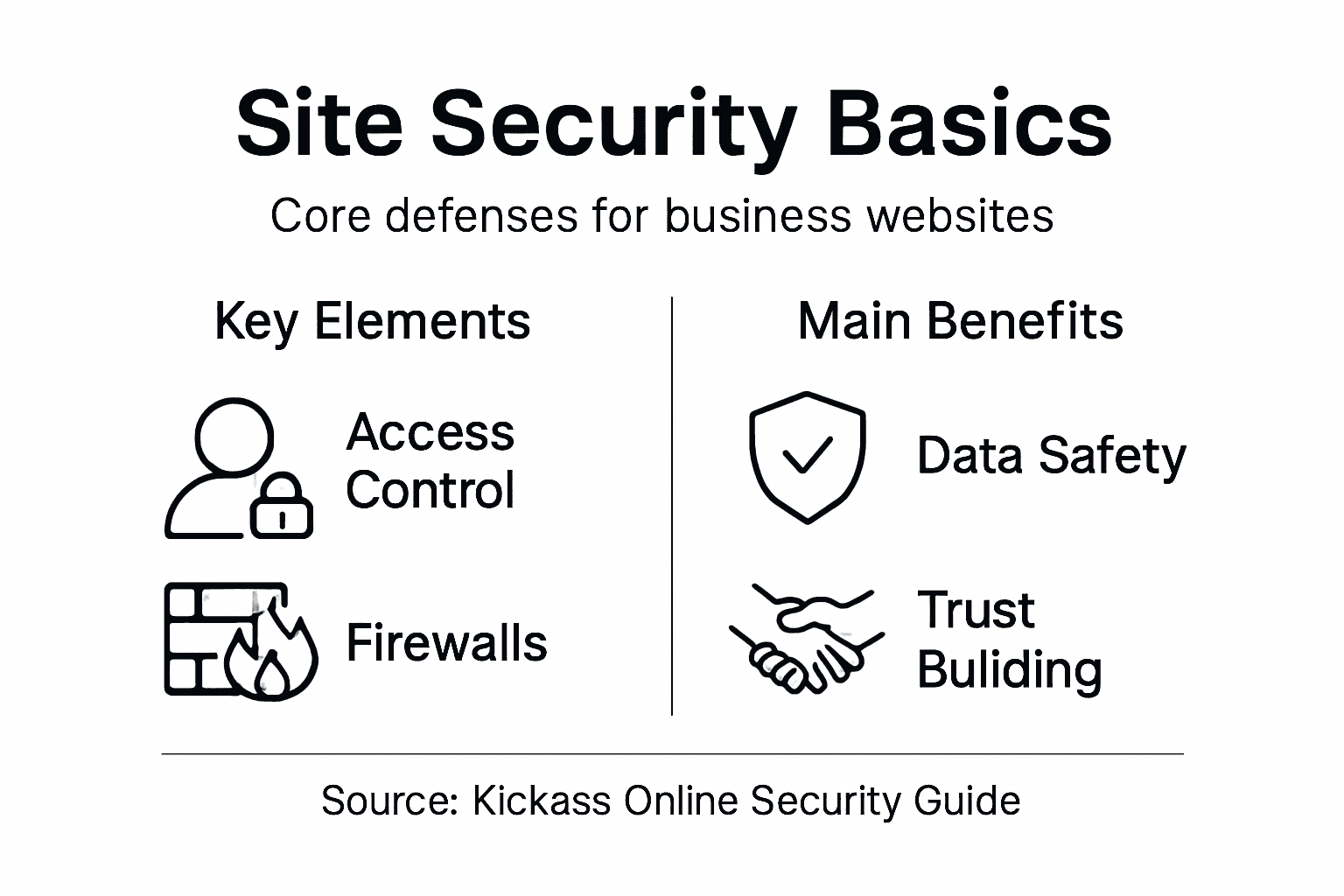
The following table summarises essential elements of effective site security and their organisational benefits:
| Security Element | Primary Function | Business Benefit |
|---|---|---|
| Authentication Protocols | Verify user identity | Prevent unauthorised access |
| Data Encryption | Protect confidential data | Safeguard customer information |
| Access Controls | Manage user permissions | Reduce insider threats |
| Real-time Monitoring | Detect suspicious activity | Enable rapid incident response |
| Employee Training | Foster security awareness | Minimise human-related vulnerabilities |
| Incident Response Plans | Structured breach management | Limit impact of security incidents |
Pro tip: Conduct monthly security audits and maintain a dynamic incident response plan that can be quickly activated to mitigate potential cyber threats.
The digital landscape presents complex legal challenges for businesses managing online data and customer information. Data protection has evolved from a peripheral concern to a critical legal requirement that demands rigorous attention and systematic compliance across all operational levels.
Businesses must navigate comprehensive global data protection frameworks that establish stringent standards for collecting, processing, and securing personal information. These legal obligations extend far beyond simple record-keeping, requiring organisations to implement robust consent mechanisms, transparent data handling processes, and comprehensive security protocols that protect individual privacy rights.
European Union data protection regulations represent the most comprehensive global standard, setting benchmarks for legal compliance that many international jurisdictions now emulate. These frameworks mandate organisations to demonstrate proactive data management, including conducting regular privacy impact assessments, maintaining detailed documentation of data processing activities, and establishing clear mechanisms for individuals to exercise their rights regarding personal information.
Pro tip: Develop a centralised data governance framework that documents all data processing activities, consent mechanisms, and privacy protocols to ensure consistent legal compliance.
Navigating the complex landscape of site security requires a proactive and strategic approach. Cybersecurity vulnerabilities can emerge from seemingly innocuous oversights, transforming minor weaknesses into significant organisational risks that compromise digital infrastructure and customer trust.
Businesses frequently encounter critical security vulnerabilities that stem from neglecting fundamental protective measures. These pitfalls include failing to maintain regular software updates, implementing weak authentication protocols, and overlooking critical input validation processes that can expose systems to sophisticated cyber attacks like SQL injection and cross-site scripting. Organisations must develop comprehensive strategies that prioritise continuous monitoring, robust authentication mechanisms, and systematic vulnerability assessments.
Security management strategies require a holistic approach that integrates technological solutions with human expertise. This involves not only implementing advanced security technologies but also cultivating a culture of cybersecurity awareness among employees. Regular training programmes, strict access control protocols, and ongoing risk assessments are crucial in creating a resilient defence against evolving digital threats.
Pro tip: Establish a quarterly security review process that systematically evaluates and updates your organisation’s digital defence mechanisms, ensuring continuous adaptation to emerging cyber risks.
Understanding the critical nature of site security is the first step towards protecting your business from evolving cyber threats such as malware, ransomware, and phishing attacks. The challenge lies in maintaining robust authentication protocols, real-time monitoring, and continuous vulnerability assessments to prevent breaches and safeguard sensitive data. At Kickass Online, we recognise that site security is not a one-time task but an ongoing commitment to shielding your digital assets and enhancing your online presence.

Take control of your website security today by partnering with our dedicated team that specialises in creating strong, high-performing websites with built-in security measures. Explore our Websites | Kickass Online to see how we integrate protection protocols with personalised designs tailored to your business needs. Start securing your digital future now by visiting Kickass Online and booking a consultation. Don’t wait until vulnerabilities turn into costly problems.
Site security refers to a comprehensive strategy that protects digital assets, customer information, and operational integrity from evolving cyber threats. It involves multiple layers of defence, including access control, data protection, and proactive threat monitoring.
Site security is crucial for businesses to safeguard sensitive information, maintain operational integrity, and preserve customer trust. Effective security strategies help prevent data breaches, financial loss, and reputational damage.
Common cyber threats include malware, ransomware, phishing attacks, denial-of-service attacks, and SQL injection. Each of these threats poses unique risks that can compromise a business’s digital infrastructure and customer data.
Businesses can improve site security by implementing strong authentication protocols, regular software updates, comprehensive monitoring systems, employee training programmes, and developing incident response plans to handle potential security breaches.
More than 60 percent of british consumers use smartphones to browse and shop, yet many small businesses still struggle with outdated websites that frustrate mobile users. In today’s competitive market, responsive design does more than just make your site look tidy. It can turn casual visitors into loyal customers by keeping navigation simple and content clear. Discover how tapping into responsive strategies helps british retailers and service providers connect better, win trust, and drive more sales.
| Point | Details |
|---|---|
| Responsive Design is Essential | Websites must adapt to various devices for optimal user experience in a mobile-first world. |
| Technical Foundations Matter | Employ techniques like CSS media queries and fluid grids to ensure seamless layout adjustments. |
| User Experience is Key | Focus on touch-friendly navigation and responsive typography to enhance usability across devices. |
| Performance Optimisation is Crucial | Regularly test and optimise for speed, as slow loading times can negatively impact user engagement and SEO. |
Responsive design is a strategic web development approach that transforms how websites adapt across different devices and screen sizes. At its core, responsive web design enables websites to dynamically adjust their layout, images, and navigation to provide optimal viewing experiences whether accessed on a desktop, tablet, or smartphone.
The fundamental principle behind responsive design involves creating flexible layouts that automatically recalibrate based on screen dimensions. Web developers achieve this through advanced techniques like CSS media queries, fluid grid systems, and adaptable image scaling. These techniques ensure that website elements resize, reposition, and reformat seamlessly, eliminating horizontal scrolling and maintaining readability across diverse digital platforms.
Modern responsive websites go beyond simple resizing. They intelligently restructure content, prioritise mobile-friendly navigation, and ensure lightning-fast loading speeds. This approach means a single website can deliver a consistent, high-quality user experience regardless of the device being used. Responsive web design has become critical for businesses seeking to engage users effectively in an increasingly mobile-first digital landscape.
Pro tip: Consider implementing a mobile-first design strategy, where you design for mobile interfaces first and then progressively enhance the layout for larger screens.
Responsive design operates through sophisticated techniques that enable websites to seamlessly transform across different digital devices. Fluid grid systems are the backbone of this adaptive approach, allowing content to dynamically resize and reposition based on screen dimensions. This means website layouts can intelligently adjust from large desktop monitors to compact smartphone screens without losing visual integrity or user experience.
The core mechanisms driving device adaptation include flexible image scaling, CSS media queries, and breakpoint configurations. Web developers strategically programme these elements to detect screen width, orientation, and resolution, triggering precise layout modifications. For instance, navigation menus might collapse into hamburger icons on mobile devices, while sidebars could reflow or disappear entirely depending on available screen real estate. Responsive design techniques ensure that content remains readable, accessible, and visually appealing across smartphones, tablets, laptops, and desktop computers.
Beyond visual adaptation, responsive design considers user interaction nuances across different devices. Touch interfaces require larger buttons and more generous spacing compared to mouse-driven desktop environments. Intelligent responsive frameworks anticipate these differences, automatically adjusting interactive elements to enhance usability. This holistic approach means users experience consistent functionality and design language regardless of their chosen device, creating a unified digital experience that feels intentional and professional.
Here’s a summary of the key techniques that enable responsive design and their benefits for website users:
| Technique | How it Works | User Benefit |
|---|---|---|
| CSS Media Queries | Detect device characteristics | Consistent layout across devices |
| Fluid Grid Systems | Use relative sizing units | Content scales smoothly |
| Flexible Image Scaling | Images resize for screen size | Faster loading, reduced distortion |
| Breakpoint Configuration | Set layout change points | Improved readability and usability |
Pro tip: Test your responsive design across multiple devices and screen sizes using browser developer tools to ensure seamless adaptation and user experience.
Responsive websites rely on a sophisticated framework of interconnected design principles that enable seamless adaptation across devices. Flexible grid systems form the foundational structure, utilising relative units like percentages instead of fixed pixel measurements. This approach allows content to dynamically resize and reposition, ensuring that websites maintain visual integrity whether viewed on a smartphone, tablet, or desktop computer.
Critical technical components include CSS media queries, which act as intelligent triggers for layout transformations. These queries detect specific device characteristics such as screen width, orientation, and resolution, enabling targeted styling adjustments. Responsive images represent another crucial element, automatically scaling and reformatting to prevent distortion or unnecessary bandwidth consumption. Responsive design techniques also prioritise performance optimisation, compressing assets and implementing semantic HTML to support diverse user interactions and accessibility requirements.

Beyond technical implementation, responsive design demands a holistic approach to user experience. Navigation elements must be touch-friendly, with appropriately sized buttons and intuitive interaction models. Typography needs careful consideration, with font sizes and line heights adapting to different screen dimensions to maintain readability. Intelligent responsive frameworks anticipate these nuanced requirements, creating digital experiences that feel intentional and professionally crafted across every potential device and screen size.
Pro tip: Implement a mobile-first design strategy, developing your website’s core experience for smaller screens before progressively enhancing layout for larger displays.
Responsive web design delivers substantial strategic advantages for small and medium enterprises seeking to establish a robust digital presence. Business performance metrics demonstrate significant improvements in user engagement, with companies experiencing reduced bounce rates and enhanced conversion potential across multiple device platforms. Small businesses can particularly benefit from a unified website approach that eliminates the need for separate mobile and desktop versions, streamlining maintenance and development costs.
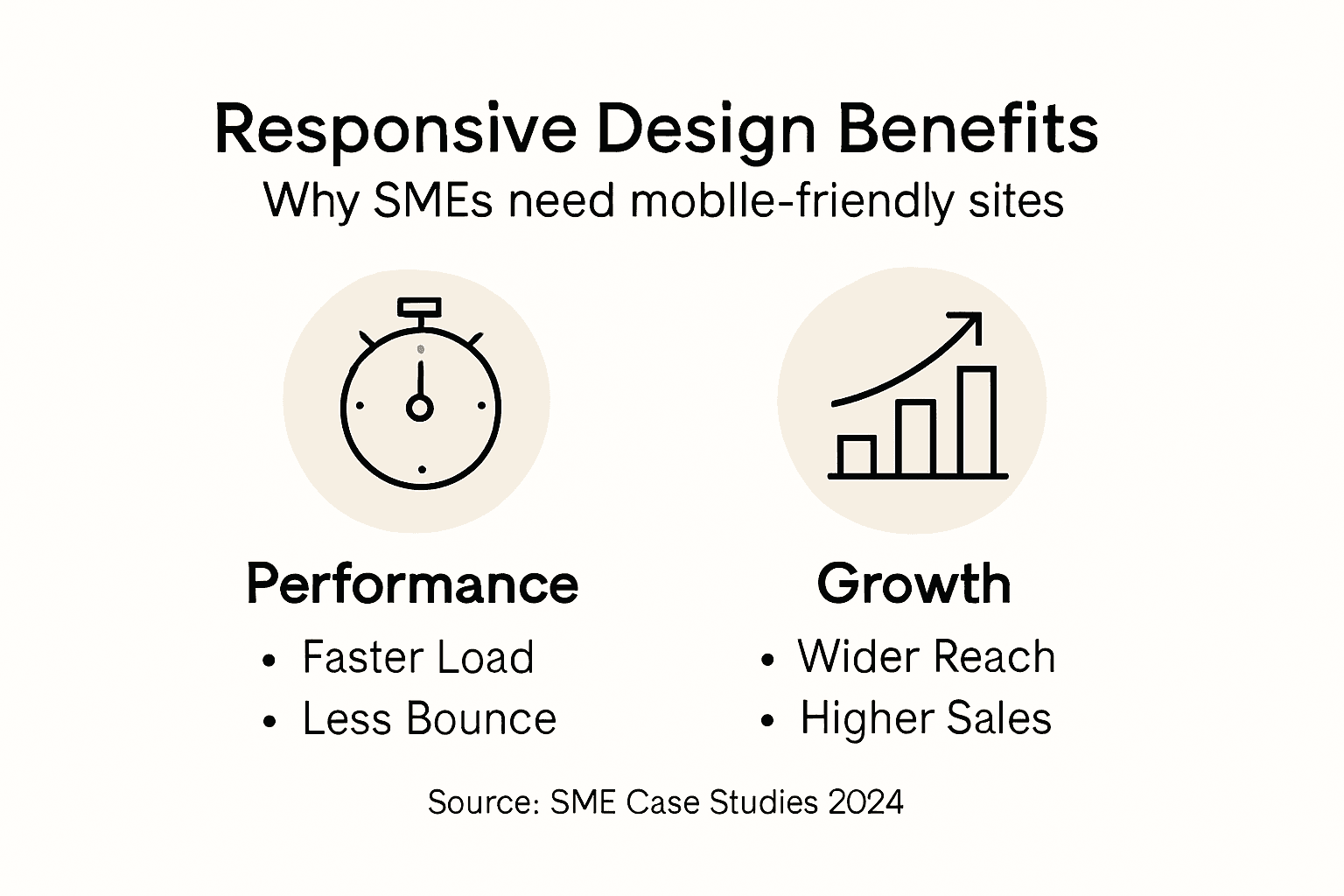
The technical and commercial implications of responsive design extend far beyond simple visual adaptation. Responsive design strategies provide critical SEO advantages, particularly with Google’s mobile-first indexing approach. This means websites optimised for multiple devices are more likely to achieve higher search rankings, driving increased organic traffic and potential customer interactions. Additionally, responsive design supports improved user experience through faster loading times, intuitive navigation, and consistent branding across smartphones, tablets, and desktop computers.
Real-world case studies illuminate the transformative potential of responsive web design for businesses. Retail companies have reported significant increases in mobile purchasing after implementing responsive interfaces, with some experiencing up to 30% growth in mobile transaction volumes. Service-based businesses have similarly witnessed improved customer engagement, as responsive websites enable seamless information access and interaction regardless of the device being used. These tangible outcomes demonstrate that responsive design is not merely a technical enhancement but a strategic business investment with measurable financial implications.
Pro tip: Conduct regular cross-device user testing to identify and address potential responsive design limitations in your website’s performance.
Responsive web design presents numerous challenges that can undermine a website’s effectiveness if not carefully addressed. Responsive design challenges frequently emerge from inadequate testing and poor implementation strategies. Small businesses often struggle with creating consistent layouts across different devices, leading to user frustration and potential loss of customer engagement. Common mistakes include using fixed-width layouts, neglecting touch interface considerations, and failing to prioritise content hierarchy across various screen sizes.
Performance optimisation represents another critical area where responsive design can fall short. Website performance strategies highlight the importance of image compression, efficient code structure, and strategic breakpoint configuration. Many developers inadvertently create bloated websites by not optimising images for different devices or implementing unnecessarily complex navigation structures. This can result in slower loading times, particularly on mobile networks, which directly impacts user experience and search engine rankings.
Accessibility and user interaction present additional layers of complexity in responsive design. Designers must carefully consider touch target sizes, ensuring buttons and interactive elements are large enough for comfortable mobile interaction while maintaining an aesthetically pleasing desktop experience. This requires a delicate balance between visual design, functional usability, and performance optimisation. Successful responsive design demands a holistic approach that considers user experience across all potential device types, from small smartphone screens to large desktop monitors.
The table below contrasts some common responsive design mistakes with recommended solutions:
| Pitfall | Impact on Users | Effective Solution |
|---|---|---|
| Fixed-width layouts | Poor viewing on mobiles | Use fluid, percentage-based grids |
| Overlooking touch interfaces | Difficult navigation | Design for larger touch targets |
| Neglecting content hierarchy | Hard-to-scan pages | Prioritise top content for devices |
| Unoptimised images | Slow loading times | Compress and scale assets |
Pro tip: Implement comprehensive cross-device testing using real devices and browser developer tools to identify and resolve responsive design inconsistencies before launching your website.
Struggling with inconsistent layouts or slow loading times on your business website Adapt our proven responsive design strategies to deliver a seamless user experience across all devices. At Kickass Online, we understand the challenges SMEs face with fixed-width layouts, unoptimised content, and limited mobile functionality. Our team specialises in creating flexible grid systems and employing CSS media queries to ensure your website not only looks superb but also performs excellently on smartphones, tablets, and desktops alike. Achieve higher search rankings, reduce bounce rates, and convert visitors into loyal customers through a bespoke, mobile-first approach.
Ready to transform your website into a powerful growth engine Don’t let common responsive design pitfalls hold your business back. Book a personalised consultation with Kickass Online today and gain access to targeted web development, SEO optimisation, and ongoing maintenance tailored exclusively for SMEs. Discover how our client-focused process fuels business performance by visiting our website. Learn more about our commitment to delivering high-converting websites and exceptional digital results at Kickass Online. Take the first step towards elevating your online presence by connecting with expert digital strategists who listen, understand, and execute just for you.
Responsive design is a web development approach that enables websites to adapt their layout, images, and navigation seamlessly across different devices and screen sizes, ensuring an optimal viewing experience on desktops, tablets, and smartphones.
Responsive design improves website performance by eliminating the need for separate mobile and desktop versions, streamlining maintenance, enhancing SEO rankings through mobile optimisation, and providing a consistent user experience that can reduce bounce rates and increase conversions.
Key techniques include CSS media queries for detecting device characteristics, fluid grid systems for flexible layouts, and responsive image scaling to ensure images load correctly across various screen sizes, all contributing to a better user experience.
Common mistakes include using fixed-width layouts, neglecting touch interface considerations, and failing to prioritise content hierarchy across different devices, which can lead to poor user experience and website performance.
Over 90 percent of british consumers research products online before making a purchase. For business owners in Milton Keynes, a strong website is no longer a luxury but a necessity for reaching potential customers and staying ahead of competitors. This guide breaks down proven strategies for transforming your website into a high converting platform, showing you how targeted SEO and content enhancements can drive measurable growth.
| Main Insight | Explanation |
|---|---|
| 1. Conduct Regular Audits | Perform quarterly website audits to identify performance issues and areas for improvement. |
| 2. Focus on Target Keywords | Regularly refresh keyword strategies to attract the right audience and improve search visibility. |
| 3. Craft Engaging Content | Create content that addresses audience needs with clarity and invites them to take action. |
| 4. Optimise On-Page SEO | Refine titles, descriptions, and headers to enhance both user experience and search engine comprehension. |
| 5. Measure and Analyse Performance | Implement tracking tools to analyse user behaviour and refine website performance continuously for sustained success. |
A comprehensive website audit provides an essential diagnostic roadmap for understanding your online performance. By systematically evaluating your website’s technical infrastructure, content quality, and user experience, you can uncover hidden opportunities for improvement and conversion optimisation.
Begin your audit by examining key performance indicators across multiple dimensions. Detailed performance analysis requires a methodical approach that covers technical SEO, content effectiveness, user experience, and security. Start with technical elements such as page loading speed, mobile responsiveness, and site architecture. Check for broken links, assess crawlability for search engines, and review your website’s overall structural integrity.
Move next to content evaluation. Analyse each page’s relevance, keyword optimisation, and alignment with user intent. Examine metrics like bounce rates, time on page, and conversion rates to understand how effectively your content engages visitors. Look for gaps in your content strategy and identify pages that might require refreshing or complete rewrites to better serve your audience’s needs.
Expert Tip: Conduct your website audit quarterly to stay ahead of performance challenges and maintain a competitive digital presence.
Here’s a summary of key website audit focus areas and their business benefits:
| Audit Area | What It Covers | Business Impact |
|---|---|---|
| Technical SEO | Speed, crawlability, site structure | Improves visibility, reduces errors |
| Content Effectiveness | Relevance, keywords, user intent | Boosts engagement, drives leads |
| User Experience | Navigation, layout, accessibility | Increases retention, lowers bounce rate |
| Security | SSL, data protection, safe connections | Builds trust, prevents breaches |
Keyword research is the strategic foundation for attracting potential customers and improving your website’s search engine visibility. Your goal is to identify precise search terms that align perfectly with your target audience’s needs and your business objectives.

Begin by understanding user search intent through comprehensive brainstorming and analysis. Generate an initial list of potential keywords by considering the questions your ideal customers might ask, the problems they need solved, and the language they typically use when searching online. Utilise keyword research tools to expand your list and uncover related search terms, paying close attention to metrics like search volume and competition levels. Focus on long-tail keywords that capture more specific user queries, as these often indicate stronger purchase intent and typically have less competitive ranking environments.
Narrow down your keyword selection by evaluating commercial potential and relevance. Prioritise keywords that demonstrate clear alignment with your business offerings, have reasonable search volumes, and present achievable competition levels. Cross reference your selected keywords with your website’s content strategy, ensuring you can create meaningful, valuable content that genuinely addresses user needs.
Expert Tip: Regularly refresh your keyword strategy every three to six months to stay aligned with evolving search trends and user behaviours.
Compare different keyword strategies to understand their advantages:
| Keyword Type | Description | Business Benefit |
|---|---|---|
| Short-tail | 1-2 word, broad search terms | Higher traffic, more competition |
| Long-tail | 3+ word, specific intent | Better conversion, lower competition |
| Branded | Includes company/product name | Drives qualified leads |
Crafting compelling content requires a strategic approach that connects directly with your target audience’s needs, interests, and pain points. Your goal is to create meaningful communication that not only attracts readers but also motivates them to take action.
Begin by mapping your content to the specific keywords and user intent you identified earlier. Content marketing strategies should focus on addressing your audience’s core challenges while demonstrating your unique expertise. Develop content that provides genuine value through practical insights, actionable advice, and clear solutions. Structure your writing with a conversational tone that feels personal and accessible, using clear language that speaks directly to your reader’s experience. Break down complex ideas into digestible sections, utilise subheadings, and incorporate visual elements like bullet points or graphics to enhance readability and engagement.
Ensure your content maintains a consistent voice that reflects your brand’s personality while remaining authentically helpful. Balance informative detail with emotional connection, showing that you understand your audience’s specific needs and can provide meaningful support. Integrate relevant examples, case studies, or personal anecdotes that make your content more relatable and compelling, transforming technical information into a narrative that resonates with your readers.
Expert Tip: Always write from your audience’s perspective, focusing on their challenges and potential solutions rather than simply promoting your services.
Optimising your website’s on-page elements is crucial for improving search engine visibility and attracting potential customers. Your objective is to fine tune each page to communicate effectively with both search engines and human readers.
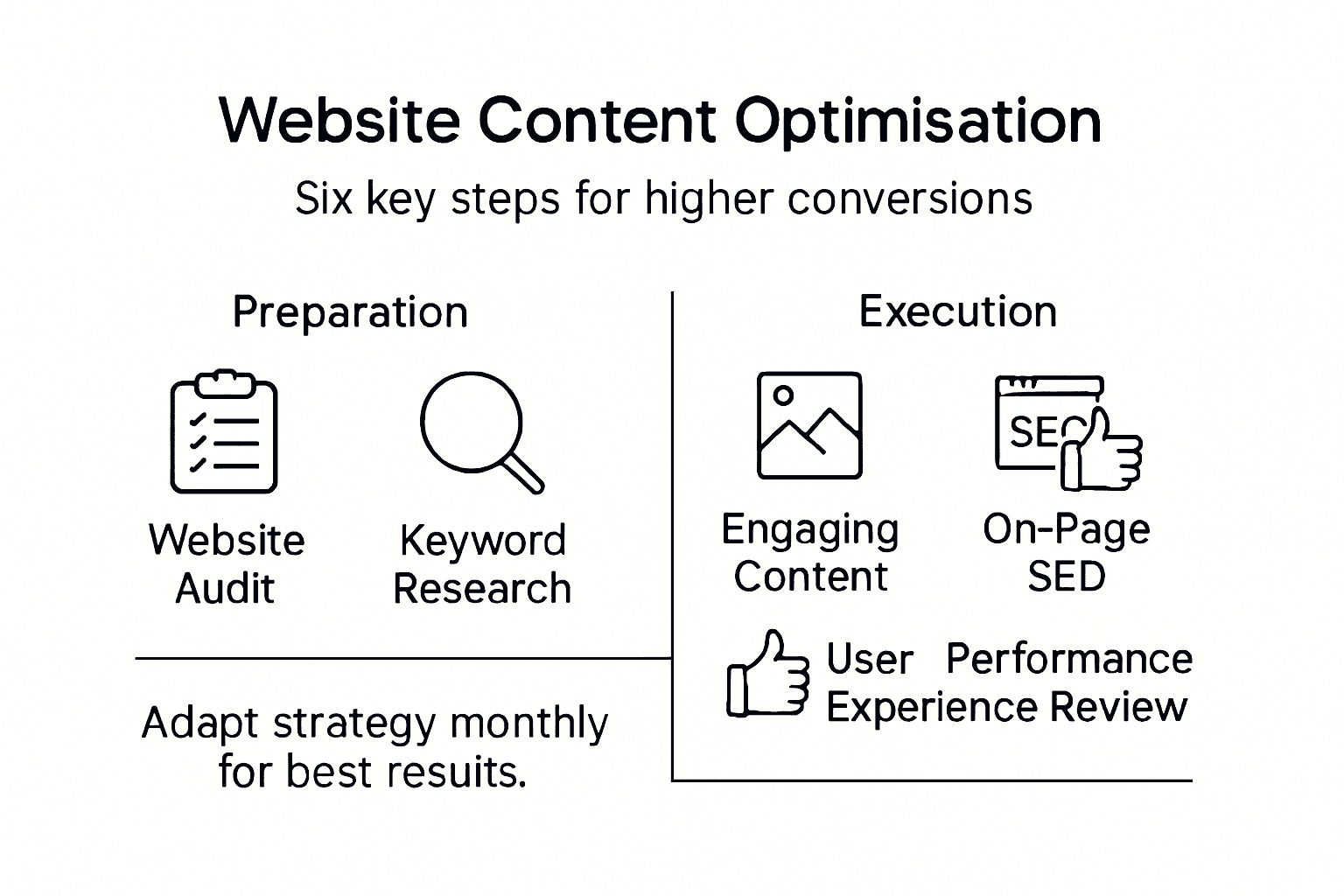
On-page SEO strategies require meticulous attention to multiple technical and content-related factors. Start by refining your page titles and meta descriptions to precisely reflect your content while incorporating target keywords naturally. Create clear concise headers that break down information logically H1 tags should capture the primary page topic while subsequent headers H2 and H3 provide structured navigation through your content. Optimise your URLs to be clean readable and keyword relevant avoiding unnecessary parameters or complex strings that confuse both users and search algorithms.
Prioritise technical performance alongside content quality. Ensure your website loads quickly across all devices with particular emphasis on mobile responsiveness. Implement structured data markup to help search engines understand your content context more accurately. Include internal links that connect related content strategically guiding visitors through a logical information pathway and signalling content relationships to search engine crawlers. Remember that every on-page element should serve dual purposes enhancing both user experience and search engine comprehension.
Expert Tip: Regularly test your page performance using professional SEO analysis tools to identify and address potential optimisation opportunities.
Enhancing user experience and digital accessibility transforms your website from a mere online presence into an engaging platform that welcomes and serves all potential visitors. Your mission is to create an inclusive digital environment that seamlessly connects with diverse user needs and expectations.
Start by improving user experience design with a laser focus on navigation clarity and intuitive interface elements. Conduct thorough accessibility assessments that ensure your website remains usable for individuals with varying technological capabilities and potential physical limitations. This means implementing clear colour contrast, enabling keyboard navigation, providing alternative text for images, and designing responsive layouts that adapt smoothly across different devices and screen sizes. Consider users who might rely on screen readers or assistive technologies and structure your content to be easily interpretable by these systems.
Prioritise responsive design principles that create consistent experiences across mobile phones, tablets, and desktop computers. Pay careful attention to loading speeds, minimise complex navigation structures, and create clear visual hierarchies that guide users naturally through your content. Include descriptive link texts, use semantic HTML structures, and ensure that interactive elements are sufficiently large and well spaced to accommodate users with motor skill challenges.
Expert Tip: Test your website accessibility using professional tools and consider inviting users with diverse abilities to provide real world feedback on their experience.
Tracking your website’s performance is a critical process that transforms raw data into actionable insights for continuous improvement. Your ultimate goal is to create a systematic approach to understanding and enhancing your digital presence.
Website performance tracking requires implementing comprehensive analytics tools that capture detailed metrics about user behaviour. Set up robust tracking mechanisms to monitor key performance indicators such as conversion rates, bounce rates, average session duration, and traffic sources. Regularly analyse these metrics to identify patterns, strengths, and potential areas for improvement. Pay close attention to user journey maps that reveal how visitors navigate through your website, pinpointing where they engage most and where they might be losing interest.
Develop a culture of continuous experimentation by implementing systematic A/B testing strategies. Create multiple versions of key website elements like landing pages, call-to-action buttons, and content layouts, then methodically test their performance. Use statistical analysis to determine which variations generate the most meaningful results. Remember that performance refinement is an ongoing process requiring patience, attention to detail, and a willingness to adapt based on empirical evidence.
Expert Tip: Schedule monthly performance reviews to ensure your website remains dynamic and responsive to changing user needs and market trends.
Struggling to optimise your website content for better engagement and conversions? This article highlights key challenges such as enhancing user experience, aligning keywords with user intent, and refining on-page SEO elements to boost your website’s performance. At Kickass Online, we understand these pain points deeply and offer personalised services designed to transform your digital presence through professional website design, effective SEO optimisation, and ongoing maintenance that prioritises security and speed.
Explore our comprehensive Websites category to see how we craft high-converting, user-centred websites tailored for small and medium-sized businesses. Take control of your online growth today by booking a consultation at Kickass Online and start turning your website into a powerful conversion machine. For practical tips and insights that complement your content strategy, visit our Tutorials section and stay ahead in the digital marketplace.
A comprehensive website audit involves evaluating key performance indicators such as technical SEO, content quality, and user experience. Start by assessing your site’s loading speed, mobile responsiveness, and structure while reviewing content engagement metrics like bounce rates and conversion rates.
To select effective target keywords, brainstorm questions your audience might ask and use keyword research tools to expand your list. Focus on long-tail keywords that match specific user intent, as they often lead to higher conversion rates due to less competition.
Craft engaging content by aligning with the keywords and user intent identified earlier, providing practical insights, and clear solutions. Structure the content with a conversational tone and include personal anecdotes or examples to connect better with your audience and drive action.
Optimise on-page elements like page titles, meta descriptions, and headers to incorporate target keywords naturally. Ensure your URLs are clean and readable, while also prioritising website loading speed and mobile responsiveness to enhance user experience.
To improve user experience, focus on creating clear navigation and intuitive interface design. Conduct accessibility assessments to ensure users with varying abilities can navigate your site easily and adjust visual elements to enhance readability, ultimately leading to more conversions.
Measure your website’s performance by implementing analytics tools to track key performance indicators like conversion rates and bounce rates. Regularly analyse these metrics, and conduct A/B testing on various elements to refine your strategies within a set timeframe, aiming for improvement each month.
Most british businesses in Milton Keynes lose valuable customers due to confusing website layouts and poor navigation. When visitors cannot find what they need within seconds, they are quick to leave, impacting sales and reputation. With over 90 percent of users prioritising sites that are easy to browse and search engines favouring well-structured pages, understanding site architecture can be the difference between thriving online and getting lost in the crowd. This guide reveals practical strategies for organising your website, making it both user-friendly and attractive to search engines.
| Point | Details |
|---|---|
| Effective Site Architecture is Crucial | A well-structured site enhances user navigation and improves search engine optimisation, leading to higher visibility and user satisfaction. |
| Choose the Right Structure | Depending on your content type, opt for a suitable architectural model that aligns with user journey requirements and content complexity. |
| Regular Audits Are Essential | Conduct periodic reviews of site architecture to streamline navigation and eliminate unnecessary complexity for better user experience. |
| Avoid Common Mistakes | Prevent issues such as complicated navigation and unclear calls to action by prioritising user-centric design in your website’s architecture. |
Website architecture represents the strategic planning and organisation of digital spaces, much like an architectural blueprint guides physical construction. Just as architects carefully map building layouts, web designers craft intricate digital environments that enable seamless user navigation and optimal functionality.
At its core, site architecture involves systematically structuring website content, pages, and interconnections to create logical, intuitive pathways for visitors. Effective site design encompasses understanding how different website elements interact, ensuring users can easily find information while search engines efficiently crawl and index content.
The fundamental components of robust site architecture include:
Expert Tip: Regularly audit your website’s architecture to identify and eliminate unnecessary complexity, ensuring users can always find what they need within three clicks.
Website architecture encompasses several distinct structural approaches, each designed to address specific digital communication and user experience objectives. Understanding these different architectural models helps businesses create more targeted, efficient online platforms that effectively serve their strategic goals.
Linear site architecture represents the most straightforward approach, where pages connect sequentially like chapters in a book. Structural design principles emphasise creating logical progression and predictable navigation paths. This model works exceptionally well for websites with clear, step-by-step content such as tutorials, product guides, or instructional materials.
Alternative structural approaches include:
Here is a comparison of key website architectural models and when they work best:
| Architectural Model | Structure Type | Typical Use Case | Main Advantage |
|---|---|---|---|
| Linear | Sequential | Step-by-step guides, tutorials | Simple navigation flow |
| Hierarchical | Parent-child tree | Corporate or educational websites | Easy content scaling |
| Database-driven | Dynamic content | E-commerce, news sites | Personalised experience |
| Flat | Minimal layers | Small business, landing pages | Quick information access |
| Networked | Interconnected clusters | Large blogs, knowledge bases | Rich cross-referencing |
Pro Tip: Choose your website’s structural approach by mapping out user journey requirements and content complexity, ensuring seamless information accessibility.
Search engine optimisation depends critically on a website’s underlying structural design, with site architecture serving as the fundamental framework that determines online visibility and ranking potential. Strategic site architecture directly influences how search engines discover, crawl, and index website content, making it a pivotal factor in digital marketing success.

The primary mechanism through which site architecture impacts SEO involves creating clear, logical pathways for both search engine crawlers and human visitors. Websites with intuitive navigation, hierarchical content organisation, and strategic internal linking enable search engines to understand content relationships more efficiently. This understanding translates into improved indexing, potentially boosting page rankings and increasing organic search visibility.
Key SEO benefits of robust site architecture include:
The table below summarises how site architecture choices benefit both SEO and user experience:
| Site Architecture Feature | SEO Impact | User Experience Benefit |
|---|---|---|
| Logical navigation | Improved crawlability | Faster content discovery |
| Hierarchical structure | Efficient indexing | Reduced decision fatigue |
| Internal linking | Stronger topic authority | Smoother content exploration |
| Clear URLs | Enhanced search visibility | Predictable page paths |
Pro Tip: Conduct a quarterly site architecture audit to identify and remove unnecessary complexity, ensuring your website remains search engine friendly and user-centric.
Effective site architecture serves as the backbone of exceptional user experience, directly influencing how visitors interact with and navigate through digital platforms. Information architecture principles demonstrate that thoughtful content organisation can dramatically improve user engagement, reducing frustration and increasing the likelihood of conversion.
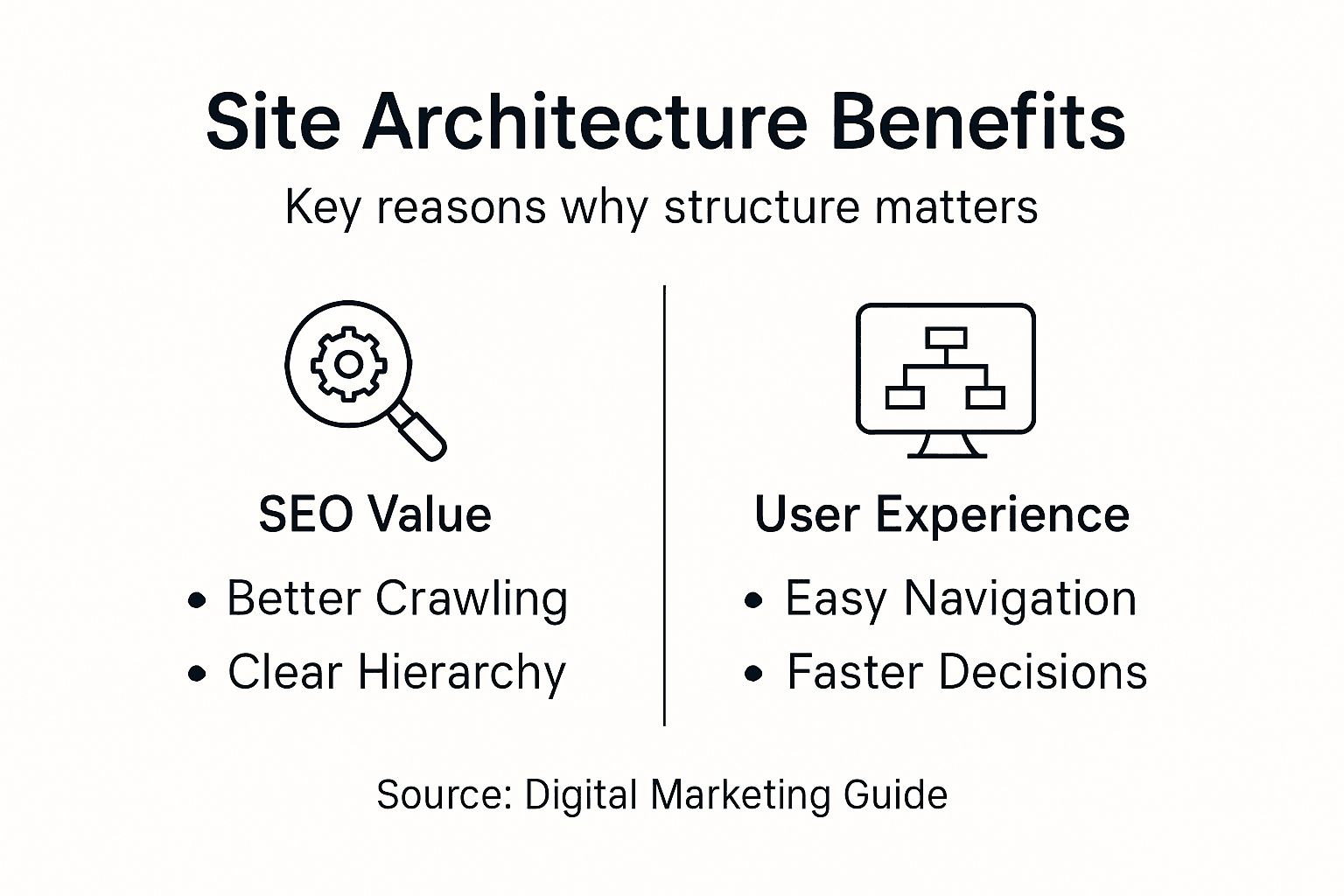
The connection between site architecture and user experience runs deep, impacting everything from initial page load to final conversion moment. Websites with intuitive navigation structures allow users to find information quickly, reducing cognitive load and creating a smoother, more enjoyable browsing experience. This streamlined approach not only keeps visitors on the site longer but also builds trust and credibility, critical factors in converting casual browsers into committed customers.
Key user experience and conversion benefits include:
Pro Tip: Regularly map and analyse user journeys to identify and eliminate potential navigation barriers, ensuring your site architecture continuously evolves to meet user needs.
Business websites often stumble into critical architectural pitfalls that can significantly undermine their digital presence and potential for customer engagement. Site architecture mistakes can create barriers that prevent potential customers from accessing crucial information, ultimately damaging business credibility and conversion potential.
Common architectural errors frequently stem from a lack of strategic planning and insufficient understanding of user behaviour. Websites that prioritise aesthetic design over functional navigation create frustrating user experiences, leading to high bounce rates and lost opportunities. Complex menu structures, unclear pathways, and inconsistent information organisation can confuse visitors, causing them to abandon the site before completing desired actions.
Key mistakes businesses must avoid include:
Pro Tip: Conduct regular user testing and analyse website analytics to identify and eliminate navigation barriers, ensuring your site architecture remains user-friendly and goal-oriented.
Struggling with complex navigation or unclear site structure can frustrate your visitors and lower your search engine rankings. This article highlights the importance of logical site hierarchies, internal linking, and user-friendly navigation to boost SEO and conversion rates. At Kickass Online, we understand these challenges and specialise in crafting tailored digital strategies that create intuitive, high-converting websites for small and medium-sized businesses.
Transform your online presence now by partnering with a team that prioritises clear site architecture and seamless user journeys. Visit Kickass Online to explore our personalised web development services designed to enhance your website’s SEO and user experience. Book a consultation today and let us build a strategic digital foundation that drives growth and keeps your visitors engaged.
Site architecture refers to the strategic planning and organisation of website content, pages, and interconnections, creating logical pathways for users and search engines to navigate.
Robust site architecture significantly impacts SEO by facilitating efficient crawling and indexing by search engines, leading to improved visibility and potentially higher rankings in search results.
You can enhance your website’s architecture by simplifying navigation, maintaining a clear hierarchy, implementing effective internal linking, and ensuring quick access to information, thus creating a more intuitive experience for users.
Common mistakes include overcomplicated navigation, inconsistent page layouts, poor mobile responsiveness, slow loading times, and unclear call-to-action placements, all of which can frustrate users and reduce conversion rates.
Most british businesses in Milton Keynes miss out on the impact of expert website optimisation. With over 60 percent of users judging a company’s credibility based on its online presence, getting SEO right is crucial for attracting more local customers and boosting conversion. This guide highlights proven strategies for improving search visibility and making your website work harder, so your business stays ahead of competitors and turns visitors into loyal clients.
| Key Message | Explanation |
|---|---|
| 1. Optimise on-page content for keywords | Integrate keywords meaningfully in titles, headers, and metadata to enhance relevance and boost search engine rankings. |
| 2. Craft compelling meta titles and descriptions | Create engaging snippets that accurately summarise page content and include keywords to increase click-through rates from search results. |
| 3. Improve site speed for better user experience | Enhance loading times through image optimisation and efficient coding to retain users and improve search rankings. |
| 4. Build high-quality backlinks | Focus on gaining authoritative, relevant backlinks rather than merely increasing link quantity for improved credibility. |
| 5. Ensure mobile compatibility | Implement responsive design and fast loading times to meet the expectations of mobile users, enhancing accessibility and engagement. |
Optimising on-page content for target keywords is the strategic foundation of successful search engine performance. Your website’s ability to rank effectively depends on thoughtfully integrating keywords that precisely match user search intentions.
Keyword placement matters significantly. Search engines analyse specific areas of your webpage to understand content relevance, including page titles, headers, introductory paragraphs, and metadata. By strategically positioning keywords within content, you signal to search algorithms exactly what your page discusses.
Successful keyword optimisation requires understanding different keyword types. Short-tail keywords represent broad search terms, while long-tail keywords offer more specific user intent. For instance, “marketing” represents a short-tail keyword, whereas “digital marketing strategies for small businesses” provides a targeted long-tail alternative.
To implement effective on-page keyword optimisation, conduct thorough keyword research identifying terms your target audience actually uses. Focus on relevance, search volume, and user intent rather than simply cramming keywords into content. Natural, contextual integration remains paramount.
Include keywords strategically in critical locations:
Remember that modern search algorithms prioritise comprehensive, high-quality content over mechanical keyword stuffing. Your goal is to create valuable, informative content that genuinely answers user queries while seamlessly incorporating relevant keywords.
Pro tip: Regularly audit and refresh your keyword strategy, tracking performance and adapting to evolving search trends and user behaviours.
Meta titles and descriptions are your website’s digital storefront window, serving as critical first impressions in search engine results. These small but powerful snippets determine whether potential visitors click through to your website or scroll past.
A well-constructed meta title acts as a concise advertisement for your webpage. It must communicate page content effectively while incorporating primary keywords strategically. Search engines typically display the first 50 to 60 characters, making brevity and impact essential.
Effective meta descriptions provide a compelling summary that entices users to visit your site. They should offer a clear value proposition, include relevant keywords naturally, and accurately represent the page’s content. Think of them as a mini sales pitch that appears beneath your title in search results.
Key elements of exceptional meta content include:
Avoid common mistakes such as keyword stuffing, duplicating meta content across pages, or creating vague descriptions that fail to communicate your webpage’s specific value. Each meta element should be a carefully crafted invitation that speaks directly to your target audience’s needs and interests.
Pro tip: Regularly review and update your meta titles and descriptions to maintain relevance and alignment with current search trends and user behaviours.
Website performance is the silent ambassador of your online presence, directly influencing user engagement, search rankings, and ultimately business success. Core Web Vitals metrics reveal the critical importance of delivering a lightning fast digital experience.
Site speed represents more than just technical performance. It is a crucial indicator of user experience that search engines use to evaluate website quality. Websites loading in under three seconds significantly reduce bounce rates and increase user satisfaction, transforming casual visitors into potential customers.
Key strategies for improving site speed include:
Modern users expect instantaneous digital interactions. Slow loading times can cost businesses potential customers, with research suggesting that a one second delay can reduce conversion rates by up to 7%. This makes site speed a critical competitive advantage in the digital marketplace.
Technical performance directly impacts user perception. A website that responds quickly communicates professionalism, reliability, and respect for the user’s time. By prioritising speed, you create a smoother, more enjoyable browsing experience that encourages visitors to explore further.
Pro tip: Regularly audit your website performance using free tools like Google PageSpeed Insights to identify and address potential speed bottlenecks.
Backlinks represent the digital world’s reputation currency, serving as crucial endorsements that signal your website’s credibility and authority to search engines. Modern link building strategies have evolved far beyond simple quantity towards genuine, contextually relevant connections.
Quality trumps quantity in the contemporary backlink landscape. A single link from a respected industry website carries exponentially more weight than dozens of low-quality, irrelevant links. Search engines now employ sophisticated algorithms that assess not just the number of backlinks, but their relevance, source authority, and contextual meaning.
Strategic backlink acquisition involves:
Successful backlink strategies require a holistic approach. Instead of chasing links, focus on becoming a recognised authority in your field. This means producing outstanding content, engaging authentically with your industry community, and consistently demonstrating expertise.
Avoid manipulative tactics like purchasing links or participating in link exchanges. Modern search algorithms quickly identify and penalise such practices, potentially causing significant damage to your website’s search rankings.
Pro tip: Regularly audit your backlink profile using professional tools to ensure link quality and identify potential toxic or low value links that might harm your SEO performance.
Mobile friendliness has transformed from a nice-to-have feature to an absolute necessity for digital survival. Mobile compatibility strategies are crucial for businesses seeking to maintain relevance in an increasingly smartphone-driven world.
More than 60% of internet browsing now occurs on mobile devices, making responsive design not just a technical consideration but a fundamental business requirement. Your website must seamlessly adapt to smartphones, tablets, and various screen sizes without compromising functionality or visual appeal.
Key strategies for mobile optimisation include:
Search engines like Google now predominantly use mobile versions of websites for indexing and ranking. This means a poor mobile experience can directly impact your search visibility, potentially reducing organic traffic and limiting business growth.
Consider mobile optimisation as an investment in user experience. Websites that load quickly, display cleanly, and function intuitively across devices build trust, encourage longer visit times, and increase the likelihood of conversion.
Pro tip: Use free tools like Google Mobile Friendly Test to regularly assess and improve your website’s mobile performance, identifying potential issues before they impact user experience.
Local SEO represents a critical digital strategy for businesses targeting specific geographical markets like Milton Keynes. Local SEO tactics enable businesses to increase visibility among potential customers searching for services within their immediate community.
Unlike traditional SEO, local search optimisation focuses on capturing geographically relevant traffic. For Milton Keynes businesses, this means appearing prominently when local customers search for services using location specific keywords like “marketing agency in Milton Keynes” or “web design near me”.
Key strategies for local SEO success include:
Mobile searches with local intent have dramatically increased, with over 80% of consumers using search engines to find local business information. This makes local SEO not just beneficial but essential for businesses wanting to remain competitive in their immediate market.
Your digital presence must reflect your physical location authentically. This means consistent name, address, and phone number information across all online platforms, creating trust with both potential customers and search algorithms.
Pro tip: Regularly update your Google Business Profile with current photos, posts, and accurate business information to maintain strong local search visibility.
SEO is a dynamic landscape that demands continuous measurement and strategic refinement. Web analytics platforms offer sophisticated tools to track, analyse, and optimise your digital performance.
Measuring SEO success goes beyond simple traffic numbers. Effective analysis involves understanding nuanced metrics that reveal how users interact with your digital content, uncovering opportunities for strategic improvement and growth.
Key performance indicators to track include:
Modern SEO demands a data driven approach. Utilise tools like Google Analytics, Search Console, and specialised SEO platforms to gain comprehensive insights into your website’s performance. Regular analysis allows you to identify strengths, address weaknesses, and continuously refine your digital strategy.
Remember that SEO is not a one time task but an ongoing process of measurement, learning, and adaptation. What works today might require adjustment tomorrow as search algorithms and user behaviours evolve.
Pro tip: Set up monthly performance reviews to track SEO metrics, comparing current results against historical data and industry benchmarks to maintain competitive digital positioning.
Below is a comprehensive table summarising the strategies and best practices outlined in the article regarding effective SEO optimisation techniques.
| Challenge Addressed | Recommended Strategies | Expected Outcomes |
|---|---|---|
| Optimising On-Page Content | Integrate keywords strategically in titles, headers, introductory sections. | Improved relevance to target queries and higher rankings. |
| Enhancing Meta Titles and Descriptions | Craft concise, keyword-rich titles and compelling summaries. | Increased click-through rates and user engagement. |
| Improving Site Speed | Optimise images, utilise caching, and streamline coding. | Faster load times, reduced bounce rates, and better user experience. |
| Building Backlinks Strategically | Develop quality content and network with industry authorities. | Improved site authority and higher trustworthiness by search engines. |
| Ensuring Mobile Friendliness | Implement responsive design and simplify navigation for varied devices. | Enhanced mobile user experience and improved search visibility. |
| Leveraging Local SEO | Optimise Google Business Profile and create location-specific content. | Greater visibility within local search results. |
| Measuring and Adapting SEO Tactics | Analyse data on traffic and engagement to refine strategies continuously. | Sustained digital growth and alignment with evolving trends. |
Understanding and implementing the 7 essential SEO factors can feel overwhelming, especially when striving to improve site speed, optimise keywords, enhance mobile friendliness, and build high-quality backlinks all at once. These vital elements are crucial for climbing search rankings and capturing your target audience’s attention. If your business in Milton Keynes or beyond struggles to integrate these strategies into a cohesive digital plan, you are not alone.
Kickass Online specialises in crafting tailored solutions that address these exact pain points. From creating high-converting, SEO-optimised websites to maintaining peak performance and mobile compatibility, our dedicated team ensures your online presence drives real results. Explore how our expertise in developing custom websites can empower your business to outperform competitors and attract more customers today.
Take the next step towards mastering SEO with the right partner by your side. Visit Kickass Online to book your consultation and discover personalised digital marketing strategies. For insights from our satisfied clients, see our Recommendations and start transforming your online visibility now.
To succeed in SEO, businesses should focus on optimising on-page content, crafting compelling meta titles and descriptions, improving site speed, building high-quality backlinks, ensuring mobile friendliness, leveraging local SEO, and measuring results. Start by evaluating your current strategies in these areas to identify where improvements can be made.
Enhance your on-page content by strategically integrating target keywords in key areas like titles, headers, and the introduction. Conduct thorough keyword research to understand your audience’s search intent, aiming for clear and contextual placement to increase relevance.
Meta titles and descriptions serve as your website’s first impression in search results and significantly affect click-through rates. Craft unique titles and descriptions with primary keywords, ensuring they accurately reflect your content to entice potential visitors.
To boost your website’s loading speed, compress images, enable browser caching, and streamline your code. Regularly audit your site and aim to reduce loading times to under three seconds to enhance user experience and engagement.
Strengthen your local SEO by optimising your Google Business Profile and incorporating location-specific keywords into your content. Create dedicated pages for each service area and encourage local customer reviews to improve visibility in geographic searches.
Measure your SEO effectiveness by tracking key performance indicators such as organic traffic, keyword rankings, and conversion rates. Set up monthly reviews to analyse these metrics and adjust your strategies to continue improving over time.
Fast-loading websites can make or break customer trust, especially for british e-commerce businesses in Milton Keynes aiming to increase sales. Research shows that even a one second delay in page load speed can drop conversion rates by nearly 20 percent. When every visitor counts, understanding and improving website speed becomes vital for retaining shoppers and driving revenue. This guide gives practical steps to assess, enhance, and monitor your site’s performance so you can deliver a smoother experience and stay ahead of the competition.
| Key Insight | Explanation |
|---|---|
| 1. Assess Current Performance | Use industry tools to measure website metrics accurately, identifying bottlenecks for optimisation. |
| 2. Optimise Images Effectively | Implement smart loading techniques and efficient file formats to reduce image load times significantly. |
| 3. Streamline Website Code | Minify code and utilise caching to enhance loading speeds and improve overall user experience. |
| 4. Choose Reliable Hosting | Select a robust hosting provider and CDN to ensure consistent, fast content delivery across the globe. |
| 5. Monitor Performance Regularly | Establish a routine to track speed metrics and benchmark improvements for ongoing website optimisation. |
To kickstart your website speed improvement journey, you need accurate performance insights. Understanding your current website speed metrics helps pinpoint specific areas requiring optimisation. Browser developer tools and specialised web performance platforms provide comprehensive data to diagnose potential bottlenecks.
Start by using free professional tools like browser developer performance monitors. These powerful resources reveal detailed metrics about resource loading times, rendering performance, and potential optimisation opportunities. Platforms like WebPageTest offer global testing perspectives, measuring critical indicators such as Time to First Byte, Start Render, and Speed Index across multiple browsers and geographic locations.
Your assessment should include key performance metrics like page load speed, time to interactive, first contentful paint, and total blocking time. Record these baseline measurements to track future improvements and understand your website’s current performance landscape. Pay special attention to metrics indicating user experience responsiveness.
Top tip: Create a spreadsheet to document your initial performance measurements, allowing you to track progress systematically and visualise improvements over time.
Here’s a comparison of website performance measurement tools and their specialised functions:
| Tool | Main Function | Data Provided | Business Benefit |
|---|---|---|---|
| Browser Dev Tools | In-browser diagnostics | Load times, rendering stats | Pinpoint bottlenecks |
| WebPageTest | Global perspective testing | TTFB, Speed Index | Identify geographic issues |
| Performance APIs | Programmatic performance data | User metrics, benchmarks | Track continuous improvements |
Reducing image file sizes and implementing smart loading techniques can dramatically improve your website’s performance. Images typically consume significant bandwidth, making their optimisation crucial for maintaining fast load times and positive user experiences.
Begin by selecting the most efficient file formats for your media. Image optimisation strategies recommend using modern formats like WebP, which provide superior compression without sacrificing visual quality. Resize images precisely to their display dimensions, avoiding unnecessary data transfer. Compress images intelligently, aiming to reduce file size while preserving acceptable visual clarity.

Implement lazy loading techniques to defer offscreen image loading until users scroll or interact with specific page sections. Modern browsers support this approach natively, allowing you to prioritise critical content and defer non essential visual elements. This method significantly reduces initial page load times and improves overall website responsiveness.
Top tip: Utilise automated image compression tools that can batch process multiple images simultaneously, saving you considerable time and ensuring consistent optimisation across your website.
Streamlining your website’s code and implementing intelligent caching strategies are fundamental to achieving lightning-fast performance. By reducing unnecessary code and strategically storing website resources, you can dramatically improve loading speeds and user experience.
Start by removing redundant code, minifying JavaScript, CSS, and HTML files to eliminate unnecessary characters and whitespace. Caching technologies like Service Workers enable sophisticated resource management, intercepting network requests and serving cached content efficiently. This approach reduces server load and accelerates page rendering by storing critical resources locally on users’ devices.
Caching strategies can be implemented at multiple levels, including request memoization, data caching, and full route HTML caching. Configure these techniques to balance content freshness with performance, allowing dynamic rendering while minimising unnecessary network requests. Implement browser caching headers to instruct browsers how long specific resources can be stored locally, further optimising your website’s responsiveness.
Top tip: Regularly audit your website’s code and caching configurations, using performance monitoring tools to identify and eliminate potential bottlenecks in your caching strategy.
Choosing the right hosting infrastructure and content delivery strategy is critical for ensuring your website performs consistently and quickly for users worldwide. Your hosting solution directly impacts website speed, reliability, and user experience.
Content Delivery Networks (CDNs) provide an intelligent solution for distributing website content across geographically diverse servers. By caching static assets closer to end users, CDNs significantly reduce latency and improve website scalability. These networks offload traffic from origin servers, enabling faster content delivery and reducing bandwidth costs for businesses targeting global audiences.
Select a hosting provider that offers robust infrastructure, scalable resources, and integrated CDN capabilities. Global content distribution networks ensure high availability by selecting optimal edge servers based on user location, which minimises loading times and maintains consistent performance across different regions. Consider factors like server uptime, performance metrics, security features, and the ability to handle traffic spikes when making your hosting selection.
Top tip: Conduct periodic performance tests on your hosting and CDN configuration to ensure optimal speed and reliability, making adjustments as your business and website traffic grow.
The table below summarises common CDN features and the distinct business impacts they deliver:
| CDN Feature | Description | Business Impact |
|---|---|---|
| Global Caching | Content stored on multiple regions | Faster delivery worldwide |
| Traffic Offloading | Reduces demand on origin server | Lower bandwidth costs |
| Edge Server Selection | Chooses optimal server for each user | Minimises latency, boosts reliability |
Measuring website performance is a continuous process that ensures your optimisation efforts yield meaningful results. Tracking key speed metrics provides crucial insights into your website’s user experience and technical performance.
Web performance APIs offer comprehensive tools for monitoring critical speed indicators such as time to first byte, DOM content loading, and speed index. Use browser developer tools to capture detailed performance data, comparing metrics before and after implementing optimisation strategies. Focus on key performance indicators that directly impact user experience, including page load time, interactive readiness, and overall rendering speed.
Implement a systematic approach to performance tracking by establishing clear benchmarks and regularly reviewing your website’s speed metrics. Performance measurement frameworks help organisations systematically assess and improve website performance. Create a consistent monitoring schedule, document your findings, and be prepared to make iterative improvements based on the data you collect.
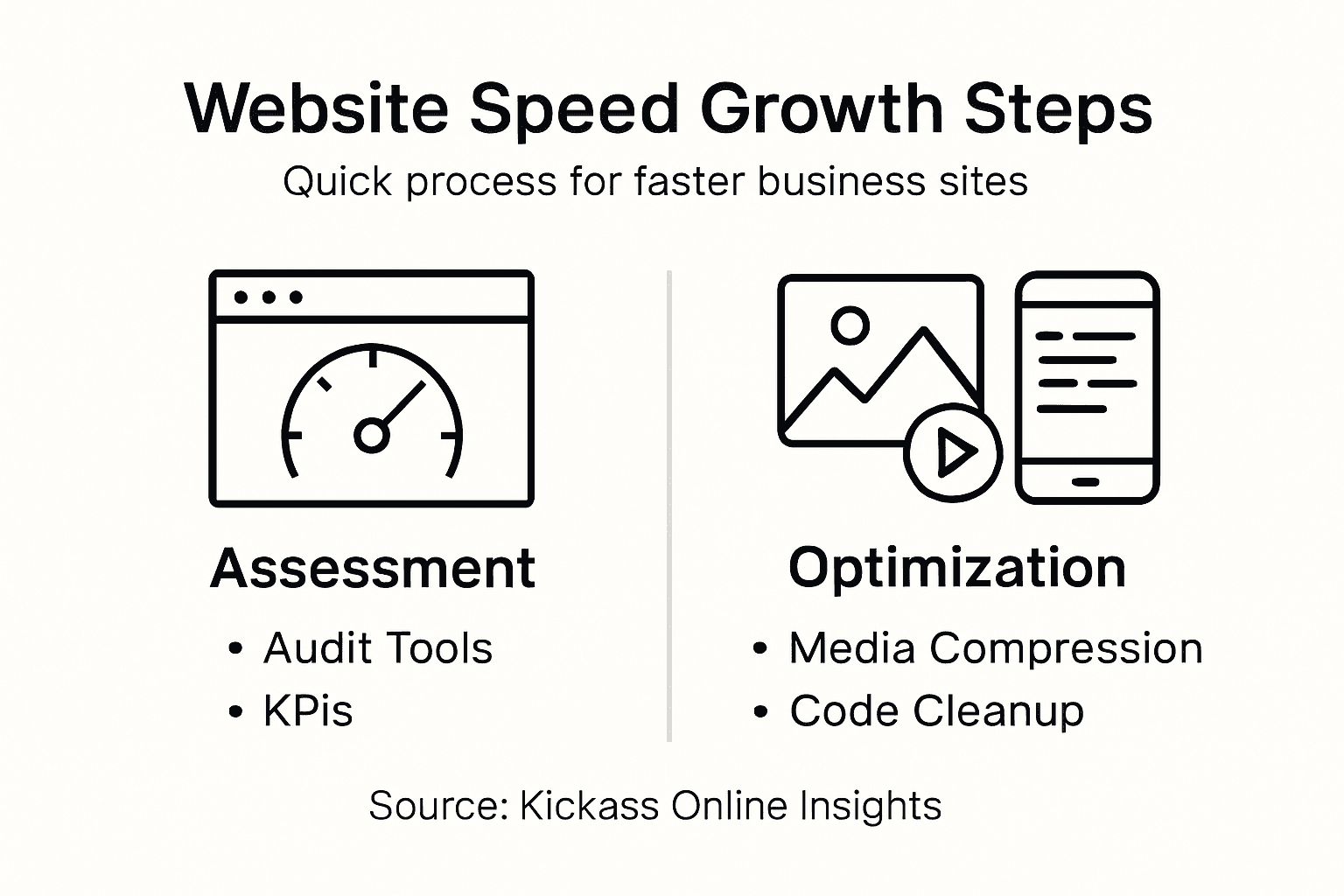
Top tip: Schedule monthly performance reviews and set up automated monitoring tools to track your website’s speed metrics, ensuring you can quickly identify and address any performance regressions.
Improving your website speed is not just a technical upgrade it directly impacts your visitor experience and conversion rates. If you face challenges with slow load times, bulky images, or inefficient caching as highlighted in this guide, you are not alone. At Kickass Online, we understand that optimising your site to deliver fast, smooth, and reliable performance is a critical step towards achieving your business goals. Our expertise in creating high-performing, high-converting websites ensures your online presence is both efficient and effective.
Ready to transform your website performance and elevate your business? Explore our Websites | Kickass Online solutions for personalised strategies tailored to your needs. Discover why business owners trust us for professional website design, ongoing maintenance, and speed optimisation that keep their sites responsive and secure. Take the first step today by visiting Kickass Online and book a consultation to start boosting your website speed and online visibility now. For additional expert guidance, visit our Tutorials | Kickass Online for actionable insights that support your growth journey.
To assess your website’s current speed, utilise browser developer tools or specialised web performance platforms to gather metrics such as page load time and first contentful paint. Start by recording your baseline measurements to identify areas needing improvement.
Optimising images involves selecting the most efficient file formats, resizing images to their display dimensions, and compressing them without sacrificing quality. Implement smart loading techniques, like lazy loading, to enhance initial page load speeds and provide a better user experience.
Minimise your website code by removing unnecessary characters and whitespace in your HTML, CSS, and JavaScript files. Begin by using code minification tools to streamline your files, which can help reduce load times by approximately 10–20%.
Content Delivery Networks (CDNs) cache your website’s content across various geographically located servers, reducing latency and improving load times for users. To enhance performance, implement a CDN that can distribute static assets closer to your target audience, which can significantly speed up content delivery.
You should aim to test your website speed at least once a month after implementing improvements. Establish a consistent monitoring schedule to track key performance metrics and ensure your website’s speed remains optimised over time.
More than 85 percent of British consumers say a business’s online reputation shapes their trust and buying decisions. For entrepreneurs and small business owners across the United Kingdom, this means every review, comment, and mention carries real weight. Reputation management is no longer optional, it is a vital strategy for standing out in crowded local markets, winning new customers, and building long-term relationships that power business growth.
| Point | Details |
|---|---|
| Strategic Importance of Reputation Management | Reputation management is essential for shaping stakeholder perception and building trust, ultimately serving as a strategic asset for businesses. |
| Holistic Approach to Strategies | Employing inside-out, outside-in, and co-created strategies can comprehensively enhance organisational reputation and address stakeholder expectations. |
| Utilisation of Online Tools | Effective online reputation management tools facilitate monitoring and sentiment analysis, enabling organisations to proactively manage their digital presence. |
| Proactive Risk Management | Identifying potential reputational threats and establishing clear communication strategies can mitigate risks and preserve brand integrity. |
Reputation management represents a strategic organisational practice focused on systematically shaping and maintaining how stakeholders perceive a business. At its core, it involves proactively monitoring, influencing, and protecting an organisation’s public image across multiple channels. Corporate reputation as a strategic asset emerges from deliberate efforts to align organisational actions with stakeholder expectations.
Businesses engage in reputation management through multiple interconnected strategies that span communication, performance, and stakeholder relationships. This encompasses everything from managing online reviews and social media presence to ensuring consistent product quality and transparent organisational practices. The goal is to build and sustain a positive perception that differentiates the organisation from competitors and generates trust among customers, investors, and the broader public.
The fundamental components of reputation management include continuous monitoring of public sentiment, rapid response to potential reputation threats, and strategic communication that reinforces the organisation’s core values. By understanding that reputation is an intangible yet critical asset, businesses can develop comprehensive approaches that protect and enhance their standing in the marketplace. Stakeholder perceptions fundamentally shape organisational reputation, making proactive management essential for long-term success.
Pro tip: Implement a systematic reputation tracking process that includes regular sentiment analysis, social media monitoring, and prompt response protocols to maintain a positive organisational image.
Businesses can adopt multiple strategic approaches to effectively manage their reputation, with each method targeting different aspects of organisational perception. Reputation management strategies encompass three primary approaches: inside-out, outside-in, and co-created strategies, which collectively provide a comprehensive framework for maintaining and enhancing organisational image.
The inside-out strategy focuses on reinforcing the organisation’s core character and internal functions. This approach involves developing strong internal values, maintaining consistent communication, and ensuring that the organisation’s actions align with its stated mission. Companies implementing this strategy prioritise transparency, ethical practices, and demonstrating their unique organisational identity through every interaction and communication channel.

Symbolic approaches to reputation management highlight the importance of the outside-in and co-created strategies. The outside-in approach concentrates on understanding and responding to stakeholder perceptions, actively monitoring public sentiment, and adapting organisational practices to meet external expectations. This strategy involves continuous engagement with customers, investors, and the broader community, using feedback mechanisms and sentiment analysis to shape organisational responses.
Pro tip: Develop a multifaceted reputation management approach that integrates internal values, external feedback, and proactive communication strategies to build a resilient and positive organisational reputation.
Here is a comparison of the primary reputation management strategies discussed:
| Strategy Type | Focus Area | Core Activities | Typical Outcome |
|---|---|---|---|
| Inside-out | Internal culture & values | Strengthen ethics, ensure transparency | Strong organisational identity |
| Outside-in | Stakeholder perceptions | Analyse feedback, adjust operations | Enhanced public trust |
| Co-created | Jointly shaped reputation | Engage stakeholders, co-develop vision | Collaborative brand credibility |
Online reputation management tools are sophisticated digital platforms designed to monitor, analyse, and manage an organisation’s digital presence across multiple channels. These tools aggregate data from various online sources, including social media platforms, review websites, news outlets, and customer feedback forums, providing businesses with comprehensive insights into their public perception and brand sentiment.
The core functionality of online reputation tools involves several key processes. Content tracking enables organisations to monitor mentions across digital platforms, capturing user-generated and firm-generated content in real-time. Sentiment analysis algorithms evaluate the tone and emotional context of online discussions, helping businesses understand the nuanced perceptions surrounding their brand. Additionally, these tools generate detailed reports that highlight positive interactions, potential reputation risks, and opportunities for strategic communication.
Integrated frameworks for digital reputation management emphasise the importance of proactive content management. Advanced tools now offer features like automated response suggestions, competitor benchmarking, and predictive reputation risk assessment. These capabilities allow organisations to not just react to online conversations, but strategically shape their digital narrative by identifying potential issues before they escalate and developing targeted communication strategies.
Pro tip: Choose an online reputation management tool that offers comprehensive monitoring, real-time alerts, and actionable insights to stay ahead of potential reputational challenges.
Reputation management represents a critical strategic asset for small and medium enterprises (SMEs) seeking to establish credibility and competitive advantage in increasingly crowded marketplaces. Unlike larger corporations with extensive marketing budgets, SMEs must leverage reputation as a strategic differentiator, using targeted approaches to build trust and visibility among potential customers.
The primary benefits of reputation management for SMEs include enhanced customer acquisition and retention. By actively monitoring and responding to online feedback, businesses can demonstrate transparency and commitment to customer satisfaction. Digital reputation becomes a powerful tool for building trust, with positive reviews and authentic engagement serving as social proof that can significantly influence potential customer decisions. This approach allows smaller businesses to compete effectively against larger competitors by showcasing their unique value propositions and personalised service offerings.
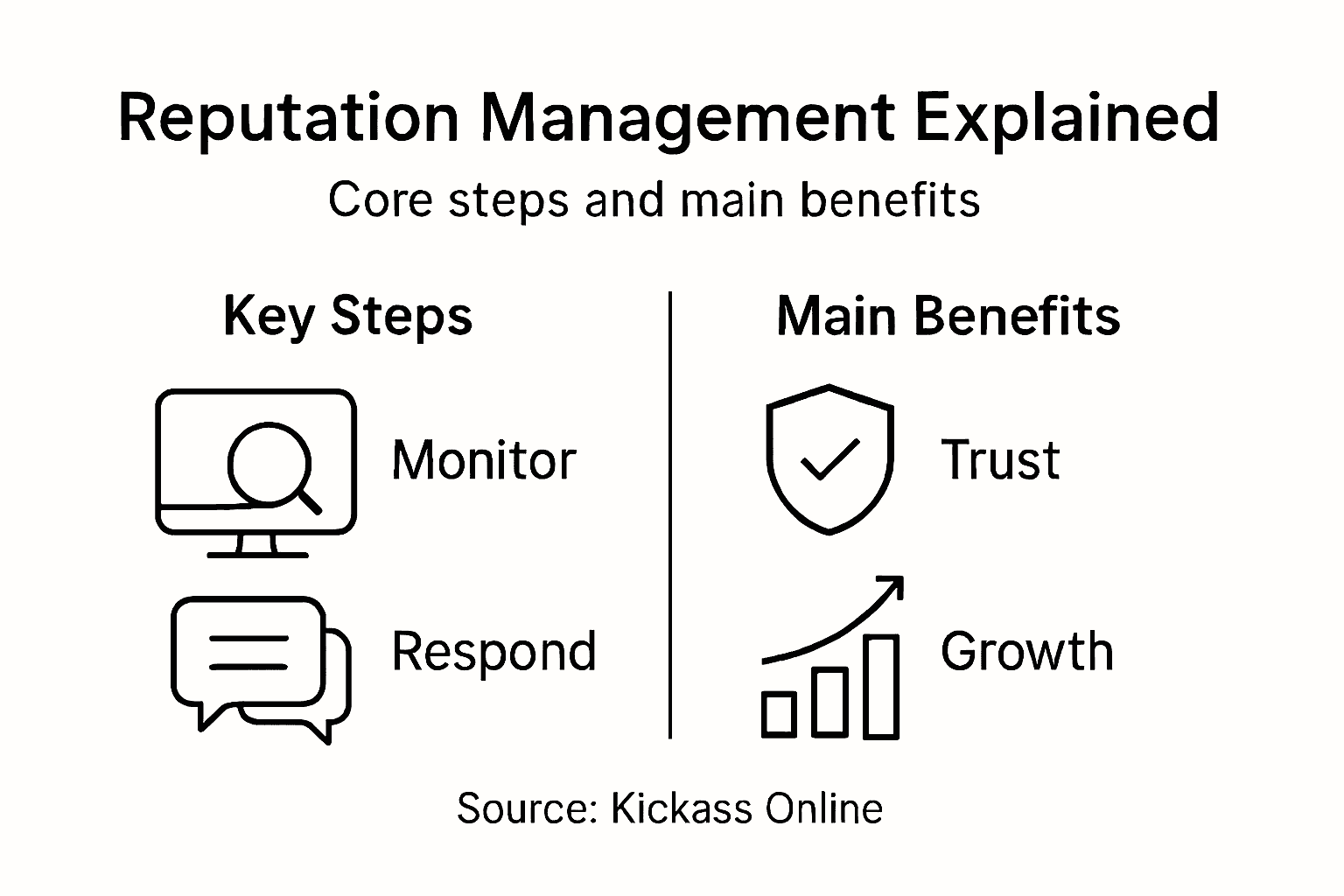
Financial benefits extend beyond direct marketing efforts. Effective reputation strategies help SMEs gain competitive advantages by establishing strong stakeholder relationships with customers, suppliers, and local communities. Businesses that consistently maintain a positive reputation can attract better partnership opportunities, secure more favourable business terms, and potentially access improved financing options. The cumulative impact of strategic reputation management can translate into tangible economic benefits, supporting long-term business sustainability and growth.
Pro tip: Develop a systematic approach to collecting and showcasing customer testimonials, ensuring they represent genuine experiences and highlight your business’s unique strengths.
Reputational risks present complex challenges that can rapidly undermine years of carefully built business credibility. These risks emerge from multiple sources, including social media controversies, customer complaints, employee misconduct, and external misinformation. Small businesses are particularly vulnerable, as negative perception can spread exponentially faster than positive narratives, potentially causing significant financial and brand damage.
The primary costs associated with reputation management involve both preventative measures and potential recovery strategies. Reactive reputation management often requires substantial investment in crisis communication, legal consultations, and public relations efforts. Businesses may need to allocate resources for reputation monitoring tools, professional communication services, and potential compensation or remediation strategies. These unexpected expenses can strain smaller organisations’ financial resources, making proactive reputation management crucial for long-term sustainability.
Reputation risk management involves navigating complex strategic dilemmas, with common pitfalls including inconsistent communication, delayed responses to negative feedback, and lack of transparency. Many organisations struggle with identifying the precise sources of reputational threats, leading to ineffective mitigation strategies. The emotional and qualitative nature of reputation means that standard risk management approaches often fall short, requiring nuanced, context-specific interventions that balance organisational integrity with stakeholder expectations.
The following table summarises the key risks and mitigation approaches in reputation management:
| Risk Source | Example Impact | Mitigation Approach |
|---|---|---|
| Social media controversy | Public backlash, lost trust | Proactive monitoring and response |
| Customer complaint | Damaged brand integrity | Transparent issue resolution |
| Employee misconduct | Negative publicity | Clear conduct policies, swift action |
| External misinformation | Misinformed stakeholders | Strategic communication, fact checks |
Pro tip: Develop a comprehensive reputation risk assessment framework that includes regular monitoring, clear communication protocols, and predefined response strategies for potential reputational challenges.
Managing your business reputation requires more than just monitoring online feedback. As the article highlights, challenges such as social media controversies, customer complaints, and misinformation can quickly damage even the most carefully built image. At Kickass Online, we understand these risks and offer personalised digital marketing services designed to build trust, amplify positive perception, and protect your brand from reputational threats.
From professional website development that reflects your core values to advanced SEO strategies that boost your online visibility, our dedicated team crafts solutions tailored to your unique goals. By partnering with us, you gain access to comprehensive support that integrates reputation management principles like transparent communication and proactive responsiveness. Discover how our expert services can elevate your credibility and secure long-term success.
Take control of your organisation’s reputation today with strategic digital growth. Visit Kickass Online to learn more about our web development and integrated marketing solutions.
Ready to protect and enhance your reputation with trusted digital expertise? Book your personalised consultation at Kickass Online now and start building a stronger, more resilient brand presence.
Reputation management refers to the strategic practice of shaping and maintaining how stakeholders perceive a business. It involves monitoring, influencing, and protecting an organisation’s public image across various channels.
Reputation management is crucial for SMEs as it helps establish credibility and competitive advantage. Active management can enhance customer acquisition and retention, allowing smaller businesses to compete effectively against larger competitors by building trust and showcasing unique value propositions.
The key components of reputation management include continuous monitoring of public sentiment, rapid response to potential threats, and strategic communication that reinforces an organisation’s core values and mission.
Poor reputation management can lead to significant challenges, such as public backlash, lost trust, and financial damage due to reputational crises. Common risks include social media controversies, customer complaints, and external misinformation, which can rapidly undermine an organisation’s credibility.
Nearly 75 percent of british businesses report increased sales after investing in professional website design and digital marketing. If you own a company in Milton Keynes, standing out online gets harder every day unless your site makes a strong first impression. This guide reveals proven strategies to simplify web design, improve brand identity, optimise mobile experience, and drive higher conversion rates, giving your business the best chance at online success.
| Takeaway | Explanation |
|---|---|
| 1. Prioritise minimalist design for engagement | Simplify visual elements to enhance user experience and reduce cognitive load, encouraging visitors to engage more effectively with content. |
| 2. Use authentic visuals to convey brand identity | Select meaningful imagery that reflects your unique narrative, avoiding generic stock photos to enhance emotional connections with your audience. |
| 3. Ensure mobile optimisation for accessibility | Design for smaller screens first, ensuring your website is legible and functional across all devices to accommodate the majority of users. |
| 4. Focus on clear calls to action for conversions | Create landing pages with prominent value propositions and straightforward calls to action, directing visitors to their next steps. |
| 5. Leverage testimonials for credibility | Display specific and relatable client testimonials to build trust and demonstrate real results, significantly influencing potential customers’ decisions. |
Minimalist web design transforms complex digital spaces into elegantly simple user experiences. By stripping away unnecessary visual clutter, this approach creates websites that guide visitors precisely where they need to go.
Businesses adopting minimalist design principles understand that simplicity drives user engagement. The strategy focuses on clean typography, strategic white space, and intuitive navigation that reduces cognitive load. Each design element serves a deliberate purpose.
Clear navigation becomes the cornerstone of minimalist websites. By presenting essential menu options and using straightforward labelling, businesses help users find information quickly. Mobile responsiveness is crucial here, with carefully positioned action buttons and streamlined menu structures that work seamlessly across devices.
Key characteristics include limited colour palettes, generous white space, and typography that communicates clearly. Icons should be meaningful and functional, avoiding decorative elements that distract from core messaging. The goal is creating an interface where users can effortlessly understand and interact with your digital platform.
Pro tip: Conduct regular user testing to ensure your minimalist design remains intuitive and meets your audience’s navigation expectations.
Visual storytelling transforms websites from mere information platforms into compelling brand narratives. When businesses leverage strategic imagery and design, they create powerful emotional connections with their audience.
Your brand’s visual language speaks volumes before a single word is read. Visual storytelling techniques allow companies to craft immersive experiences that resonate deeply with target consumers. Each visual element colour, typography, imagery acts as a strategic communication tool that communicates your brand’s personality and values.
Effective visual storytelling combines authenticity with intentional design. This means selecting imagery that reflects your brand’s genuine identity rather than relying on stock photographs that feel impersonal. Your visuals should communicate your unique narrative transitioning from generic representation to a distinctive brand experience.
Successful brands understand that consistent visual language builds recognition. This involves maintaining cohesive colour palettes, using distinctive typography, and creating visual motifs that become instantly associated with your organisation. Think of global brands like Apple or Nike their visual storytelling is so precise that consumers recognise them instantly.
Pro tip: Create a comprehensive brand style guide that documents your visual storytelling elements to ensure consistency across all digital platforms.
Responsive website design represents the cornerstone of modern digital experiences that seamlessly adapt across smartphones, tablets, and desktop computers. Your website must look exceptional regardless of the screen size viewing it.
Mobile optimisation strategies transform websites into fluid platforms that adjust dynamically to different device characteristics. This approach uses flexible grid systems, scalable images, and intelligent CSS media queries to ensure content remains readable and functional across every possible screen dimension.
The mobile-first philosophy prioritises designing for smaller screens initially, then progressively enhancing the layout for larger displays. This strategy acknowledges that most internet browsing now occurs on mobile devices. Your website should load quickly, display content clearly, and provide intuitive navigation whether someone is using a tiny smartphone or a large desktop monitor.
Technical implementation involves using percentage-based layouts, flexible image sizing, and breakpoints that trigger specific design adjustments. Strategic designers create fluid grids where content elements resize proportionally, maintaining aesthetic integrity and user experience across diverse devices.
Pro tip: Regularly test your website on multiple devices and screen sizes to ensure consistent performance and visual appeal.
A landing page represents your digital sales pitch where every visual element and word works strategically to transform visitors into customers. Crafting a conversion-focused page means designing an experience that guides potential clients precisely where you want them to go.
High converting landing pages eliminate distractions and create a laser focused user journey. This means stripping away unnecessary navigation elements, presenting a clear value proposition, and designing a page that speaks directly to your audience’s specific needs and desires.
Key features include a compelling headline that immediately communicates your unique value, social proof through client testimonials or industry certifications, and a prominent call to action button that stands out visually. The page should answer three critical questions within seconds what problem are you solving, why should someone care, and what specific action should they take?
Visual hierarchy plays a crucial role in guiding user attention. Use contrasting colours for call to action buttons, place important information in prominent locations, and ensure the page layout creates a natural visual flow that leads visitors toward making a decision. Simplicity trumps complexity every single time.
Pro tip: Conduct regular A/B testing on your landing page elements to continuously optimise conversion rates and understand what resonates most with your target audience.
Client testimonials are the unsung heroes of digital marketing that transform casual website visitors into committed customers. They represent authentic social proof that speaks volumes about your business’s credibility and performance.
Online reviews significantly influence consumer purchasing decisions by providing genuine insights into real customer experiences. When potential clients see positive feedback from others who have already used your services, their trust and confidence increase exponentially.
Authenticity is paramount when displaying testimonials. Instead of generic statements, showcase specific stories that highlight tangible results. Include client names, photographs, and detailed descriptions of how your product or service solved a particular problem. Video testimonials can be especially powerful, allowing potential customers to connect emotionally with the experiences of your existing clients.
Strategic placement matters as much as content. Position testimonials near key conversion points such as pricing pages or call to action buttons. Ensure they are visually appealing, easy to read, and represent a diverse range of clients to demonstrate the broad appeal of your offerings.
Pro tip: Regularly update your testimonials and request permission to use client stories that showcase measurable, specific outcomes.
Secure online booking systems represent the critical intersection of user experience and digital safety for modern businesses. Your website must inspire confidence while protecting sensitive customer information.
Online service booking platforms require sophisticated security measures that balance seamless functionality with robust protection. This means implementing multiple layers of security including encrypted payment gateways, two factor authentication, and transparent data handling policies.
Customers demand frictionless booking experiences that feel both intuitive and trustworthy. Implement clear security indicators such as SSL certificates, trust badges, and visible privacy policies. Your booking interface should communicate safety at every interaction point immediate visual cues that reassure users their personal and financial information remains protected.
Multilayered security involves more than technical protocols. It requires thoughtful design that anticipates user concerns. Use simple language explaining your security measures, provide visible contact information, and ensure your booking process feels transparent and straightforward. Responsive customer support channels further reinforce user confidence in your digital transaction systems.
Pro tip: Regularly audit your online booking platform’s security protocols and conduct penetration testing to identify and address potential vulnerabilities before they become risks.
Search engine optimisation transforms websites from digital billboards into strategic communication platforms that attract and engage target audiences. Your website’s architecture plays a critical role in determining how easily search engines understand and rank your content.
Website structure fundamentally impacts search engine performance by creating logical pathways for content discovery. Think of your website as an interconnected ecosystem where each page relates meaningfully to others, creating a clear, navigable landscape that both users and search algorithms can seamlessly explore.
Successful SEO architecture involves creating topic clusters that demonstrate expertise and semantic relevance. This means organising content into thematic groups with comprehensive pillar pages linking to more specific related articles. By establishing clear content hierarchies, you signal to search engines that your website provides authoritative, in depth information on specific subjects.
Practical implementation requires strategic internal linking, descriptive URL structures, and ensuring each page targets specific keywords while maintaining natural readability. Avoid complex navigation systems that confuse both users and search engine crawlers. Your goal is creating an intuitive digital environment where information flows logically and efficiently.
Pro tip: Regularly audit your website’s architecture to ensure content remains well organised and internal links remain functional and contextually relevant.
Below is a comprehensive table summarising the key aspects and practical insights discussed throughout the article on effective web design and user experience strategies.
| Topic | Description | Key Takeaways |
|---|---|---|
| Modern Minimalist Design | Simplifying design by focusing on intuitive navigation and reducing visual clutter. | Employ clean typography, use limited colour palettes, and optimise functionality across devices. |
| Visual Storytelling and Branding | Employing compelling visuals to connect emotionally with users. | Use authentic imagery, maintain consistent branding, and develop a cohesive style guide. |
| Responsive Layouts | Designing adaptable interfaces for various devices. | Employ fluid grids, flexible images, and test on multiple screen sizes for an optimal experience. |
| Conversion-Focused Design | Crafting landing pages aimed at specific user actions. | Highlight clear value propositions, invoke social proof, and implement compelling calls to action. |
| Client Testimonials | Showcasing authentic user experiences to build trust. | Feature detailed stories with real outcomes and strategically position them near conversion points. |
| Secure E-Commerce Features | Integrating user-friendly and safe transaction processes. | Ensure robust security measures with SSL certificates and clear communication of safety protocols. |
| SEO-Friendly Structures | Enhancing visibility through well-organised website architecture. | Utilise topic clusters, ensure intuitive navigation, and maintain semantic relevance in content. |
Struggling to create a website that not only looks modern but also drives real results is a common challenge for many businesses. This article highlights key goals such as clear navigation, bold branding, and conversion-focused design that speak directly to your need for a website that attracts and retains customers effortlessly. If you want to avoid the pain of ineffective layouts and low user engagement, adopting these strategic design principles is essential.
At Kickass Online, we specialise in transforming these concepts into actionable solutions tailored for your business. From minimalist design that improves user experience to robust SEO-friendly structures, our team delivers websites that perform and convert. Explore our Websites category to see how we apply these techniques and gain deeper insights from our helpful Tutorials.
Ready to turn your website into a powerful asset that grows your business? Visit Kickass Online now to book a personalised consultation and start building your high-converting web presence today.
Modern website designs often feature minimalist aesthetics, clear navigation, and responsive layouts that adapt to various devices. Focus on creating a clean user experience by using simple elements and ensuring your site can be easily navigated on smartphones, tablets, and desktops.
Enhance your brand’s visual storytelling by incorporating authentic imagery that reflects your brand identity and values. Select visuals that connect emotionally with your audience, ensuring consistency in colour palettes and typography to strengthen recognition.
Include a compelling headline that highlights your unique value, a strong call to action, and social proof like client testimonials. Aim to answer key questions about your services clearly and quickly, guiding visitors toward making a decision within seconds.
Utilise client testimonials by showcasing specific stories that detail the tangible results your product or service has provided. Place these testimonials near conversion points, ensuring they are visually appealing and represent diverse client experiences to build trust.
Implement strong security measures such as encrypted payment gateways and clear privacy policies to protect customer information. Display trust indicators like SSL certificates prominently to reassure users about the safety of their personal and financial data.
Improve your website’s SEO structure by organising content into logical topic clusters with clear hierarchies. Use strategic internal linking and descriptive URL structures to guide both users and search engines, which can significantly enhance your visibility in search results.
Most british websites lose nearly 38 percent of visitors due to poor user experience. For small to medium-sized businesses in Milton Keynes, even minor design flaws can damage credibility and push customers toward competitors. Understanding what UX design truly means and recognising common misconceptions can help businesses create digital platforms that stand out and keep customers returning. This introduction explains how strong UX design shapes first impressions and drives meaningful online growth.
| Point | Details |
|---|---|
| Holistic Understanding of UX Design | UX design encompasses emotional, psychological, and functional aspects, going beyond mere aesthetics or usability. |
| Strategic Importance for Businesses | Investing in effective UX design enhances user satisfaction, brand perception, and overall business performance. |
| Iterative Design Process | A structured, user-centred approach involving research, prototyping, and testing is crucial for refining user interactions. |
| Avoiding Common Mistakes | Successful UX design requires in-depth user research and continuous testing to align product offerings with actual user needs. |
User Experience (UX) design represents a complex and nuanced discipline that extends far beyond simple interface creation. Diverse interpretations of UX design highlight the multifaceted nature of this critical business approach, which integrates emotional engagement, functional design, and strategic user interaction.
At its core, UX design encompasses the holistic experience a user encounters when interacting with a product, service, or digital platform. This means considering not just visual elements, but psychological, emotional, and practical aspects of user interaction. Common misconceptions often reduce UX to mere aesthetic design or basic usability testing, when in reality, it involves a comprehensive understanding of user behaviour, motivations, and potential friction points in their journey.
The strategic importance of UX design cannot be overstated. Multifaceted product interaction experiences demonstrate that effective UX goes beyond technical functionality, directly influencing user satisfaction, brand perception, and ultimately, business performance. Businesses that invest in thoughtful UX design create products and services that not only meet functional requirements but also forge meaningful emotional connections with their target audience.
Pro tip: Conduct regular user testing and gather qualitative feedback to continuously refine your understanding of user experience and identify potential design improvements.
Website UX design encompasses multiple sophisticated disciplines that work together to create seamless digital experiences. Multiple disciplines of website design reveal a comprehensive approach integrating interaction design, information architecture, visual design, and usability principles to address diverse user needs and expectations.
The primary types of UX design for websites include interaction design, which focuses on how users engage with digital interfaces; information architecture, responsible for structuring content logically and intuitively; visual design, which creates aesthetic appeal and emotional resonance; and usability design, ensuring websites are functional, accessible, and user-friendly. Each discipline plays a critical role in developing websites that not only look appealing but also provide meaningful, efficient user experiences.

Website UX design integrates complex user-centred approaches that go beyond traditional design principles. These approaches consider psychological factors, user motivations, and potential interaction barriers. By understanding and addressing these nuanced elements, businesses can create digital platforms that genuinely connect with their target audience, transforming website interactions from mere transactions to engaging, memorable experiences.
Pro tip: Conduct periodic user journey mapping to identify potential friction points and continuously refine your website’s user experience design strategy.
Here is a summary of how each key website UX design discipline contributes to a successful digital experience:
| Discipline | Main Focus | Typical Outcome |
|---|---|---|
| Interaction Design | User actions & flow | Smooth navigation & engagement |
| Information Architecture | Organising content | Logical, intuitive structure |
| Visual Design | Look & feel | Strong aesthetic appeal |
| Usability Design | Accessibility & ease | Effortless, inclusive use |
UX design represents a strategic, methodical approach to creating digital experiences that truly resonate with users. User-centred design principles guide designers through a comprehensive process that prioritises understanding user needs, developing intuitive solutions, and continuously refining interactions.
The UX design process typically follows a structured, iterative cycle encompassing several critical stages. Initial research and user analysis form the foundation, where designers conduct in-depth investigations into user behaviours, pain points, and expectations. Prototyping follows, allowing teams to create initial design concepts that can be tested and refined. Usability testing becomes a crucial phase where real users interact with these prototypes, providing invaluable feedback that drives subsequent design iterations.
Structured UX design methodologies emphasise key principles that transcend mere visual aesthetics. These include user-centricity, which ensures designs genuinely solve user problems; usefulness, guaranteeing that digital experiences provide tangible value; enjoyment, creating interfaces that are not just functional but also delightful; and inclusivity, developing solutions that are accessible to diverse user groups. By adhering to these principles, businesses can transform digital interactions from transactional experiences to meaningful, engaging journeys.
Pro tip: Implement regular user feedback sessions and maintain a flexible design approach that allows for continuous improvement and adaptation.
Strategic UX design transforms digital interactions into powerful business growth engines, creating measurable value beyond aesthetic improvements. Business impact of user experience demonstrates how thoughtful design directly correlates with enhanced customer satisfaction, reduced operational costs, and increased revenue potential.
Businesses experience tangible benefits through UX design across multiple performance dimensions. Improved user retention becomes a critical outcome, as intuitive interfaces and seamless experiences encourage customers to engage more deeply with digital platforms. Reduced customer support costs emerge as another significant advantage, with well-designed interfaces minimising user confusion and frustration. Moreover, enhanced brand perception develops naturally when users encounter products and services that genuinely understand and anticipate their needs.
Strategic UX methodologies drive market differentiation by creating compelling user journeys that transform routine interactions into memorable experiences. By focusing on solving real user problems and delivering exceptional digital interactions, businesses can significantly improve key performance metrics such as conversion rates, customer acquisition, and long-term loyalty. The economic impact extends beyond immediate transactions, establishing sustainable competitive advantages that resonate throughout the entire customer ecosystem.
Pro tip: Invest in regular user research and continuously map customer journey touchpoints to identify and eliminate potential friction points in your digital experience.
User experience design demands precision and deep understanding to avoid critical pitfalls that can undermine digital product effectiveness. UX design fundamentals reveal that many organisations stumble by neglecting comprehensive user research and failing to integrate nuanced user insights into their design strategy.
Several recurring mistakes consistently plague UX design processes. Designers frequently oversimplify complex user needs, creating interfaces that appear elegant but fail to address genuine user challenges. Inconsistent design elements, poor accessibility features, and insufficient user feedback mechanisms can transform potentially useful digital products into frustrating experiences. The most significant errors often stem from assumptions about user behaviour rather than empirical research and direct user engagement.
Fundamental UX design principles emphasise a holistic approach that balances functionality, emotional resonance, and aesthetic appeal. Best practices demand rigorous, continuous testing, developing multiple user personas, and creating flexible design systems that can adapt to diverse user requirements. Successful UX design transcends technical implementation, focusing instead on creating intuitive, inclusive experiences that genuinely solve user problems and anticipate their unspoken needs.
Pro tip: Conduct monthly user testing sessions with diverse participant groups to continuously validate and refine your design assumptions and uncover hidden usability challenges.
The following table compares common UX mistakes against best practices to help guide optimal design strategies:
| Mistake | Negative Impact | Best Practice |
|---|---|---|
| Oversimplifying user needs | Unmet expectations | In-depth user research |
| Inconsistent design elements | Confusing experiences | Unified, flexible design systems |
| Poor accessibility features | Excludes some users | Focus on inclusive design |
| Insufficient feedback channels | Missed improvement opportunities | Regular user testing and feedback |
Understanding the true impact of UX design on business success unveils common challenges such as unmet user expectations, inconsistent design elements, and poor accessibility. These issues often lead to frustrated customers, lost conversions, and weakened brand loyalty. At Kickass Online, we specialise in addressing these exact pain points by developing high-converting websites that prioritise user-centred design principles, seamless interaction flows, and inclusive usability. Our tailored approach ensures your digital presence not only attracts but retains customers by creating engaging and intuitive experiences that foster trust and satisfaction.
Ready to transform your website into a powerful growth engine that reflects the insights from UX design research? Discover how our professional website design services integrate proven UX strategies to optimise performance and boost your online visibility. Partner with Kickass Online today to benefit from dedicated attention, expert SEO, and continuous maintenance aimed at maximising your business potential. Take the first step now by visiting Kickass Online and booking a consultation that will set your digital journey on the path to success.
UX design, or User Experience design, encompasses the overall experience a user has when interacting with a product, service, or digital platform, focusing on emotional engagement, functionality, and strategic user interaction.
A well-implemented UX design improves user satisfaction, brand perception, and directly contributes to business metrics such as customer retention, increased revenue, and reduced operational costs by creating engaging digital experiences.
The primary types of UX design for websites include interaction design, information architecture, visual design, and usability design, all of which work together to provide seamless and meaningful user experiences.
Common mistakes in UX design include oversimplifying user needs, creating inconsistent design elements, neglecting accessibility, and failing to gather sufficient user feedback, which can lead to frustrating user experiences.
Most british brands see that a well-crafted blog drives over 50 percent more website traffic than relying on static content alone. For small and medium-sized business owners from Canada to Singapore, standing out online means more than just selling products, it is about building trust and credibility with every post. This guide unpacks how to set clear blogging goals, speak directly to your ideal reader, and turn a blog into a powerful tool for growth.
| Key Insight | Explanation |
|---|---|
| 1. Define clear objectives | Identify what you aim to achieve with your blog to maintain focus and guide your content strategy. |
| 2. Understand your audience | Create detailed reader profiles that reflect their needs, challenges, and preferred content types. |
| 3. Choose the right platform | Select a blogging platform that aligns with your business goals, technical skills, and budget. |
| 4. Maintain consistent design | Design your blog with consistent branding and intuitive navigation that reflects your business identity. |
| 5. Verify before publishing | Conduct thorough checks on functionality, content accuracy, and user experience before launching. |
Creating a successful business blog starts with crystal clear objectives and understanding exactly who you want to reach. Your blog is not just a random collection of thoughts but a strategic communication tool designed to connect with specific readers and achieve precise business goals.
Begin by mapping out what you want to accomplish through your blog. Are you aiming to demonstrate industry expertise, generate potential customer leads, or establish thought leadership? Precise research objectives help maintain focus and guide your content strategy. Consider creating a concise list of measurable targets such as increasing website traffic by 30 per cent, generating 20 quality leads per month, or improving brand recognition within your sector.
To pinpoint your ideal audience, develop detailed reader profiles that go beyond basic demographics. Audience targeting strategies recommend understanding not just age and location, but professional interests, pain points, and information consumption habits. Ask yourself: What challenges does your target reader face? What type of content will they find most valuable? What tone and language will resonate with them?
Your audience profile should include specific details like job roles, industry sectors, professional challenges, and preferred content formats. The more precisely you can describe your ideal reader, the more effectively you can craft content that genuinely speaks to their needs.
Here is a summary of key reader profile aspects to guide content tailoring:
| Aspect | Description | Example Detail |
|---|---|---|
| Job Role | Professional position of reader | Marketing Manager |
| Sector/Industry | Relevant business sector | Financial Services |
| Major Challenge | Typical pain point faced | Lead Generation |
| Content Format Preference | Preferred way to absorb information | In-depth Articles |
Top Tip: Create a hypothetical persona representing your ideal reader to help you visualise and understand their perspective more deeply.
Selecting the right blogging platform and hosting service forms the technical foundation of your online content strategy. Your choice will impact everything from website performance to content management capabilities and future scalability.
When evaluating blogging platforms, consider your technical skills, budget, and long term business goals. Blogging platform selection requires careful analysis of features like ease of use, customisation options, and potential for growth. WordPress remains the most versatile option for businesses, offering unparalleled flexibility and extensive plugin ecosystems that can adapt to your evolving needs.
Hosting services are equally crucial in determining your blog’s reliability and performance. Key considerations include server uptime, loading speed, technical support quality, and pricing structures. Web hosting considerations suggest prioritising providers that offer robust WordPress support, reliable customer service, and scalable hosting plans that can grow alongside your business.
Compare potential platforms across multiple dimensions: cost, ease of use, SEO capabilities, mobile responsiveness, and integration potential with other business tools. Look beyond surface features and evaluate each option’s alignment with your specific content marketing objectives.
Below is a comparison of popular blogging platforms and their notable business advantages:
| Platform | Ease of Use | SEO Capabilities | Integration Strength |
|---|---|---|---|
| WordPress | Intuitive editing | Advanced plugins | Extensive compatibility |
| Wix | Simple drag-and-drop | Basic optimisation | Moderate integrations |
| Squarespace | Smooth interface | Strong built-in SEO | Good analytics links |
Top Tip: Choose a hosting plan that offers easy WordPress migration and includes automated backup services to protect your content investment.
Your blog’s design and brand identity are critical visual elements that communicate your business personality and professional credibility. These visual components will determine how potential readers perceive and interact with your content.

Digital design strategies demonstrate that successful online branding goes far beyond aesthetic choices. Your blog layout should reflect your business values, create visual consistency, and provide an intuitive user experience. Start by selecting a colour palette that aligns with your brand personality selecting no more than three primary colours that represent your business ethos. Consider typography carefully choosing fonts that are both readable and reflective of your professional image.
Ensure your blog design maintains consistent branding across all elements. This means integrating your logo strategically, using consistent colour schemes, and creating a visual hierarchy that guides readers through your content. Brand identity development research suggests creating visual guidelines that maintain coherence across different digital platforms. Your blog should feel like a natural extension of your broader business brand with design elements that reinforce your unique professional narrative.
Pay attention to layout functionality ensuring your design supports easy navigation, highlights key content, and works seamlessly across mobile and desktop platforms. Include clear navigation menus, strategically placed call to action buttons, and responsive design that adapts to different screen sizes.
Top Tip: Create a simple brand style guide documenting your colour palette, font choices, and design principles to maintain consistency across all your digital platforms.
Crafting exceptional blog content requires a strategic approach that balances creativity, expertise, and technical precision. Your words are the primary mechanism for connecting with your audience and establishing professional credibility.
Effective blogging strategies emphasise translating complex ideas into accessible, engaging language. Focus on developing comprehensive articles that offer genuine value to your readers. This means diving deep into topics, providing unique insights, and presenting information in a clear, structured manner that guides readers through your narrative. Aim to create evergreen content that remains relevant long after publication by exploring fundamental principles and timeless strategies within your industry.
Understand the critical importance of search engine optimisation when developing your content. This involves carefully selecting keywords, creating descriptive headings, and ensuring your writing addresses specific reader questions. Blog content evolution suggests that successful blogs continuously adapt to changing digital landscapes by producing in depth, authoritative pieces that establish your expertise.
Structure your content thoughtfully with clear introductions, substantial main sections, and compelling conclusions. Use subheadings to break up text, include relevant examples, and incorporate data or expert quotes to enhance credibility. Ensure each article provides actionable insights that readers can immediately apply in their professional or personal contexts.
Top Tip: Create a content calendar that plans topics at least three months in advance, allowing you to maintain consistent publishing and strategic topic selection.
Before launching your blog, conducting a comprehensive verification process ensures a professional and seamless reader experience. This final stage transforms your carefully crafted content into a polished digital publication ready to engage your audience.
Blog platform testing requires meticulous attention to structural and functional details. Review each article for formatting consistency, checking that headings, paragraphs, images, and links display correctly across different devices. Test all internal and external hyperlinks to confirm they direct readers to the intended destinations, and verify that your blog loads quickly and maintains responsive design on mobile and desktop platforms.
Website functionality checks involve more than visual inspection. Systematically review your site navigation, ensure contact forms work correctly, and test comment sections if applicable. Verify that your SEO metadata is correctly configured, meta descriptions are compelling, and all images include appropriate alternative text for accessibility. Conduct security checks by updating plugins, removing unused extensions, and confirming SSL certificate installation.
Prepare a final pre-publication checklist that includes technical performance, content accuracy, and overall user experience. This methodical approach minimises potential issues and presents your blog as a professional, trustworthy resource for your target audience.
Top Tip: Ask a trusted colleague or professional contact to review your blog before public launch to gain fresh perspective and identify potential improvements.
Building a business blog that drives enduring online success requires more than just great ideas. It means overcoming challenges like defining clear objectives, selecting the right platform, designing an engaging layout, and crafting optimised content that truly connects with your ideal audience. If you find yourself struggling with these critical steps or aiming to boost your website’s visibility and reliability, our expert team at Kickass Online is here to guide you. Explore our curated Tips and Tricks | Kickass Online for actionable insights that complement your blogging journey.
Take control of your digital presence right now. At Kickass Online, we specialise in creating customised websites designed to capture your brand identity, enhance search engine rankings, and maintain peak performance through ongoing support. Don’t let technical hurdles or unclear strategies hold you back. Visit our Recommendations | Kickass Online to see how we have helped businesses like yours transform their online impact. Book a consultation today and start building a blog that delivers real business growth.
Establishing clear objectives is essential for a successful business blog. You should aim to demonstrate industry expertise, generate leads, or build thought leadership. Create a list of measurable targets, such as increasing website traffic by 30% within 90 days or obtaining 20 quality leads each month.
To pinpoint your ideal audience, develop detailed reader profiles that encompass job roles, industry sectors, and specific challenges they face. Consider what type of content will provide value to them, and tailor your messaging to resonate with their needs. Start by creating a hypothetical persona to visualise their perspective and preferences.
When selecting a blogging platform, evaluate factors like ease of use, customisation options, and scalability. Platforms like WordPress offer extensive flexibility and plugin capabilities, making them suitable for growing businesses. Compare potential platforms on aspects such as cost, SEO capabilities, and mobile responsiveness before making a decision.
Creating a cohesive design and brand identity involves selecting a colour palette and typography that reflect your business values. Ensure that elements like your logo and colour schemes are consistent across the blog. Develop a visual hierarchy for seamless navigation and easy access to key content.
To optimise your blog content, focus on using accessible language while diving deep into relevant topics. Ensure you incorporate effective SEO practices, like selecting appropriate keywords and structuring your articles with clear headings. Consistently publish well-researched, authoritative pieces to enhance your credibility.
Before launching your blog, conduct a thorough verification process that assesses formatting consistency, link functionality, and overall site performance. Review your SEO metadata and ensure that all elements work seamlessly on mobile and desktop devices. Prepare a pre-publication checklist to minimise issues and enhance user experience.
Over one third of small British businesses have faced cyber attacks in the past year, putting vital website data and customer trust at risk. Strong website security is now a top priority for business owners in Milton Keynes, where digital threats can cost far more than just lost revenue. Learning the fundamentals of web security empowers you to make smarter choices, protect your investment, and create a safer online experience for both your customers and your growing business.
| Point | Details |
|---|---|
| Website Security is Essential | Implementing robust website security is a critical strategy for protecting digital assets and ensuring business continuity. |
| Common Cyber Threats | Small and medium enterprises face increasing risks from ransomware, phishing, and DDoS attacks that can compromise their systems. |
| Importance of Holistic Approaches | A successful security strategy must integrate technical measures with human training and awareness to effectively mitigate threats. |
| Legal Compliance is Non-Negotiable | Businesses must adhere to UK cybersecurity regulations and best practices to protect customer data and avoid significant penalties. |
Website security isn’t just a technical requirement - it’s a critical business protection strategy. Cyber threats continue to evolve, targeting small and medium enterprises with increasing sophistication. Web security fundamentals encompass multiple layers of technological and procedural safeguards designed to protect digital assets from potential breaches.
At its core, website security involves implementing robust protective mechanisms against unauthorised access, data theft, and malicious attacks. This includes fundamental strategies like secure authentication protocols, encryption technologies, and regular vulnerability assessments. Businesses must understand that modern cybersecurity isn’t about creating an impenetrable fortress, but developing adaptive defence systems that can quickly detect, respond to, and mitigate potential threats.
Effective website security requires a holistic approach that integrates technical solutions with human awareness. Key components include strong password policies, multi-factor authentication, regular software updates, and comprehensive staff training on cybersecurity best practices. Small businesses are particularly vulnerable, with cybercriminals often targeting them due to perceived weaker security infrastructure. By implementing structured security frameworks and maintaining vigilant monitoring, organisations can significantly reduce their risk profile.
Pro tip: Conduct a comprehensive security audit every six months to identify and address potential vulnerabilities before they can be exploited by malicious actors.
Business websites face an increasingly complex landscape of cyber threats that can compromise digital infrastructure and operational continuity. Cybersecurity threat trends demonstrate the evolving sophistication of attacks targeting small and medium enterprises, with criminals developing more nuanced strategies to exploit digital vulnerabilities.
The most prevalent threats include ransomware attacks, which can encrypt critical business data and demand substantial financial ransoms, and phishing campaigns designed to steal credentials and gain unauthorised access to sensitive systems. Social engineering techniques have become particularly advanced, with attackers crafting highly personalised approaches that bypass traditional security mechanisms. Malicious actors often target websites through vulnerabilities in content management systems, outdated plugins, and weak authentication protocols.

Specific risks include distributed denial-of-service (DDoS) attacks that overwhelm website infrastructure, SQL injection attempts to manipulate database systems, and cross-site scripting vulnerabilities that enable attackers to inject malicious scripts. Small businesses are especially vulnerable, often lacking comprehensive cybersecurity resources and monitoring capabilities. Emerging cyber threats underscore the importance of implementing multi-layered defence strategies that combine technological solutions with robust staff training and proactive security management.
Here’s a summary of website security threats and their business impact:
| Threat Type | Typical Attack Method | Business Impact |
|---|---|---|
| Ransomware | Data encryption with ransom | Data loss, financial extortion |
| Phishing | Deceptive emails or websites | Credential theft, account takeover |
| DDoS (Denial-of-Service) | Server overwhelm | Website downtime, lost revenue |
| SQL Injection | Database code manipulation | Data breach, loss of integrity |
| Cross-Site Scripting (XSS) | Malicious code in web forms | User data theft, reputational damage |
Pro tip: Implement a regular security patch management process and conduct quarterly vulnerability assessments to identify and address potential website security weaknesses before they can be exploited.
Website security operates through a sophisticated, multi-layered approach designed to protect digital assets from potential cyber threats. Cybersecurity frameworks provide structured methodologies that integrate technological controls, human processes, and continuous monitoring to create robust defensive strategies. These measures work simultaneously across different levels to identify, prevent, and mitigate potential security risks.
The core components of website security include authentication mechanisms, encryption protocols, and access control systems. Authentication ensures that only authorised users can access specific website areas by implementing multi-factor verification processes. Encryption transforms sensitive data into unreadable code, protecting information during transmission and storage. Access controls determine precise permissions for different user roles, limiting potential breach points and creating granular security boundaries.
Continuous monitoring and incident response form critical aspects of effective website security. Advanced systems utilise machine learning algorithms and real-time threat detection to identify unusual patterns or potential intrusions. Security implementation guidance emphasises the importance of proactive vulnerability assessments, regular security audits, and rapid response protocols. These strategies enable businesses to adapt quickly to emerging threats and maintain a resilient digital infrastructure.
For quick reference, compare core website security measures and their benefits:
| Security Measure | Main Function | Key Benefit for Business |
|---|---|---|
| Strong authentication | Verifies user identity | Prevents unauthorised access |
| Encryption protocols | Protects data in transit | Safeguards sensitive information |
| Regular software updates | Fixes vulnerabilities | Minimises exposure to known threats |
| Access control systems | Limits user permissions | Reduces potential breach points |
Pro tip: Implement automated security scanning tools that provide continuous vulnerability assessments and generate immediate alerts for potential security weaknesses.
Navigating the complex landscape of website security legal requirements in the United Kingdom demands a comprehensive understanding of national cybersecurity regulations. Government cyber security standards establish clear frameworks that businesses must follow to protect digital assets and customer information, with particular emphasis on risk management and proactive security measures.
Key legal obligations for UK businesses include compliance with the Data Protection Act 2018 and UK General Data Protection Regulation (UK GDPR), which mandate rigorous protection of personal data. Cyber security frameworks require organisations to implement robust security controls, including secure authentication mechanisms, encryption protocols, and comprehensive incident response plans. Businesses must demonstrate due diligence in protecting customer information, with potential significant financial penalties for non-compliance ranging from £8.7 million or 2% of global turnover to £17.5 million or 4% of global turnover, depending on the severity of the breach.

National cyber security guidelines provide detailed best practices for businesses seeking to enhance their digital security posture. These recommendations include conducting regular security assessments, maintaining up-to-date software systems, implementing multi-factor authentication, and developing comprehensive cyber incident response strategies. Small and medium-sized enterprises are particularly encouraged to adopt a proactive approach to cybersecurity, recognising that digital resilience is not just a technical requirement but a critical business survival strategy.
Pro tip: Engage a qualified cybersecurity consultant to conduct an annual comprehensive security audit and align your website’s security practices with the latest UK regulatory requirements.
Addressing website security vulnerabilities requires a strategic approach that proactively identifies and mitigates potential risks before they can cause significant damage. Web application security risks represent critical challenges that businesses must understand and systematically address to protect their digital infrastructure and customer data.
The most common and dangerous security mistakes include weak authentication mechanisms, unpatched software vulnerabilities, and inadequate data protection protocols. Small businesses are particularly susceptible to these risks, often lacking comprehensive security resources. Typical vulnerabilities include SQL injection opportunities, cross-site scripting weaknesses, and misconfigured access controls that can provide attackers with relatively simple entry points into organisational systems.
Cybersecurity best practices emphasise the importance of developing a robust, multi-layered security strategy. This involves implementing regular vulnerability assessments, maintaining up-to-date software systems, enforcing strict password policies, and creating comprehensive incident response plans. Businesses must recognise that security is an ongoing process, not a one-time implementation. Each unaddressed vulnerability represents a potential financial and reputational risk that could potentially compromise entire digital ecosystems.
Pro tip: Implement automated vulnerability scanning tools that provide continuous monitoring and generate immediate alerts for potential security weaknesses across your digital infrastructure.
Protecting your business from evolving cyber threats requires more than basic measures. The challenges detailed in this article highlight key issues such as weak authentication, unpatched software vulnerabilities, and the crucial need for continuous monitoring to prevent costly breaches. At Kickass Online, we understand these pain points and offer tailored website solutions focused on security, performance, and resilience, especially designed for small and medium-sized businesses.
Explore how our Websites | Kickass Online services implement strong authentication protocols, encryption, and ongoing maintenance to keep your online presence secure. Dive deeper into best practices with our helpful Tutorials | Kickass Online, empowering you with knowledge to complement our expert support. Don’t leave your business exposed. Visit Kickass Online today to book a consultation and take the vital step towards bulletproof website security.
Business websites face several threats including ransomware attacks, phishing campaigns, DDoS attacks, SQL injection attempts, and cross-site scripting vulnerabilities. These threats can lead to data breaches, financial loss, and reputational damage.
Enhancing website security involves implementing strong authentication mechanisms, using encryption protocols, conducting regular software updates, and maintaining comprehensive access control systems. Regular vulnerability assessments and staff training are also essential.
Businesses must comply with regulations such as the Data Protection Act 2018 and the UK General Data Protection Regulation (UK GDPR). These regulations require robust protection of personal data, risk management practices, and the implementation of incident response plans.
Common mistakes include using weak authentication mechanisms, failing to patch software vulnerabilities, and inadequate data protection protocols. It is crucial to implement regular security assessments and ensure that all security measures are up-to-date.
More than 80 percent of British shoppers use their phones to research or buy products, and small retailers in Milton Keynes risk losing sales with outdated sites. A seamless mobile experience now sets local businesses apart, keeping customers engaged and coming back. This article highlights the practical methods and solutions that help retail owners create fast, responsive websites that boost user satisfaction and drive real growth.
| Point | Details |
|---|---|
| Emphasise Responsive Design | Focus on creating flexible layouts that adjust dynamically across various devices. |
| Regular Performance Testing | Conduct routine assessments of your website’s mobile responsiveness and speeds. |
| Avoid Common Pitfalls | Mitigate excessive load times and security vulnerabilities through best practices. |
| Leverage Mobile Technologies | Utilise advanced methodologies like server-side caching and progressive web apps for enhanced user experiences. |
Mobile optimisation represents a strategic approach to website design that ensures seamless functionality and visual appeal across multiple digital devices. At its core, mobile optimisation creates web experiences that adapt dynamically to different screen sizes and resolutions, prioritising user experience on smartphones, tablets, and desktop computers.
The fundamental principle behind mobile optimisation is the responsive design methodology, which involves creating flexible webpage layouts that automatically adjust their configuration based on device characteristics. This approach goes beyond simply shrinking website elements to fit smaller screens. Instead, it involves intelligent redesign that considers factors like touch interactions, screen resolution, and mobile browsing behaviours. Mobile first design prioritises creating experiences optimised for mobile screen sizes before adapting to larger displays, representing a significant shift from traditional desktop-centric web development strategies.
Modern mobile optimisation techniques incorporate several key technical elements. These include fluid grid systems that proportionally scale webpage components, responsive image techniques that serve appropriately sized graphics, and CSS media queries that enable precise layout modifications. By implementing these strategies, businesses can create websites that provide consistent, high-quality user experiences regardless of the device being used.
Pro tip: Regularly test your website across multiple devices and screen sizes to ensure consistent performance and identify potential optimisation opportunities.
Mobile optimisation encompasses a comprehensive set of technical strategies designed to enhance website performance across diverse digital platforms. Performance optimisation techniques focus on improving non-functional characteristics such as energy efficiency and memory consumption, ensuring websites deliver exceptional user experiences regardless of device specifications.
Key mobile optimisation methods involve several critical technical approaches. These include responsive design techniques that dynamically adjust layout structures, adaptive image scaling to reduce loading times, and performance-focused coding practices that minimise resource consumption. Developers utilise sophisticated CSS media queries, fluid grid systems, and intelligent scaling algorithms to create websites that seamlessly transition between different screen sizes and device capabilities.

Mobile development best practices emphasise creating user-centred designs that prioritise accessibility, performance, and continuous improvement. This involves implementing advanced techniques like lazy loading for images, minimising HTTP requests, compressing website assets, and developing streamlined code that reduces unnecessary computational overhead. By integrating these methods, businesses can create mobile-optimised websites that deliver fast, responsive, and engaging user experiences across smartphones, tablets, and desktop computers.
Pro tip: Implement automated performance testing tools to regularly assess and optimise your website’s mobile responsiveness and loading speeds.
Mobile optimisation solutions encompass a diverse range of technical approaches designed to address the unique challenges of delivering exceptional digital experiences across different mobile devices. These solutions can be broadly categorised into three primary strategies: server-side optimisations, client-side enhancements, and hybrid methodologies that combine multiple techniques to improve overall website performance and user experience.
The first category, server-side optimisations, involves backend strategies that prepare and deliver content more efficiently to mobile devices. This includes techniques like image compression, minifying CSS and JavaScript files, implementing efficient caching mechanisms, and utilising content delivery networks (CDNs) to reduce latency. Mobile development solutions also encompass critical choices between native and cross-platform application development approaches, each offering distinct advantages for businesses seeking to create robust mobile experiences.
Client-side optimisation techniques focus on improving the front-end performance and user interaction of mobile websites. These methods include implementing responsive design principles, using adaptive images that scale appropriately, leveraging browser caching, minimising HTTP requests, and developing lightweight, efficient JavaScript that reduces computational overhead. Advanced techniques also involve implementing progressive web app technologies, which enable websites to function more like native mobile applications, providing seamless offline capabilities and enhanced user engagement.
The following table compares the main mobile optimisation solution types and their effects.
| Solution Type | Key Focus Areas | Main Technologies | Typical Business Benefit |
|---|---|---|---|
| Server-side | Content delivery, speed | Caching, CDNs, compression | Faster loading, improved reliability |
| Client-side | User interface, interactivity | Responsive CSS, adaptive images | Engaging browsing, higher retention |
| Hybrid | Combined optimisation | PWAs, smart asset allocation | Best of speed and interactivity |
Pro tip: Conduct regular mobile performance audits using tools like Google PageSpeed Insights to identify and address specific optimisation opportunities for your website.
Digitalisation offers transformative opportunities for small and medium-sized retail enterprises, particularly through strategic mobile optimisation. By embracing mobile-friendly digital strategies, SME retailers can dramatically enhance their competitive positioning, reach broader customer segments, and create more engaging shopping experiences that drive substantial business growth.
Mobile optimisation provides multiple strategic advantages for SME retailers. These include significantly improved customer engagement through responsive website designs, enhanced online visibility, and the ability to provide personalised shopping experiences across multiple digital platforms. Digital transformation enables retailers to leverage mobile technologies for overcoming traditional resource constraints, allowing smaller businesses to compete effectively with larger enterprise competitors by delivering sophisticated, user-friendly digital experiences that meet contemporary consumer expectations.
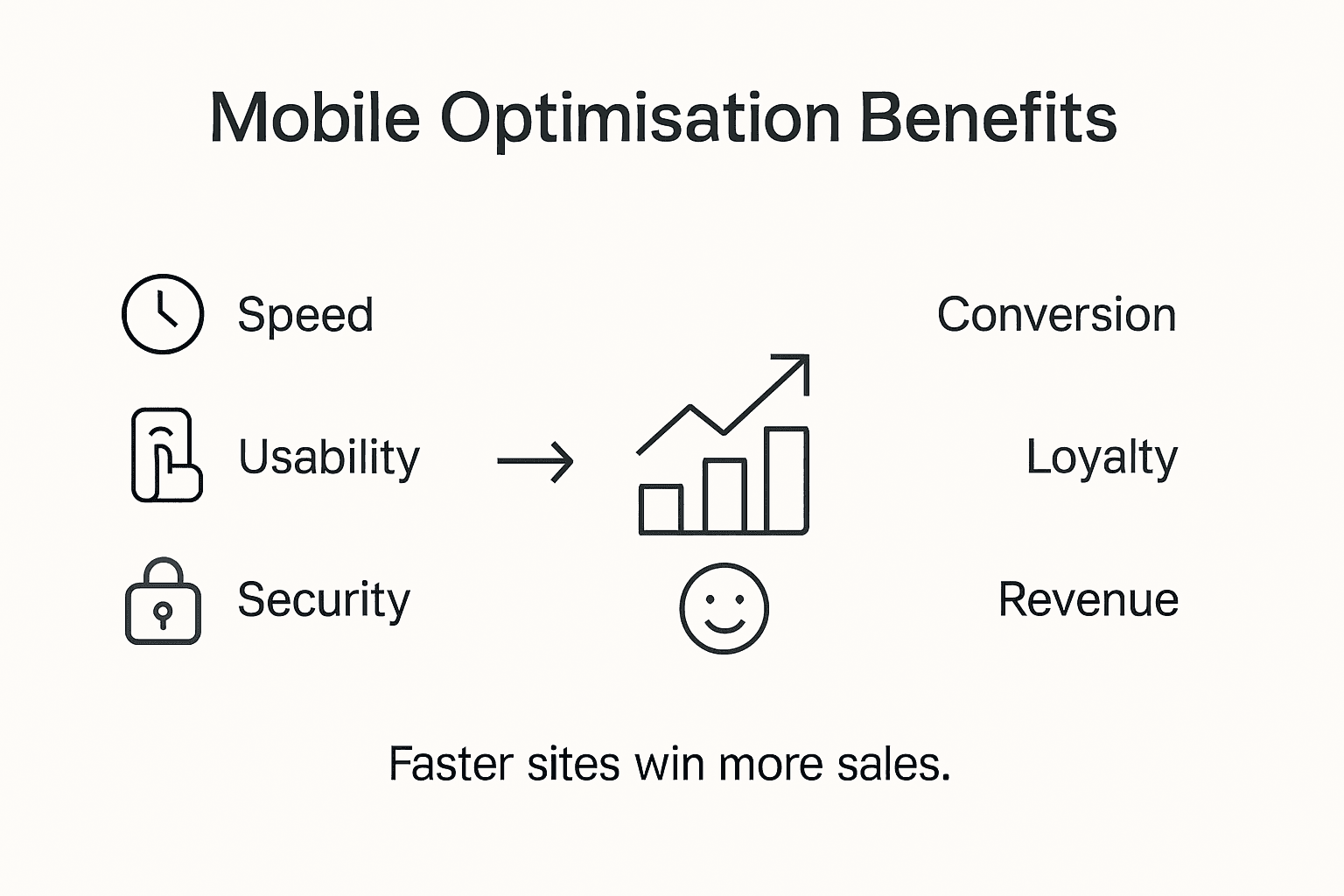
The financial implications of mobile optimisation are particularly compelling for SME retailers. Advanced mobile strategies can reduce customer acquisition costs, increase conversion rates, and provide granular insights into consumer behaviour through sophisticated analytics. By implementing responsive design, implementing fast-loading mobile interfaces, and creating seamless cross-device shopping experiences, retailers can directly improve their bottom line while building stronger, more meaningful connections with their digital customer base.
Here is a summary of major business benefits SME retailers gain from mobile optimisation:
| Benefit | Description | Example Impact |
|---|---|---|
| Enhanced engagement | Captures users with responsive layouts | More time spent on site |
| Broader market reach | Attracts mobile-first consumers | Expanded local and global reach |
| Increased conversion rates | Reduces friction in the shopping process | Higher online sales |
| Lower acquisition costs | Better site performance reduces ad spend | Cost-effective marketing |
Pro tip: Invest in mobile-responsive design that prioritises user experience, focusing on fast load times, intuitive navigation, and clear product presentation to maximise your digital retail performance.
Mobile optimisation presents numerous potential challenges that can significantly undermine website performance, requiring strategic approaches to overcome common technical and design limitations. Small and medium enterprises must navigate a complex landscape of technical constraints, user experience considerations, and performance expectations to create truly effective mobile experiences.
Performance and usability represent critical areas where mobile optimisation efforts frequently falter. Common pitfalls include excessive page load times, non-responsive design elements, complex navigation structures, and inconsistent rendering across different device types. Businesses must prioritise streamlined design principles, implement efficient coding practices, and continuously test their mobile interfaces to ensure smooth, intuitive user interactions that maintain engagement and prevent potential customer abandonment.
Mobile security vulnerabilities pose another significant risk that businesses cannot afford to overlook, with potential consequences ranging from data breaches to compromised user trust. Implementing robust security protocols, utilising encryption technologies, conducting regular security audits, and adhering to comprehensive mobile application security standards are essential strategies for protecting both user data and business reputation. Advanced mobile optimisation requires a holistic approach that balances technical performance, user experience, and stringent security measures.
Pro tip: Implement comprehensive cross-device testing protocols using multiple real-world devices and emulators to identify and resolve potential mobile optimisation challenges before launching your website.
Are you struggling with slow loading times or clunky website navigation on mobile devices Mobile optimisation is essential for delivering fast, responsive, and engaging user experiences that keep your customers coming back. This article highlights critical concepts like responsive design, adaptive image scaling, and the importance of seamless cross-device functionality, all key to staying competitive in today’s digital marketplace. If these challenges sound familiar, then a tailored mobile-friendly website could be the game changer you need to boost conversions and grow your online presence.
At Kickass Online, we specialise in creating high-converting, mobile-optimised websites that prioritise user experience and performance. Discover our expert solutions in Websites | Kickass Online designed specifically for small and medium-sized businesses seeking to enhance their digital footprint. Don’t wait until poor mobile performance drives potential customers away Act now by visiting https://kickassonline.com to book a consultation and start transforming your website into a mobile powerhouse. For ongoing insights and tips on maintaining a competitive edge, explore our Tips and Tricks | Kickass Online section and stay ahead in the fast-paced online market.
Mobile optimisation is a strategic approach to web design that ensures websites function effectively and look appealing across various devices, particularly smartphones and tablets. It focuses on creating responsive designs that dynamically adjust to different screen sizes and resolutions.
Mobile optimisation is crucial for businesses as it enhances user experience, leading to increased engagement and conversion rates. A well-optimised mobile site can attract a broader audience, improve online visibility, and ultimately drive sales and customer loyalty.
Common techniques in mobile optimisation include responsive design methodologies, fluid grid systems, adaptive image scaling, CSS media queries, and performance-focused coding practices. These strategies work together to ensure fast loading times and a seamless user experience across devices.
To ensure your website is mobile-optimised, regularly test it across multiple devices and screen sizes, implement automated performance testing tools, and utilise best practices such as lazy loading and efficient coding. Monitoring user interactions and making iterative improvements based on feedback can also enhance mobile performance.