
Fast-loading websites can make or break customer trust, especially for british e-commerce businesses in Milton Keynes aiming to increase sales. Research shows that even a one second delay in page load speed can drop conversion rates by nearly 20 percent. When every visitor counts, understanding and improving website speed becomes vital for retaining shoppers and driving revenue. This guide gives practical steps to assess, enhance, and monitor your site’s performance so you can deliver a smoother experience and stay ahead of the competition.
Table of Contents
- Step 1: Assess Current Website Performance Using Industry Tools
- Step 2: Optimise Images And Media For Faster Loading Times
- Step 3: Minimise Website Code And Leverage Caching Solutions
- Step 4: Implement Reliable Hosting And Content Delivery Options
- Step 5: Test Improvements And Monitor Ongoing Speed Metrics
Quick Summary
| Key Insight | Explanation |
|---|---|
| 1. Assess Current Performance | Use industry tools to measure website metrics accurately, identifying bottlenecks for optimisation. |
| 2. Optimise Images Effectively | Implement smart loading techniques and efficient file formats to reduce image load times significantly. |
| 3. Streamline Website Code | Minify code and utilise caching to enhance loading speeds and improve overall user experience. |
| 4. Choose Reliable Hosting | Select a robust hosting provider and CDN to ensure consistent, fast content delivery across the globe. |
| 5. Monitor Performance Regularly | Establish a routine to track speed metrics and benchmark improvements for ongoing website optimisation. |
Step 1: Assess current website performance using industry tools
To kickstart your website speed improvement journey, you need accurate performance insights. Understanding your current website speed metrics helps pinpoint specific areas requiring optimisation. Browser developer tools and specialised web performance platforms provide comprehensive data to diagnose potential bottlenecks.
Start by using free professional tools like browser developer performance monitors. These powerful resources reveal detailed metrics about resource loading times, rendering performance, and potential optimisation opportunities. Platforms like WebPageTest offer global testing perspectives, measuring critical indicators such as Time to First Byte, Start Render, and Speed Index across multiple browsers and geographic locations.
Your assessment should include key performance metrics like page load speed, time to interactive, first contentful paint, and total blocking time. Record these baseline measurements to track future improvements and understand your website’s current performance landscape. Pay special attention to metrics indicating user experience responsiveness.
Top tip: Create a spreadsheet to document your initial performance measurements, allowing you to track progress systematically and visualise improvements over time.
Here’s a comparison of website performance measurement tools and their specialised functions:
| Tool | Main Function | Data Provided | Business Benefit |
|---|---|---|---|
| Browser Dev Tools | In-browser diagnostics | Load times, rendering stats | Pinpoint bottlenecks |
| WebPageTest | Global perspective testing | TTFB, Speed Index | Identify geographic issues |
| Performance APIs | Programmatic performance data | User metrics, benchmarks | Track continuous improvements |
Step 2: Optimise images and media for faster loading times
Reducing image file sizes and implementing smart loading techniques can dramatically improve your website’s performance. Images typically consume significant bandwidth, making their optimisation crucial for maintaining fast load times and positive user experiences.
Begin by selecting the most efficient file formats for your media. Image optimisation strategies recommend using modern formats like WebP, which provide superior compression without sacrificing visual quality. Resize images precisely to their display dimensions, avoiding unnecessary data transfer. Compress images intelligently, aiming to reduce file size while preserving acceptable visual clarity.

Implement lazy loading techniques to defer offscreen image loading until users scroll or interact with specific page sections. Modern browsers support this approach natively, allowing you to prioritise critical content and defer non essential visual elements. This method significantly reduces initial page load times and improves overall website responsiveness.
Top tip: Utilise automated image compression tools that can batch process multiple images simultaneously, saving you considerable time and ensuring consistent optimisation across your website.
Step 3: Minimise website code and leverage caching solutions
Streamlining your website’s code and implementing intelligent caching strategies are fundamental to achieving lightning-fast performance. By reducing unnecessary code and strategically storing website resources, you can dramatically improve loading speeds and user experience.
Start by removing redundant code, minifying JavaScript, CSS, and HTML files to eliminate unnecessary characters and whitespace. Caching technologies like Service Workers enable sophisticated resource management, intercepting network requests and serving cached content efficiently. This approach reduces server load and accelerates page rendering by storing critical resources locally on users’ devices.
Caching strategies can be implemented at multiple levels, including request memoization, data caching, and full route HTML caching. Configure these techniques to balance content freshness with performance, allowing dynamic rendering while minimising unnecessary network requests. Implement browser caching headers to instruct browsers how long specific resources can be stored locally, further optimising your website’s responsiveness.
Top tip: Regularly audit your website’s code and caching configurations, using performance monitoring tools to identify and eliminate potential bottlenecks in your caching strategy.
Step 4: Implement reliable hosting and content delivery options
Choosing the right hosting infrastructure and content delivery strategy is critical for ensuring your website performs consistently and quickly for users worldwide. Your hosting solution directly impacts website speed, reliability, and user experience.
Content Delivery Networks (CDNs) provide an intelligent solution for distributing website content across geographically diverse servers. By caching static assets closer to end users, CDNs significantly reduce latency and improve website scalability. These networks offload traffic from origin servers, enabling faster content delivery and reducing bandwidth costs for businesses targeting global audiences.
Select a hosting provider that offers robust infrastructure, scalable resources, and integrated CDN capabilities. Global content distribution networks ensure high availability by selecting optimal edge servers based on user location, which minimises loading times and maintains consistent performance across different regions. Consider factors like server uptime, performance metrics, security features, and the ability to handle traffic spikes when making your hosting selection.
Top tip: Conduct periodic performance tests on your hosting and CDN configuration to ensure optimal speed and reliability, making adjustments as your business and website traffic grow.
The table below summarises common CDN features and the distinct business impacts they deliver:
| CDN Feature | Description | Business Impact |
|---|---|---|
| Global Caching | Content stored on multiple regions | Faster delivery worldwide |
| Traffic Offloading | Reduces demand on origin server | Lower bandwidth costs |
| Edge Server Selection | Chooses optimal server for each user | Minimises latency, boosts reliability |
Step 5: Test improvements and monitor ongoing speed metrics
Measuring website performance is a continuous process that ensures your optimisation efforts yield meaningful results. Tracking key speed metrics provides crucial insights into your website’s user experience and technical performance.
Web performance APIs offer comprehensive tools for monitoring critical speed indicators such as time to first byte, DOM content loading, and speed index. Use browser developer tools to capture detailed performance data, comparing metrics before and after implementing optimisation strategies. Focus on key performance indicators that directly impact user experience, including page load time, interactive readiness, and overall rendering speed.
Implement a systematic approach to performance tracking by establishing clear benchmarks and regularly reviewing your website’s speed metrics. Performance measurement frameworks help organisations systematically assess and improve website performance. Create a consistent monitoring schedule, document your findings, and be prepared to make iterative improvements based on the data you collect.
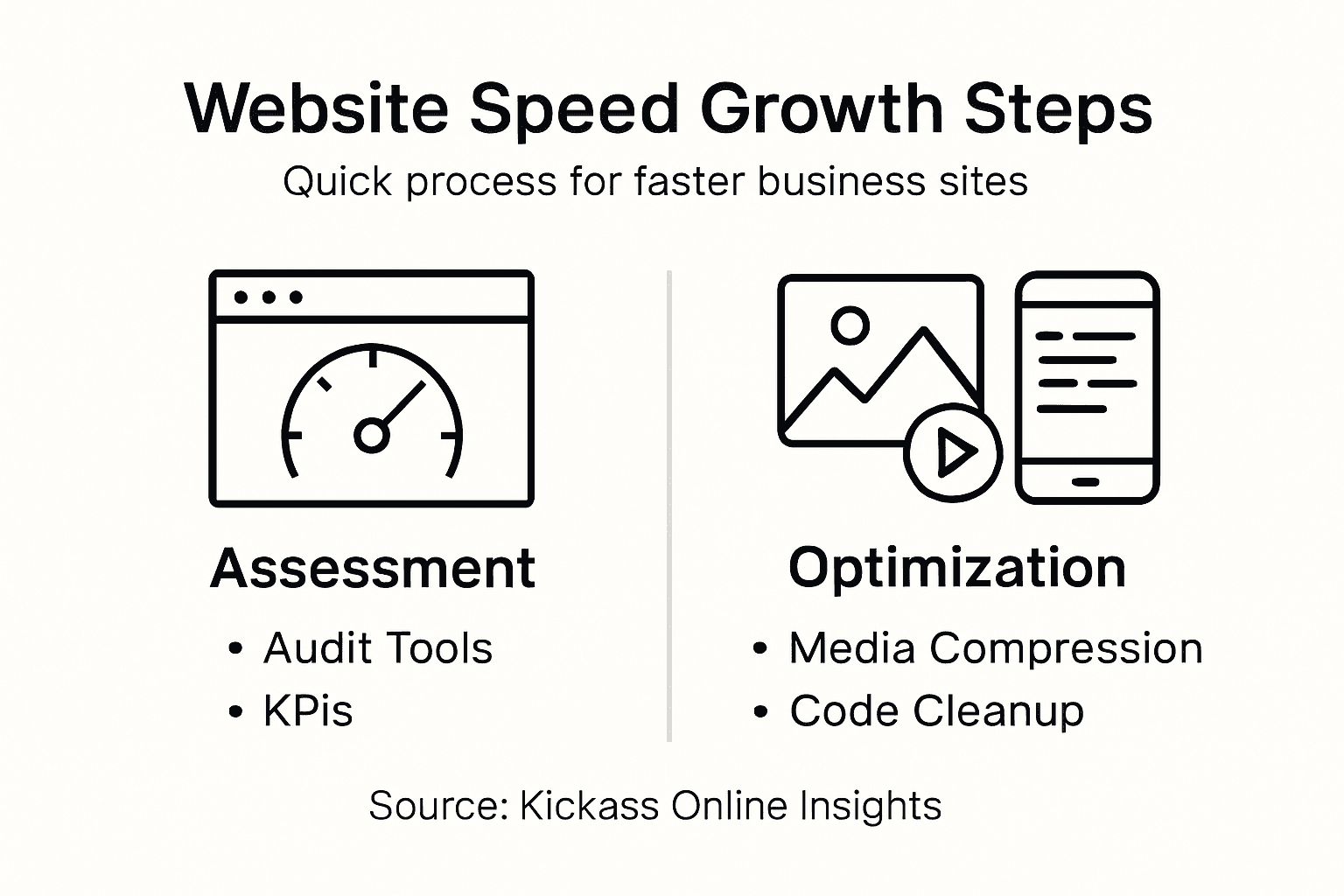
Top tip: Schedule monthly performance reviews and set up automated monitoring tools to track your website’s speed metrics, ensuring you can quickly identify and address any performance regressions.
Unlock Exceptional Website Speed for Unmatched Business Growth
Improving your website speed is not just a technical upgrade it directly impacts your visitor experience and conversion rates. If you face challenges with slow load times, bulky images, or inefficient caching as highlighted in this guide, you are not alone. At Kickass Online, we understand that optimising your site to deliver fast, smooth, and reliable performance is a critical step towards achieving your business goals. Our expertise in creating high-performing, high-converting websites ensures your online presence is both efficient and effective.

Ready to transform your website performance and elevate your business? Explore our Websites | Kickass Online solutions for personalised strategies tailored to your needs. Discover why business owners trust us for professional website design, ongoing maintenance, and speed optimisation that keep their sites responsive and secure. Take the first step today by visiting Kickass Online and book a consultation to start boosting your website speed and online visibility now. For additional expert guidance, visit our Tutorials | Kickass Online for actionable insights that support your growth journey.
Frequently Asked Questions
How can I assess my website’s current speed performance?
To assess your website’s current speed, utilise browser developer tools or specialised web performance platforms to gather metrics such as page load time and first contentful paint. Start by recording your baseline measurements to identify areas needing improvement.
What are effective strategies for optimising images on my website?
Optimising images involves selecting the most efficient file formats, resizing images to their display dimensions, and compressing them without sacrificing quality. Implement smart loading techniques, like lazy loading, to enhance initial page load speeds and provide a better user experience.
How can I minimise website code to improve loading times?
Minimise your website code by removing unnecessary characters and whitespace in your HTML, CSS, and JavaScript files. Begin by using code minification tools to streamline your files, which can help reduce load times by approximately 10–20%.
What are content delivery networks, and how do they enhance website speed?
Content Delivery Networks (CDNs) cache your website’s content across various geographically located servers, reducing latency and improving load times for users. To enhance performance, implement a CDN that can distribute static assets closer to your target audience, which can significantly speed up content delivery.
How often should I test my website speed after making improvements?
You should aim to test your website speed at least once a month after implementing improvements. Establish a consistent monitoring schedule to track key performance metrics and ensure your website’s speed remains optimised over time.