
Struggling to turn Milton Keynes website visitors into loyal customers can feel frustrating when you are not sure where they drop off or why. Understanding the full path each person takes on your site reveals not just what works but where they’re losing interest. By focusing on mapping your user journey and spotting emotional highs and lows, you uncover hidden problems in your website experience and form a clear action plan for improvements that drive real results.
| Key Message | Explanation |
|---|---|
| 1. Understand User Journey | Map every touchpoint to identify weaknesses in customer interaction and ensure data-driven insights for improvements. |
| 2. Simplify Navigation Structure | Organise categories based on customer needs rather than internal departments to enhance user experience and satisfaction. |
| 3. Prioritise Readability and Design | Use clear typography, visual hierarchy, and strategic colour usage to improve content engagement and retention. |
| 4. Conduct Real User Testing | Involve actual customers in testing to gain insights into usability issues and allow iterative improvements based on feedback. |
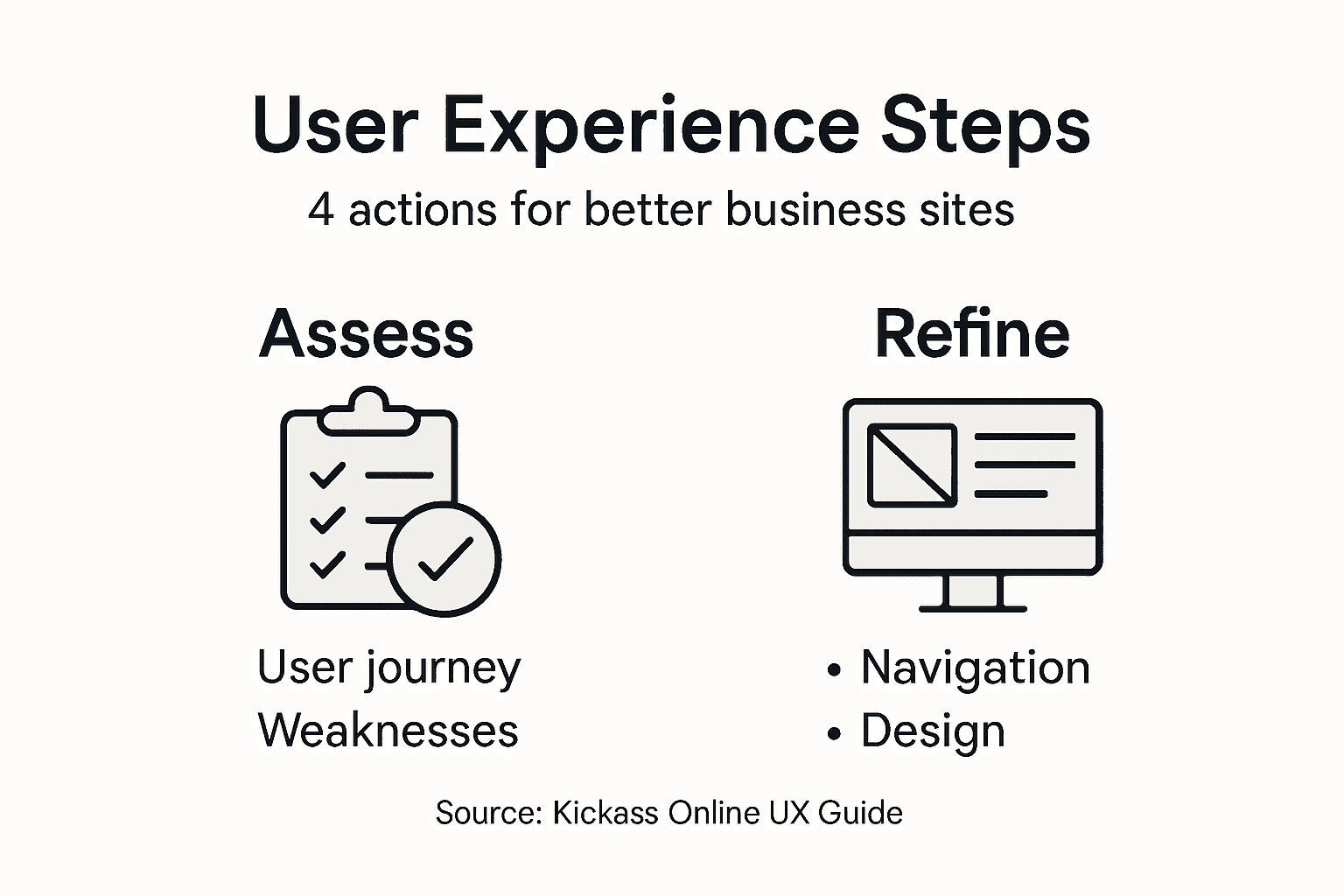
Your first task is understanding exactly how customers interact with your website from start to finish. This isn’t about guessing or relying on hunches. You need concrete data that shows where visitors succeed and where they abandon you.
Start by mapping out every touchpoint in your customer’s experience. Think about the moments when someone arrives at your site, browses your products or services, and attempts to convert. User journey maps visualise a customer’s experience with your brand, revealing the steps they take and where friction occurs.
Here’s what to track across your journey:
Gather real data from your analytics. Google Analytics shows visitor behaviour patterns, but dig deeper. Look at session recordings using tools like Hotjar or Smartlook to watch actual users navigating your site. You’ll spot confusion that numbers alone never reveal.
Pay close attention to emotional shifts. Where do visitors feel confident? Where do they hesitate? Identifying weaknesses in the user journey happens by tracking real-time customer interactions across your touchpoints.
Real-time data reveals not just what visitors do, but where they struggle most. These struggle points are your biggest opportunities.
Once you’ve mapped the journey, mark the pain points. These are moments where visitors face obstacles, confusion, or friction. Common weakness areas include:
Document these findings clearly. Create a simple spreadsheet listing each weakness, where it occurs in the journey, and how many users it affects. This becomes your action list for improvements.
To clarify the impact of key website weaknesses, here is a business-focused summary table:
| Weakness Area | Business Impact | Improvement Priority |
|---|---|---|
| Slow loading pages | Lower conversion rate | High |
| Cluttered navigation | Increased user frustration | High |
| Excessive form fields | Higher abandonment rate | Medium |
| Missing details | Fewer purchases | Medium |
| Mobile issues | Lost mobile customers | High |
| Confusing checkout | Increased cart abandonment | High |
Pro tip: Watch 10 to 15 unmoderated user session recordings before making changes. Real user behaviour often contradicts what you think visitors want to do.
Now you understand where users struggle. Next, fix the structure that’s causing confusion. Your website’s backbone, how content is organised and how visitors move through it, directly affects whether they find what they need or leave frustrated.

Start by auditing your current navigation. Does it reflect how your customers actually think about your business? Most businesses organise navigation around their internal departments, but customers care about what problems you solve. A Milton Keynes accountancy firm shouldn’t have “Taxation” and “Audit Services” listed separately if customers search for “tax planning” and “financial reviews.”
Restructure your main categories around customer needs, not internal structure. Group related content logically so visitors can anticipate where information lives. Global navigation design acts as a map, showing users main content categories and helping them move between sections intuitively.
Here’s what to refine:
Clean up your URL structure too. Avoid deep, complex paths like “yoursite.com/services/business/consulting/tax-planning.” Instead, use straightforward URLs like “yoursite.com/tax-planning-services.” Shorter paths help both users and search engines.
Properly marking up page structure with clear headings and sections makes your site easier to navigate for everyone, especially visitors using screen readers or mobile devices.
Simple navigation means fewer clicks to reach information. Every extra click increases the chance a visitor leaves.
Test your revised navigation with actual users. Watch them attempt common tasks without guidance. Do they find what they need? Do they get lost? Their behaviour reveals blind spots your team might miss.
Pro tip: Use a three-click rule: visitors should reach any page on your site within three clicks from the homepage. If not, your structure needs further simplification.
For better understanding of successful navigation features, here is a concise comparison table:
| Navigation Feature | User Benefit | Business Benefit |
|---|---|---|
| Breadcrumbs | Clear user orientation | Lower bounce rates |
| Three-click rule | Fast information access | Higher satisfaction |
| Descriptive labels | Easy decision-making | Increased trust |
| Mobile accessibility | Smooth on all devices | Wider customer reach |
Your website’s visual presentation directly impacts whether visitors read your content or bounce away. People don’t read websites, they scan them. Your design must guide their eyes to what matters most and make text easy to process quickly.
Start with typography, the foundation of readability. Choose fonts that are clean and legible on all devices. Sans-serif fonts like Arial, Helvetica, or Open Sans work well for body text on screens. Your font size should be at least 16 pixels for body text. Smaller text forces visitors to squint, creating friction that sends them elsewhere.
Optimising font choice, size, spacing, and contrast significantly improves reading speed and comprehension across your website. Line spacing matters too. Too tight, and text feels cramped. Too loose, and it feels disconnected. Aim for a line height of 1.5 to 1.6 times your font size.
Next, organise your content visually. Use clear hierarchy with distinct heading levels so visitors understand what’s important. Using headings, bold text, and lists helps readers quickly locate information they need.
Implement these visual strategies:
Maintain colour consistency across your site. Limit your palette to 3-4 primary colours plus neutral tones. Your Milton Keynes business needs coherent branding, not a rainbow of inconsistent hues.
Readability isn’t about being beautiful. It’s about making your message impossible to ignore.
Test your design on actual devices. How does it look on mobile? Tablet? Desktop? Visitors use multiple devices, and your design must adapt seamlessly. Poor mobile readability alone will tank your user experience.
Pro tip: Use the F-pattern layout on key pages: visitors scan left to right, then down the left side. Place your most important information along this natural reading path.
You’ve restructured your site and polished the design. Now comes the reality check. Real users will interact with your website in ways you never anticipated, revealing issues your team can’t see from the inside.
Start testing with real people. Don’t use colleagues, friends, or family. Find actual customers or prospects who match your target audience. A Milton Keynes retailer needs feedback from local shoppers, not your brother who never visits your shop.
Run structured testing sessions with 5-8 participants per round. Give them specific tasks without guidance. “Find our most popular product” or “Complete a booking” forces them to navigate your site naturally. Watch what they do, not what they say they do. Their actions reveal truth that surveys never will.
Using structured feedback methods like “I Like, I Wish, What If” encourages honest critique from testers. This simple framework helps users articulate their reactions clearly and gives you actionable insights.
Capture feedback systematically:
Analyse patterns across your test sessions. One user struggling with checkout might be a fluke. Three users all struggling? That’s a priority fix. Group similar feedback together and rank issues by impact and frequency.
Integrating user feedback into design iterations is fundamental to human-centred design. Don’t make sweeping changes based on a single comment. Prioritise feedback that multiple users mentioned.
Testing reveals blind spots your team creates through familiarity. What seems obvious to you may confuse visitors completely.
Make changes iteratively. Fix your top three issues, then test again with fresh users. This cycle of test, analyse, improve, repeat should become part of your ongoing process, not a one-time event.
Pro tip: Schedule testing monthly, not yearly. Small, frequent improvements compound faster than waiting for months to gather perfect data.
Struggling with slow page loads, confusing navigation or mobile compatibility issues? These common pain points from the article “How to Improve User Experience for Business Websites” highlight the crucial need for expert guidance to refine your website’s structure and visual design. At Kickass Online, we specialise in crafting high-converting websites that provide smooth, intuitive journeys for your visitors by focusing on usability, clear navigation, and responsive design.

Explore our Websites | Kickass Online services to see how we tailor solutions that tackle real user journey challenges. Our team works closely with your business to boost online performance and security while enhancing customer engagement. Don’t let your website’s weaknesses hold back your growth. Visit https://kickassonline.com now and start your personalised consultation to unlock your site’s full potential. For further insights into optimising your site, check out our helpful Tutorials | Kickass Online and begin transforming your digital presence today.
Start by mapping every touchpoint in your customer’s experience on your website. Use analytics tools to track user interactions and identify where visitors succeed or abandon the site, focusing on entry points, pages visited, and time spent on those pages.
Common pain points include slow page load times, unclear navigation, excessive form fields, and confusing checkout processes. Identify these issues by reviewing your website’s analytics and user feedback to target areas for improvement.
To simplify navigation, limit top-level categories to 5-7 main options and use clear, descriptive labels. Organising content based on customer needs rather than internal structures will help users find information easily and improve satisfaction.
Focus on typography by selecting clean, legible fonts and ensuring proper spacing between text lines. Incorporate headings, bullet points, and high-contrast colours to lead visitors’ eyes effectively to key information.
Conduct testing sessions with real users who match your target audience, asking them to complete specific tasks without guidance. Record their actions and note any hesitations or frustrations to gain valuable insights for iterative improvements.
Integrating user feedback helps identify and address user pain points that your team might overlook. Use the insights from user testing to prioritise adjustments, enabling you to improve user satisfaction and engagement more efficiently.
Struggling to figure out why your UK business website is slow to appear in Google searches? For many small business owners, understanding how search engines find and rank content can feel like guesswork, yet a clear, well-structured sitemap is often the missing link. By providing search engines with a direct guide to your most valuable pages, a sitemap helps you increase visibility and makes sure important content does not get overlooked. This guide clears up common sitemap myths and reveals how smart sitemap use puts your business ahead of the competition.
| Point | Details |
|---|---|
| Sitemaps Enhance Site Visibility | A sitemap aids search engines in discovering and indexing your site’s important pages, improving overall visibility, particularly for larger or new websites. |
| Common Myths Addressed | Many business owners mistakenly believe every site needs a sitemap or that it guarantees indexation; this is not the case, as quality content and SEO practices are crucial. |
| Different Sitemap Types | XML sitemaps are essential for search engines, while HTML sitemaps enhance user navigation; understanding the right type for your business is vital for effective SEO. |
| Regular Updates Are Essential | Keeping your sitemap updated with changes to your site’s content is critical to maintaining its effectiveness and ensuring search engines have accurate information. |
A sitemap is fundamentally a map for search engines. It’s an XML file that lists your website’s important pages, videos, and other content along with metadata about them.
Think of it like a directory in a book. Instead of readers flipping through every page hoping to find what they need, the directory shows them exactly where to look. Search engines work the same way.
Sitemaps serve several critical functions for your site:
Search engines use sitemaps to crawl sites more efficiently and understand your site’s structure. This is particularly valuable if your site has thousands of pages or features rich media like videos.
Here’s where confusion sets in. Many business owners believe myths that simply aren’t true.
Myth 1: Every website must have a sitemap. Not true. Small sites with fewer than 500 pages and solid internal linking often crawl fine without one. Larger sites, new sites, or those with complex navigation? Yes, add a sitemap.
Myth 2: A sitemap guarantees your pages will be indexed. Wrong. A sitemap helps search engines find your pages, but it doesn’t force indexation. Quality content and proper on-site SEO matter more.
Myth 3: Sitemaps are only for Google. False. Major search engines including Bing and smaller platforms benefit from sitemaps too.
Myth 4: Internal linking makes sitemaps unnecessary. Partially true. Strong internal linking helps, but sitemaps are critical for large or new websites with complex structures because they ensure every important page gets crawled.
If you’re a small-to-medium business competing for local or national visibility, a sitemap gives you an edge. It works alongside your site architecture and content hierarchy to ensure search engines understand exactly how your site is organised.
New sites especially benefit. When you launch, search engines don’t yet know your content exists. A sitemap accelerates discovery.
Sitemaps aren’t optional for competitive advantage, they’re a practical tool that directly improves how search engines interact with your site.
Pro tip: Generate your sitemap using your website platform’s built-in tools (WordPress plugins, Shopify apps, or custom solutions), then submit it to Google Search Console to confirm it’s working properly.
Not all sitemaps are created equal. Different types serve different purposes, and understanding which ones your business needs is crucial for maximising SEO results.
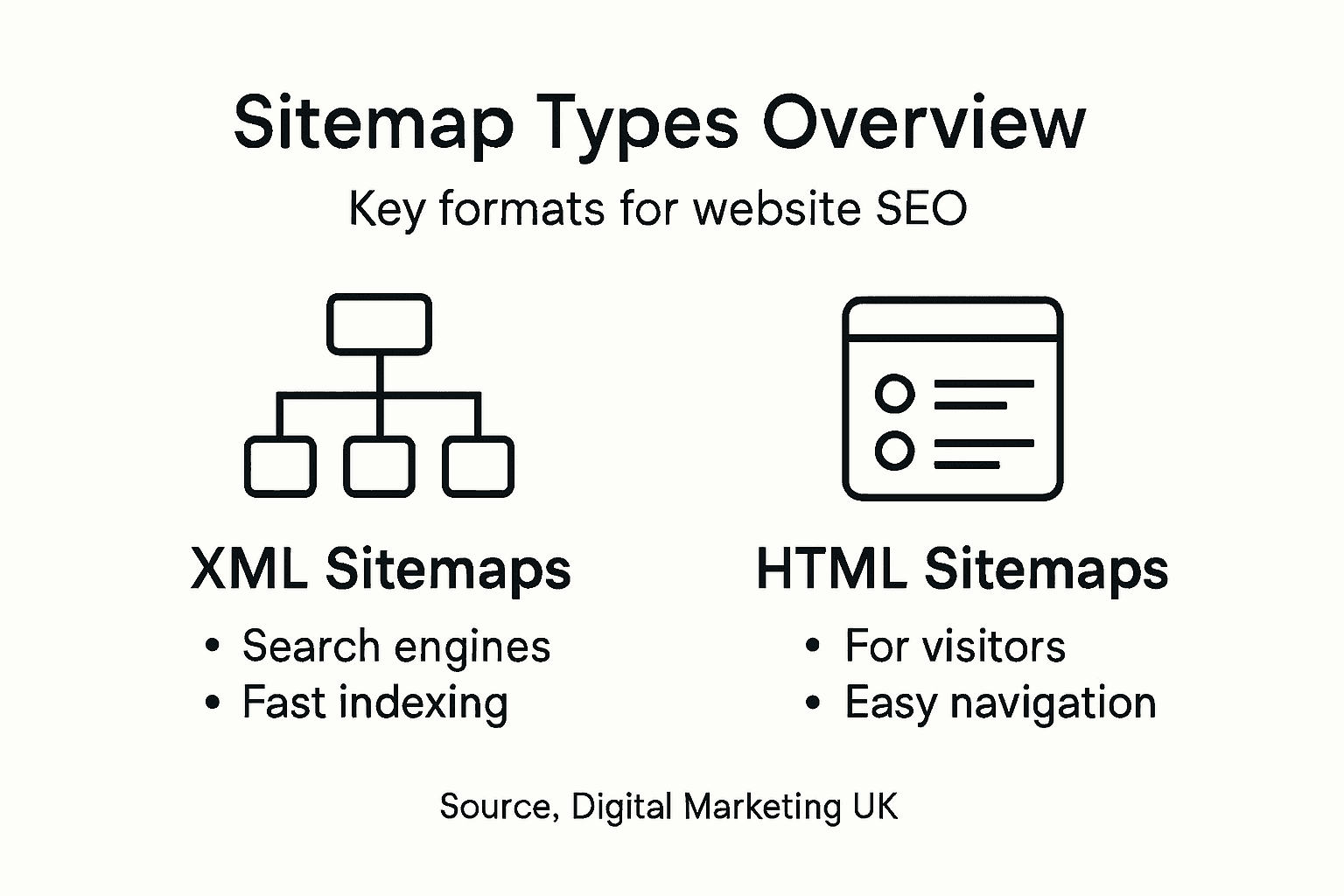
The main division is simple: some sitemaps target search engines, others target people. Both matter for different reasons.
XML sitemaps are the technical backbone of sitemap strategy. These files speak directly to Google, Bing, and other search engines in a language they understand.
XML sitemaps contain:
XML sitemaps improve discoverability and speed up indexation, especially for large sites or newly launched websites. When you have hundreds or thousands of pages, an XML sitemap ensures nothing gets missed during crawling.
Beyond standard XML sitemaps, you can create targeted versions for specific content types.
Media sitemaps list video and image content with metadata. If your site features product videos or image galleries, these sitemaps help search engines index rich media properly.
News sitemaps are for publishers. If you publish regular news articles, this sitemap tells Google about recent content immediately.
Image sitemaps specifically highlight photographs and graphics with titles and captions, improving image search visibility.
These specialised versions exist because search engines handle different content types differently. A video needs different indexing signals than a standard webpage.
Here is a comparison of sitemap types highlighting their intended users, ideal site scenarios, and primary benefits:
| Sitemap Type | Target User | Best For Site Type | Primary Benefit |
|---|---|---|---|
| XML Sitemap | Search engines | Large or new sites | Ensures full index coverage |
| Media Sitemap | Search engines | Sites with rich media content | Improves video/image indexing |
| News Sitemap | Search engines | News publishers | Accelerates article discovery |
| HTML Sitemap | Human visitors | Large sites with complex menus | Enhances user navigation |
HTML sitemaps are purely for people, not search engines. They’re a webpage listing your site’s important pages in an organised hierarchy.
HTML sitemaps improve user experience by:
Think of it as a sitemap page on your website, like a page map or directory. It’s particularly useful for large sites where traditional navigation menus become overwhelming.
For most small-to-medium UK businesses, start with an XML sitemap. This is non-negotiable for SEO success.
Add an HTML sitemap if your site exceeds 100 pages or has complex navigation. Include specialised XML sitemaps only if you have significant video, image, or news content.
The right sitemap type depends on your content volume and how you want search engines to discover your pages.
Pro tip: Use your content management system to auto-generate your XML sitemap, then manually create an HTML sitemap page linked from your footer so both search engines and visitors can find it easily.
Sitemaps don’t directly boost your rankings, but they create the conditions for better rankings to happen. Think of them as a foundation that supports your entire SEO strategy.
Here’s how the mechanism works. When search engines crawl your site efficiently, they discover more pages, index them faster, and understand your content better. All of this contributes to improved visibility.

Sitemaps facilitate faster and more complete discovery of pages by search engines, ensuring that important content gets indexed. Without a sitemap, Google relies on finding your pages through internal links alone.
This creates problems for:
A sitemap acts as a shortcut. Instead of waiting for Google to stumble upon your pages, you’re handing them a direct map. This is particularly valuable for UK businesses launching new sites or adding significant new content sections.
Sitemaps let you communicate priority levels to search engines. You tell Google which pages matter most by assigning priority scores from 0.0 to 1.0.
You also specify last modification dates. When Google sees that a page was updated recently, it knows to recrawl and re-evaluate that content for rankings. This signals that your site stays current and relevant.
Crawlers then focus their limited resources on pages that matter most. For a small-to-medium business competing against larger competitors, this efficiency advantage counts.
Complex site structures create crawling challenges. Pages lacking backlinks often get overlooked. Sitemaps solve this directly.
Sitemaps are essential for sites with complex structures or pages lacking backlinks, thus improving crawl efficiency and overall SEO success. When every important page appears in your sitemap, nothing gets lost in your site’s architecture.
This translates to:
Remember: sitemaps don’t rank pages directly. Your content quality, search engine ranking factors, backlinks, and user experience do that.
But sitemaps remove barriers to ranking. They ensure Google discovers your content, understands its importance, and crawls it regularly. Without these foundations in place, even excellent content struggles to rank.
Sitemaps create the technical conditions for your content quality and SEO efforts to actually work.
Pro tip: Submit your sitemap to Google Search Console and monitor the “Coverage” report to identify any pages Google can’t index, then fix those issues to maximise your ranking potential.
Small business owners often assume sitemaps are complicated to create and maintain. They’re not. In fact, getting a sitemap in place is one of the quickest wins you can achieve for SEO.
The good news: most platforms automate this entirely. You don’t need technical expertise or a developer. You need a plan and thirty minutes of your time.
Start by identifying what your site runs on. Your platform determines your easiest path forward.
WordPress sites: Use plugins like Yoast SEO or Rank Math. Installation takes minutes, and the plugin generates your sitemap automatically.
Shopify stores: Sitemaps are built-in. They’re already being generated without you doing anything.
Custom websites: Use online sitemap generators like XML-Sitemaps.com or Screaming Frog to create your file, then upload it to your server.
Squarespace, Wix, or other platforms: Check your settings, most modern platforms auto-generate sitemaps.
The key is this: submitting sitemaps to search engines supports indexing and visibility, helping small businesses compete effectively. You don’t need a perfect solution. You need a working one.
To help small businesses select the most appropriate sitemap solution, see the summary below:
| Platform Type | Easiest Sitemap Approach | Technical Skill Needed | Typical Maintenance Method |
|---|---|---|---|
| WordPress | Use an SEO plugin | Low | Automatic via plugin |
| Shopify | Built-in generation | None | Automatic |
| Custom Website | Use an online generator | Moderate | Manual upload required |
| Wix/Squarespace | Enable built-in setting | None | Automatic |
Once you’ve chosen your tool, creating your sitemap is straightforward.
For plugin-based solutions, activation is automatic. The plugin crawls your site, identifies all pages, and creates the XML file.
For online generators, you enter your domain, let the tool scan your site, and download the XML file. Upload it to your site’s root directory.
For built-in generators (Shopify, Wix), you simply enable the feature in settings.
Then set priority levels. Homepage gets highest priority (1.0). Service pages get medium priority (0.8). Blog posts get lower priority (0.6). This tells Google what matters most.
Creating a sitemap means nothing if Google doesn’t know about it. You must submit it.
Open Google Search Console:
Repeat for Bing Webmaster Tools. Both search engines give you reports showing how many pages they’ve indexed from your sitemap.
Maintaining updated sitemaps aids discovery of new or changed content which is crucial for growing your online presence. Set a reminder to regenerate your sitemap quarterly, especially if you’re actively publishing new content.
Plugin-based solutions do this automatically. Manual generators require you to re-run the tool periodically.
Check Search Console monthly to confirm Google’s crawling your new pages. Low submission numbers signal a problem worth investigating.
Small businesses gain competitive advantage through consistent sitemap maintenance, not complexity.
Pro tip: Set up a quarterly calendar reminder to check your Google Search Console sitemap coverage report; if indexed page counts aren’t growing with your content, regenerate your sitemap or investigate indexation issues immediately.
Even straightforward tasks can go wrong when you’re not paying attention. Sitemap creation is no exception. Small errors compound into serious indexation problems that cost you visibility for months.
The good news: most mistakes are preventable if you know what to watch for.
This is the biggest sitemap mistake. Many businesses accidentally list pages that shouldn’t be indexed at all.
Common sitemap mistakes include excluding important pages by accidentally noindexing them, including non-canonical or redirected URLs. When you include redirected pages, you’re wasting Google’s crawl budget on outdated content.
Pages to exclude from your sitemap:
Including these dilutes your sitemap’s effectiveness. Google crawls them instead of your actual important content.
Creating a sitemap is only half the job. You must actively submit it to search engines.
Many business owners generate their sitemap, pat themselves on the back, and forget about it. Google doesn’t automatically know your sitemap exists. You have to tell them.
Submit to Google Search Console and Bing Webmaster Tools. Without submission, your sitemap sits on your server unused.
Your sitemap becomes outdated the moment your site changes. Adding new pages, deleting old ones, or restructuring content means your sitemap no longer reflects reality.
Improper formatting, missing metadata, and not updating sitemaps after site changes reduce crawling efficiency. When Google revisits your sitemap and finds pages listed that no longer exist, trust degrades.
Set a schedule. Update your sitemap whenever you:
Plugin-based solutions handle this automatically. Manual sitemaps require quarterly regeneration at minimum.
XML sitemaps follow strict formatting requirements. Broken XML syntax causes search engines to reject your entire file.
Common formatting errors include:
Validate your XML using online validators before submission. A malformed sitemap provides zero value.
Submitting your sitemap isn’t the end. You need to monitor whether it’s actually working.
Check Google Search Console monthly. Look at coverage reports showing how many pages Google successfully indexed from your sitemap. If numbers stagnate or decline, investigate immediately.
Sitemap mistakes often go unnoticed until they’ve already damaged your indexation performance.
Pro tip: Audit your sitemap quarterly using Google Search Console’s coverage report; if you see “Excluded” or “Not indexed” pages that should be ranking, remove them from your sitemap and check their noindex tags.
If you are struggling with making sure search engines find and index every important page on your site or worried that poor sitemap management is holding back your SEO success, you are not alone. Many business owners face challenges like incomplete indexation, neglected sitemap updates, and inefficient crawl budgets. At Kickass Online, we understand these pain points and use proven techniques such as optimised XML sitemaps, tailored internal linking, and ongoing sitemap maintenance to accelerate your website’s visibility and ranking.
Take control of your digital presence today by partnering with a trusted digital marketing agency that specialises in crafting customised solutions for small and medium-sized businesses. With our expert team, you benefit from a dedicated approach that ensures your sitemap and overall SEO structure work seamlessly together to boost crawl efficiency, enhance search engine understanding, and ultimately deliver more qualified traffic. Visit Kickass Online now and schedule your personalised consultation to start turning your website into a high-performing asset.
A sitemap serves as a map for search engines, listing important pages and content on your website to enhance crawling efficiency and improve indexation.
Sitemaps facilitate faster discovery and indexing of your pages by helping search engines find all important content, which can improve your site’s visibility in search results.
Not all websites require a sitemap. Small sites with fewer than 500 pages and effective internal linking may not need one, while larger or complex sites often benefit from having a sitemap.
You should start with an XML sitemap for search engines. Additionally, an HTML sitemap can be beneficial for users if your site has complex navigation, while specialised sitemaps like media or news sitemaps are helpful if you have specific content needs.
Related homepage: https://driveragentplus.com/
Growing your email list can feel overwhelming, especially when you want subscribers who are truly interested in what you offer. Focusing only on collecting names often leads to poor engagement and wasted effort. The real challenge is building a high-quality list that actually responds and helps your business grow.
You deserve proven strategies that make a difference from your very next campaign. This list spotlights the most effective ways to attract the right subscribers, craft compelling subject lines, and create emails your audience wants to open. Each tip is backed by expert guidance and designed for actionable results you can measure.
Get ready to discover practical techniques that will strengthen your email marketing, connect you to your ideal customers, and set you apart from your competitors.
| Takeaway | Explanation |
|---|---|
| 1. Prioritise Subscriber Quality | A smaller list of engaged subscribers is more effective than a larger list of disinterested contacts. Focus on attracting individuals genuinely interested in your business. |
| 2. Craft Engaging Subject Lines | Your subject lines should be clear and concise, ideally between 30 and 50 characters, to encourage email opens and engagement. |
| 3. Utilise Personalisation | Tailor content based on past customer behaviour and preferences to create meaningful connections and increase response rates. |
| 4. Implement Audience Segmentation | Dividing your subscribers into targeted groups improves message relevance, leading to higher engagement and conversion rates. |
| 5. Test Timing and Frequency | Understanding your audience’s optimal email opened times and balancing send frequency is crucial for maximising engagement and reducing unsubscribes. |
Your email list is not just a collection of addresses. It is the backbone of your entire email marketing programme, directly affecting your engagement rates, sales conversions, and return on investment.
When you focus on quality over quantity, you attract subscribers who genuinely care about your business. A smaller list of engaged readers delivers far better results than thousands of uninterested contacts.
Targeted subscribers are more likely to open your emails, click links, and make purchases. They represent real people interested in what your business offers. This relevance is what separates successful campaigns from those that end up in the spam folder.
Building an email list requires focusing on subscriber quality to ensure long-term engagement and better ROI for your business.
Quality subscribers who match your ideal customer profile will consistently outperform larger, unfocused lists in every measurable way.
Start by identifying what your customers actually need. Your lead magnet should solve a real problem they face, whether that is a discount code, a downloadable guide, a template, or access to exclusive content.
Here are the most effective approaches:
Each strategy should align with your overall business goals. A UK-based bakery, for example, might offer a free recipe guide to attract home bakers, whilst a consulting firm could offer a free audit or diagnostic tool.
Pro tip: Segment your subscribers from day one by how they found you or what lead magnet they downloaded, allowing you to send more relevant messages and build trust faster.
Your subject line is the first thing recipients see. It determines whether they open your email or scroll past it without a second glance.
A compelling subject line can dramatically increase your open rates and set the tone for your entire message. This is where your email marketing success truly begins.
People receive dozens of emails daily. Your subject line must cut through the noise and give them a reason to care.
Effective subject lines are concise and front-load important information to capture attention quickly in crowded inboxes. Research shows that keeping subject lines between 30 and 50 characters ensures they display properly on mobile devices, where most of your audience reads emails.
A subject line that is too vague or too long will be truncated on mobile screens, leaving your audience confused about your message’s value.
When crafting your subject lines, focus on these critical elements:
For example, instead of “Monthly update from your favourite retailer,” try “Your exclusive 20% discount inside.” The second option is specific, benefits-driven, and creates urgency.
Not every subject line will resonate with your audience. A/B testing different versions helps you learn what your customers actually respond to and what they ignore.
Try variations in tone, length, or approach. Test whether your audience prefers straightforward language or playful, curious subject lines. Over time, you will develop a clear picture of what works for your specific subscribers.
Pro tip: Test one variable at a time (either subject line length, tone, or personalisation approach) to accurately measure what drives higher open rates for your particular audience.
Personalisation is far more than adding someone’s first name to an email. It is about understanding your customers as individuals and delivering content that speaks directly to their needs and interests.
When done well, personalisation transforms generic broadcasts into meaningful conversations. Your customers notice, and they respond.
True personalisation leverages the data you already have about your customers. This includes their past purchases, browsing behaviour, email engagement history, and demographic information.
Personalised email campaigns tailored to individual interests and behaviours result in significantly higher open and engagement rates. Marketers who implement deep personalisation report increases in conversions and revenue, though many struggle with data management and resources.
Customers who receive personalised messages based on their actual behaviour are far more likely to engage than those who receive generic, one-size-fits-all content.
You do not need complex software to start personalising effectively. Begin with what you know:
For example, a customer who recently bought winter clothing could receive an email about winter care products. Someone who abandoned their shopping basket gets a gentle reminder with a small incentive to complete their purchase.
Personalisation strengthens the bond between your brand and your customers. It shows you understand them and value their individual preferences.
This approach integrates throughout the entire customer journey, from initial contact to long-term retention. The more relevant your messages, the more trust you build.
Pro tip: Start by segmenting your list into just three to four groups based on customer behaviour or purchase history, then craft tailored messages for each group before attempting more complex personalisation.
Sending the same message to your entire email list is like broadcasting the same advertisement to everyone in the UK regardless of their interests. Segmentation fixes this by dividing your subscribers into targeted groups based on what you know about them.
When you segment strategically, your messages become more relevant, your engagement increases, and your return on investment improves dramatically.
Not all your customers are the same. They have different needs, different purchase histories, and different levels of engagement with your brand.
Email segmentation divides subscribers into targeted groups based on demographics, behaviour, or where they are in their customer journey. This approach allows you to deliver messages that actually resonate with each group rather than generic content that appeals to nobody.
When you send highly relevant messages to specific audience segments, open rates and conversions increase substantially compared to sending identical emails to your entire list.
You do not need complex data science to segment effectively. Start with information you already collect:
A clothing retailer, for instance, could segment customers by gender, season purchases, or price point. A B2B software company might segment by company size or industry vertical.
Start simple and avoid over-segmentation, which wastes time without delivering better results. Begin with two or three meaningful segments, then automate the process so your segments update as customer behaviour changes.
Review your segments regularly to ensure they remain accurate and perform well. What worked six months ago might need adjustment as your business grows and your customer base evolves.
Pro tip: Automate segment assignments based on specific customer actions like purchase date or email clicks, so your segments stay current without manual updating.
Timing is everything in email marketing. Send your message at the wrong time and it disappears beneath dozens of other emails. Send it at the right moment and your subscribers actually read it.
Frequency matters equally. Too few emails and your audience forgets about you. Too many and they unsubscribe in frustration.
Your subscribers check their emails at different times. Some read first thing in the morning, others during their lunch break, and some catch up in the evening.
Optimal send timing maximises email open and click-through rates by reaching subscribers when they are most engaged. The best time varies by industry, audience, and even the day of the week. A B2B accountancy firm might see peak engagement on Wednesday mornings, whilst a fashion retailer might see stronger performance on Sunday evenings.
Testing different send times with your specific audience reveals far more insight than following generic “best practice” recommendations found online.
Start by analysing your audience’s behaviour and testing different send times systematically. Monitor which times generate the highest open and click rates for your campaigns.
Consider these factors when optimising:
Finding the right send frequency is crucial. Too few campaigns mean your brand fades from memory. Too many cause email fatigue and trigger unsubscribes.
Segment your audience and tailor send schedules based on their preferences and engagement levels. Consistent schedules build trust and strengthen your sender reputation with email providers. Use performance data to adjust your frequency as you learn what resonates with your subscribers.
Pro tip: Test sending on different days and times for one month, then analyse which combination generated the highest open and click rates before locking in your regular schedule.
Sending emails is only half the battle. The real opportunity lies in understanding what happened after you hit send. Data reveals what works, what does not, and how to improve.
Without analysing your campaigns, you are essentially flying blind, repeating the same mistakes and missing opportunities for growth.
Email marketing generates rich data about subscriber behaviour. You need to track the right metrics to understand campaign effectiveness.
Focus on key metrics like open rate, click-through rate, and conversion rate to measure campaign success. Your open rate shows how compelling your subject lines are. Click-through rate reveals whether your content and calls-to-action resonate. Conversion rate tells you if subscribers actually completed your desired action, such as making a purchase.
Also monitor bounce rate, which indicates deliverability issues, and unsubscribe rate, which signals whether your content or frequency is causing fatigue.
The most successful email marketers obsessively track their metrics and use that data to make informed decisions about every future campaign.
Raw numbers mean little without context. Compare your campaign results against your own past performance and industry benchmarks.
If your open rate dropped from 22% to 18%, investigate why. Did you change your subject line approach? Send at a different time? Target a different segment? Understanding the “why” behind changes helps you make intentional improvements.
Analysis without action is worthless. Use your data to inform the next campaign.
Here is how to build this cycle:
Small, incremental improvements compound over time. A 2% increase in click-through rate might seem modest, but across thousands of emails annually, that translates to significant additional conversions and revenue.
Pro tip: Pick one metric to focus on improving each month (such as open rate in January, click-through rate in February) rather than trying to optimise everything simultaneously.
Below is a comprehensive table summarising the main strategies and insights provided in the article concerning effective email marketing practices.
| Strategy | Key Points | Benefits |
|---|---|---|
| Build Targeted Subscriber Lists | Focus on quality, use lead magnets, promote through active channels, and strategically place sign-up forms. | Attracts genuinely interested subscribers, improving engagement and ROI. |
| Craft Clear and Engaging Subject Lines | Utilise personalisation, develop concise and compelling text, and test variations across campaigns. | Increased open rates and recipients’ engagement with the content. |
| Personalise Content to the Audience | Create tailored messages using customer data such as demographic and behavioural information. | Establishes stronger relationships and enhances conversion rates. |
| Segment Audiences | Categorise subscribers by behaviour, demographics, or lifecycle stage to refine the relevance of emails. | Increased engagement through highly targeted and resonant communication. |
| Optimise Send Timing and Frequency | Analyse recipient behaviours, test various timings, and maintain a consistent communication schedule. | Improves email visibility and reduces recipients’ email fatigue. |
| Analyse Campaign Performance | Measure key metrics such as open rate, click-through rate, and bounce rate; adjust strategies based on data-driven insights. | Continuous improvement in campaign effectiveness and alignment with audience preferences. |
This table encapsulates the provided pragmatic guidelines for enhancing email marketing initiatives to achieve better engagement and results.
Small and medium-sized enterprises often struggle with crafting targeted subscriber lists, personalising content effectively and choosing the perfect send timing as highlighted in this article. These challenges can lead to lost opportunities and lower campaign engagement despite best efforts. Understanding segmentation, optimising send frequency, and analysing campaign data are critical steps that require ongoing attention and specialised skills to truly convert readers into loyal customers.
Elevate your email campaigns by partnering with professionals who understand these complexities. At Kickass Online, we provide tailored web development and SEO strategies designed specifically for SMEs so your digital presence supports and amplifies your email marketing goals. Discover practical tips and proven recommendations tailored to business growth in our Tips and Tricks | Kickass Online section and explore how a high-converting website complements your email efforts in Websites | Kickass Online.
Don’t let common pitfalls hold you back. Visit Kickass Online now to book a consultation and start transforming your email marketing into a powerful growth engine with personalised digital solutions that deliver results.
Building a targeted email subscriber list begins with focusing on quality over quantity. Create an irresistible lead magnet that addresses your audience’s specific needs, then optimise your sign-up forms across high-traffic areas of your website. Aim to increase your subscriber engagement within 30-60 days.
To craft compelling subject lines, keep them concise and front-load important information. Personalise them with recipient names or relevant details and incorporate psychological triggers, like urgency. Test variations to determine which style resonates best with your audience, aiming for an increase in open rates by ~10-20%.
Effective personalisation goes beyond simply addressing recipients by name. Use data such as past purchase history or customer behaviour to tailor your content, offering relevant recommendations or reminders. Start by segmenting your list into 3-4 groups based on behaviour to enhance engagement rates within your campaigns.
Segment your audience by analysing traits such as purchase behaviour, engagement level, and customer lifecycle stage. Start with two to three meaningful segments, and tailor your messaging accordingly. This approach will likely lead to improved engagement and conversion rates by ensuring messages resonate with specific groups.
Finding the right send frequency involves balancing your email volume to avoid overwhelming subscribers. Test different timings to discover peak engagement periods, adjusting your sending schedule based on audience analysis. Aim for a consistent send schedule to build trust while refining your approach based on engagement data within three months.
To analyse your email performance, focus on key metrics such as open rate, click-through rate, and conversion rate. Set clear goals for each campaign, gather data, and compare results to past performance and industry benchmarks. Use insights gained to refine future campaigns, aiming for continuous improvement by tracking one metric each month.
Protecting your website is a challenge every business owner in Milton Keynes encounters as digital threats evolve. Securing your online presence is vital not only for maintaining smooth performance but also for safeguarding customer information against cyber attacks. This guide offers practical steps, starting with a thorough security risk assessment and moving through robust authentication, encryption, continuous updates, and compliance testing, to help you build resilient digital defences and keep your business reputation intact.
| Key Point | Explanation |
|---|---|
| 1. Conduct Regular Security Assessments | Perform comprehensive evaluations of your website’s vulnerabilities to identify and mitigate potential cyber risks effectively. |
| 2. Implement Strong Authentication Methods | Use multi-factor authentication and other advanced techniques to bolster security against unauthorized access and threats. |
| 3. Regularly Update Software and Monitor Vulnerabilities | Maintain proactive monitoring and update strategies to address security weaknesses and safeguard your digital infrastructure. |
| 4. Ensure Proper Data Encryption | Configure SSL/TLS protocols appropriately to protect sensitive data during transmission and foster user trust. |
| 5. Validate Security Measures Through Testing | Conduct rigorous compliance checks to ensure implemented security controls function effectively and meet necessary standards. |
Securing your business website starts with a comprehensive understanding of potential vulnerabilities. A thorough security risk assessment helps you identify and mitigate potential threats before they can compromise your digital infrastructure.
To effectively assess your website’s security risks, you’ll want to follow a structured approach recommended by cybersecurity experts. The process begins with identifying potential cybersecurity vulnerabilities across multiple dimensions. This involves several key activities:
The assessment should systematically map out potential weaknesses in your digital infrastructure. This means examining everything from your content management system and hosting environment to individual user permissions and third-party integrations.
A rigorous security risk assessment is not a one-time event, but an ongoing process of continuous monitoring and improvement.
Pay special attention to common vulnerability areas such as outdated software, weak authentication mechanisms, unpatched security gaps, and potential configuration errors. You’ll want to create a detailed inventory of all digital assets, understanding how each component might represent a potential security risk.

Prioritise vulnerabilities based on their potential impact and likelihood of exploitation. Not all risks are created equal - some represent minor concerns while others could potentially devastate your business operations.
Below is a summary of common website security vulnerabilities and their business impact:
| Vulnerability Area | Potential Impact | Business Risk |
|---|---|---|
| Outdated software | Enables data breaches | Financial loss or reputation damage |
| Weak authentication | Allows unauthorised access | Loss of confidential data |
| Unpatched security gaps | Makes systems exploitable | Service interruption, legal penalties |
| Configuration errors | Undermines protection | System instability, trust erosion |
| Poor access control | Increases internal threats | Theft of sensitive information |
Professional tip: Schedule quarterly comprehensive security assessments to stay ahead of emerging cyber threats and maintain robust digital protection.
Strengthening your website’s security begins with implementing sophisticated authentication protocols that protect user accounts and sensitive business data. A comprehensive approach to authentication is crucial for preventing unauthorised access and potential cyber threats.
The foundation of robust security lies in multi-factor authentication strategies that go beyond traditional password protection. These advanced methods combine multiple verification techniques to create a formidable defence against potential breaches:
Careful configuration of your authentication systems involves more than just adding extra layers. You’ll need to select verification methods that balance security with user experience, ensuring that protection doesn’t become a barrier to accessing your digital resources.
Authentication is not just about preventing access, but about creating a seamless yet secure digital environment for your users.
Strong authentication requires a strategic approach that considers different risk levels and user contexts. This means developing adaptive authentication mechanisms that can respond dynamically to potential security threats.
Consider implementing contextual authentication protocols that analyse factors like login location, device characteristics, and user behaviour patterns. These sophisticated techniques can automatically detect and challenge suspicious access attempts.
Pro tip: Regularly review and update your authentication mechanisms, testing them against the latest cybersecurity standards to maintain robust protection.
The table below compares key authentication methods by security strength and user convenience:
| Method | Security Strength | User Experience |
|---|---|---|
| Password-only | Low | Fast, minimal steps |
| Two-factor (2FA) | Moderate | Extra steps, more secure |
| Multi-factor (MFA) | High | Multiple steps, highly secure |
| Biometric | High | Convenient, quick access |
| Physical token | Very high | Requires device, secure |
Securing your website’s data transmission requires implementing robust encryption protocols that protect sensitive information from potential cyber interceptions. Protecting your digital communication channels is a critical step in maintaining your business’s online security integrity.
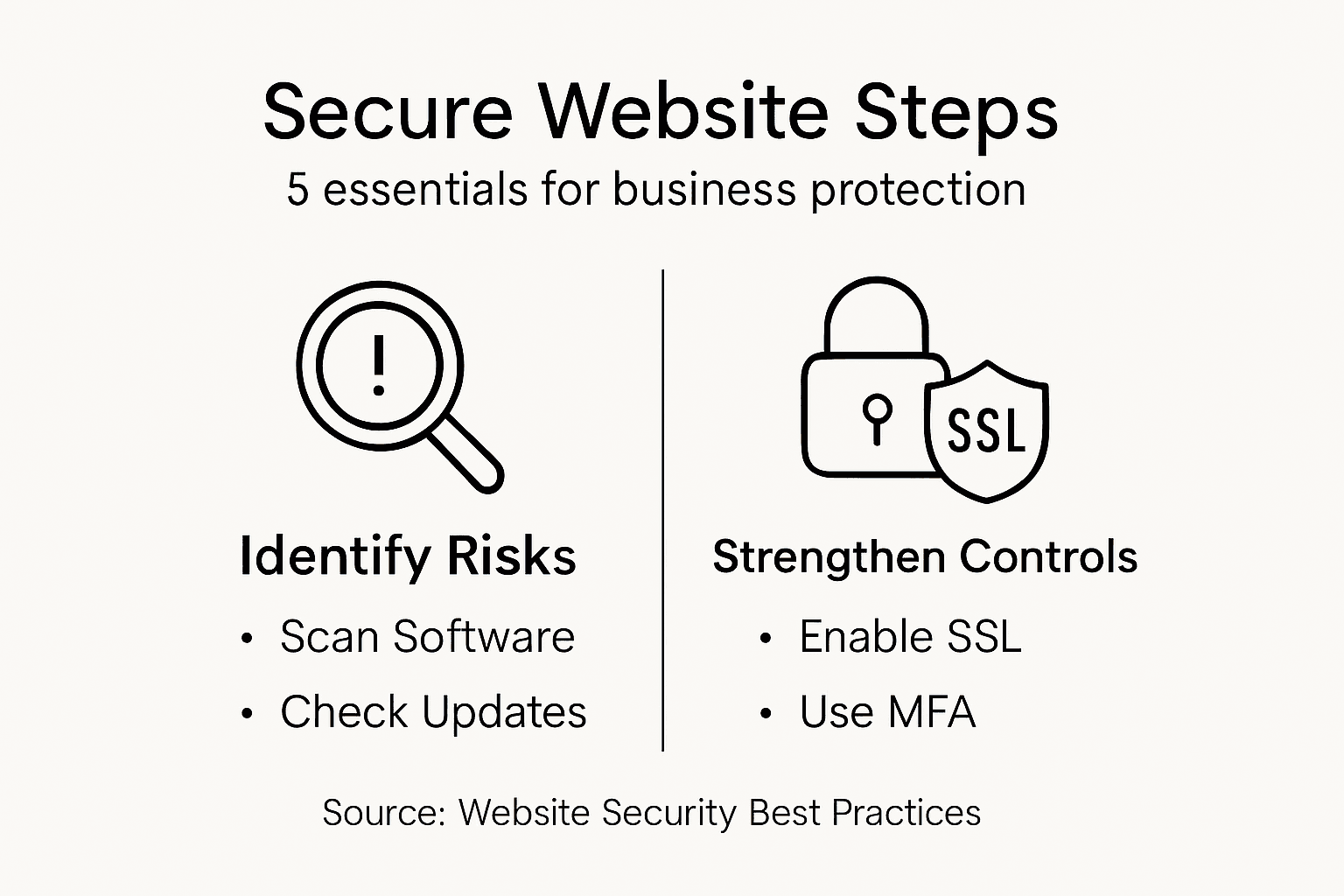
TLS protocol configuration forms the cornerstone of effective data encryption, providing a comprehensive shield for your digital communications. When implementing encryption, you’ll need to focus on several key strategic elements:
Effective encryption goes beyond simply installing an SSL certificate. You’ll need to carefully configure your server settings to ensure comprehensive protection across all communication channels.
Encryption is not just a technical requirement, but a fundamental commitment to protecting your customers’ digital trust.
Careful implementation requires understanding the nuanced differences between various encryption protocols. Secure socket layer technologies have evolved significantly, with modern transport layer security offering more robust protection mechanisms.
Pay close attention to your cipher suite selections, ensuring you’re using contemporary encryption standards that balance security performance with computational efficiency. This means regularly updating your configuration to address emerging cybersecurity challenges.
Pro tip: Conduct periodic security audits of your encryption configurations, using specialised scanning tools to identify and remediate potential vulnerabilities.
Maintaining your website’s security requires a proactive approach to software management and vulnerability tracking. Staying ahead of potential cyber threats means implementing a systematic strategy for monitoring and addressing potential security weaknesses.
Vulnerability management strategies are crucial for protecting your digital infrastructure from emerging cyber risks. When approaching software updates and vulnerability monitoring, you’ll need to focus on several critical aspects:
Effective vulnerability management goes beyond simply installing occasional updates. You’ll need to develop a comprehensive approach that combines proactive monitoring with swift remediation techniques.
Vulnerability management is a continuous process, not a one-time task that can be completed and forgotten.
Cybersecurity maintenance requires consistent attention to detail and a systematic approach to identifying and addressing potential security gaps. This means developing a robust process for tracking and responding to potential vulnerabilities across all your digital platforms.
Pay close attention to the frequency and criticality of available updates. Some patches address minor improvements, while others resolve critical security vulnerabilities that could compromise your entire digital infrastructure.
Pro tip: Implement an automated patch management system that provides real-time alerts and streamlines the update process across all your digital platforms.
Ensuring your website’s security isn’t just about implementing protective measures, but also systematically validating their effectiveness. A comprehensive security verification process helps you identify potential gaps and maintain robust digital protection.
Compliance monitoring frameworks are essential for thoroughly assessing your organisation’s security infrastructure. When conducting security verification, you’ll need to focus on multiple critical dimensions:
Effective compliance testing requires a methodical and rigorous approach that goes beyond surface-level assessments. You’ll need to develop a structured process that examines technical, procedural, and operational security aspects.
Security verification is a dynamic process that demands continuous attention and proactive investigation.
Security compliance testing involves more than simply checking boxes. It requires a deep, nuanced understanding of your digital ecosystem’s potential vulnerabilities and resilience mechanisms.
Carefully document your testing procedures, ensuring you capture detailed insights about each security control’s performance. This documentation will help you track improvements and demonstrate your commitment to maintaining robust cybersecurity standards.
Pro tip: Engage independent cybersecurity professionals to conduct periodic penetration testing, providing an objective assessment of your security infrastructure.
The challenge of protecting your business website from cyber threats requires more than regular updates and basic security measures. From assessing vulnerabilities to implementing strong authentication and encryption protocols, every step is crucial to safeguard sensitive data and maintain your digital reputation. If you are aiming for continuous protection, expert support can help you navigate these complex security requirements with confidence.
Discover how Kickass Online’s dedicated team specialises in crafting high-converting, secure websites that prioritise robust authentication and ongoing security monitoring. Explore our tailored solutions in the Websites category designed for small and medium-sized businesses seeking reliable digital defence. Don’t leave your website at risk. Visit Kickass Online today and book your personalised consultation to secure your business future. Gain peace of mind and start protecting your digital presence now.
Begin by conducting a comprehensive website audit to identify potential vulnerabilities. Review software versions, analyse security configurations, and evaluate access management protocols to create a detailed map of your digital infrastructure’s weaknesses.
Implement multi-factor authentication to enhance account security significantly. Choose methods such as biometric verification or physical security tokens to create a robust barrier against unauthorised access.
Select the latest TLS version and disable outdated SSL protocols to secure data transmission. Make sure to configure strong cryptographic cipher suites for optimal protection of sensitive information.
Establish automated update mechanisms and conduct regular vulnerability scanning to stay ahead of potential threats. Prioritise critical security patches to ensure your digital infrastructure remains resilient against emerging risks.
Conduct comprehensive security audits and simulate potential cyber attack scenarios to test your current measures. Document the performance of each security control to identify gaps and make necessary improvements.
Schedule quarterly comprehensive security assessments to ensure your website is protected against evolving cyber threats. This continuous process will help maintain robust digital protection and foster customer trust.
Many Milton Keynes business owners using Umbraco find search engine visibility slipping through their fingers, even with quality content. This matters because without effective communication to Google and other platforms, your website risks blending into the crowd. By mastering schema markup basics, you can speak the language search engines understand, dispelling myths and making your pages more discoverable and appealing for local customers.
| Point | Details |
|---|---|
| Understanding Schema Markup | Schema markup is a method used to help search engines understand website content, enhancing the presentation of search results. |
| Addressing Common Myths | It is important to recognise that schema markup does not guarantee higher rankings but improves visibility in search results. |
| Choosing the Right Schema Types | Selecting appropriate schema types for your content can significantly enhance search engine comprehension and user engagement. |
| Regular Maintenance is Key | Regularly validate and update schema markup to ensure it aligns with site content and follows current search engine guidelines. |
Schema markup represents a sophisticated method for providing search engines with precise information about your website’s content. Structured data code helps search engines comprehend webpage context more effectively, enabling richer search result presentations.
At its core, schema markup is a standardised vocabulary of tags embedded within HTML that clarifies the meaning of digital content. Unlike traditional meta descriptions, schema markup communicates specific details about entities like articles, products, or events directly to search algorithms. Structured data transforms how search engines interpret and display your content.
Common schema markup myths include:
The reality is far more nuanced. While schema markup doesn’t directly boost rankings, it significantly enhances search result visibility by:
To help clarify schema markup misconceptions, here is a comparison between common myths and the actual realities:
| Myth | Reality | Business Impact |
|---|---|---|
| Automatically boosts rankings | Does not directly alter ranking algorithms | Improves visibility, not ranking |
| Needs technical expertise | Many tools make it accessible to non-experts | Wider adoption possible |
| Only JSON-LD is valid | Microdata and RDFa are also accepted formats | Flexible implementation choices |
| Same on all search engines | Implementation varies by platform and needs | Must tailor strategy per platform |
Schema markup is about communication, not manipulation. It helps search engines understand your content more precisely.
Pro tip: Start with simple, page-specific schema implementations and gradually expand your structured data strategy as you become more comfortable with the technique.
Schema markup encompasses a diverse range of structured data types designed to help websites communicate precise content details to search engines. Schema.org collaborative initiative provides an extensive collection of schemas that cover numerous digital content categories, enabling more intelligent and contextual search experiences.
Key schema types serve specific digital content purposes:
Comprehensive schema collection allows businesses to communicate complex information efficiently. Product schemas, for instance, can display intricate details like pricing, availability, and customer ratings directly in search results, transforming how potential customers discover and interact with online content.

Here is a quick reference table summarising key schema types and their business applications:
| Schema Type | Ideal Use Case | Business Benefit |
|---|---|---|
| Article | Editorial, news, blog content | Enhanced article snippets |
| Product | E-commerce product listings | Rich product info in search |
| Event | Conferences, concerts, public events | Higher event exposure |
| Local Business | Physical locations seeking local customers | Improved local search appearance |
| Review | Customer testimonials, ratings | Trusted ratings shown in results |
Search engines use schema markup to understand content context, translating technical information into user-friendly search experiences.
Pro tip: Choose schema types that most closely match your content’s primary purpose, and implement them systematically across your website for maximum search visibility.
Schema markup transforms how search engines interpret and display website content, creating more intelligent and visually engaging search results. Enhanced search visibility strategies enable websites to communicate complex information directly to search algorithms, dramatically improving their online presence.
The key mechanisms through which schema markup enhances search visibility include:
When implemented strategically, schema markup acts as a sophisticated communication layer between websites and search platforms. By supplying unambiguous, structured data, websites can signal their content’s precise meaning, helping search engines understand and prioritise their most relevant information.
Schema markup bridges the gap between complex website content and user-friendly search experiences, making information more accessible and engaging.
Pro tip: Focus on implementing schema markup for your most important and high-traffic pages, ensuring you use the most specific and relevant schema types for each piece of content.
Schema markup implementation in Umbraco requires a strategic approach to enhance website search visibility. Detailed schema implementation guidance provides developers with multiple techniques for embedding structured data effectively within their content management system.
Key steps for successful schema markup in Umbraco include:
Umbraco developers can implement schema markup through several approaches. Structured data techniques can be integrated via inline JSON-LD scripts, specialised packages, or custom template modifications, depending on the specific website requirements and technical complexity.
Schema markup transforms technical content into search engine-friendly information, bridging the gap between website complexity and user discoverability.
Pro tip: Start with implementing schema on your most critical pages, such as product pages or service descriptions, and gradually expand your structured data coverage across the entire website.
Implementing schema markup requires careful attention to avoid potential pitfalls that could undermine your search engine optimisation efforts. Common schema implementation errors can significantly impact your website’s search performance and visibility.
Key mistakes to avoid in schema markup include:
Technical SEO best practices suggest several alternative approaches for websites struggling with manual schema implementation. These alternatives include utilising SEO plugins, third-party structured data tools, and automated schema generation services that simplify the complex process of adding rich metadata to web pages.
Effective schema markup is about precision and relevance, not just technical complexity.
Pro tip: Conduct a quarterly audit of your schema markup to ensure it remains accurate, up-to-date, and aligned with your current website content and search engine guidelines.
Understanding schema markup is essential for businesses looking to stand out in crowded search results. If you find it challenging to implement precise structured data or you worry about technical pitfalls diminishing your online visibility, you are not alone. Schema markup is complex but crucial for achieving rich snippets, better click-through rates, and clearer search engine communication, all vital for boosting your website’s performance and attracting more customers.
At Kickass Online, we specialise in tailoring advanced schema implementation strategies that align perfectly with your business goals. Whether you run an e-commerce store needing detailed product schemas or you operate a local business eager to improve your local search appearance, our team ensures your website speaks the language search engines truly understand. By combining technical expertise with personalised support, we help you avoid common errors, keep your structured data up-to-date, and maximise your online discoverability.
Take the first step to transforming your search visibility today. Visit Kickass Online to book a personalised consultation and learn how our bespoke web design and SEO services deliver measurable results. Don’t risk losing valuable traffic – partner with us for a strategic boost that your competitors will envy.
Schema markup is a structured data vocabulary that helps search engines understand the context of your website’s content by embedding tags within your HTML. It communicates specific details about your content, enhancing how it appears in search results.
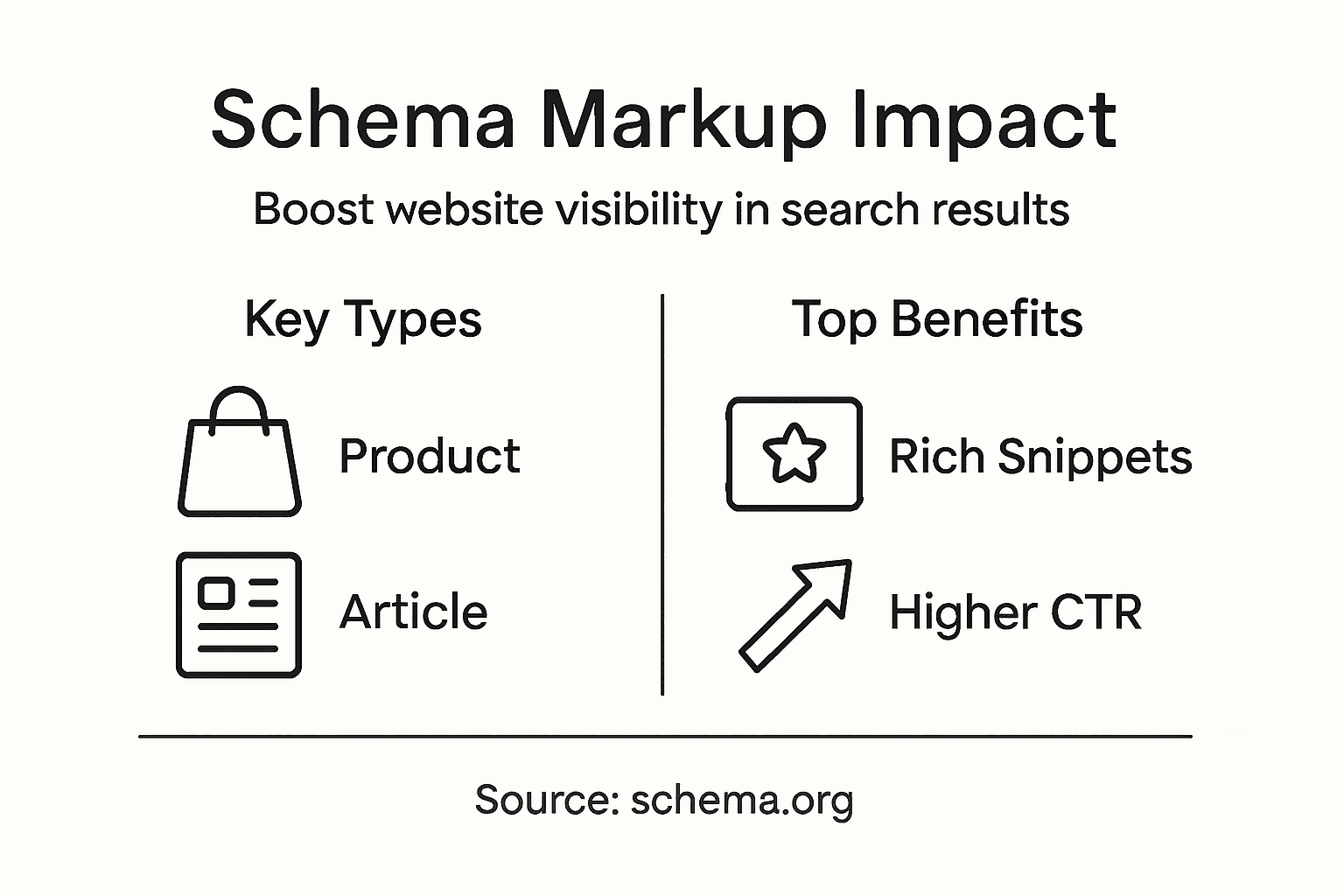
Schema markup enhances visibility by generating rich snippets, improving click-through rates, providing clearer content context, and making web pages more machine-readable, which allows search engines to present your content more engagingly.
While technical expertise can be helpful, many tools and platforms make implementing schema markup accessible to non-experts. User-friendly options are available for adding structured data without extensive coding knowledge.
Common schema types include Article Schema for editorial content, Product Schema for e-commerce, Event Schema for public occasions, Local Business Schema for location-based services, Review Schema for showcasing testimonials, and FAQ Schema for structuring question-and-answer content.
Struggling to keep your digital content organised while growing your Milton Keynes business is a common challenge. With modern Content Management Systems now offering much more than simple website building, businesses can benefit from comprehensive tools that simplify content updates and support collaboration. Discover how embracing a CMS as a digital strategy partner can help you centralise content, maintain consistency across platforms, and build a professional online presence tailored to your needs.
| Point | Details |
|---|---|
| Understanding CMS Capabilities | A Content Management System is more than a website builder; it centralises content, enhances collaboration, and supports multi-channel distribution. |
| Choosing the Right CMS | Evaluate CMS options based on your organisation’s specific needs, including scalability, budget, and technical capabilities. |
| Recognising Risks | Be aware of potential security vulnerabilities and ongoing maintenance costs associated with CMS platforms. |
| Utilising CMS Flexibility | Leverage the adaptability of CMS platforms to create diverse content strategies across various digital channels. |
A Content Management System (CMS) represents a sophisticated digital platform designed to simplify content creation, modification, and management across various digital channels. Unlike traditional perceptions, modern CMSs extend far beyond basic website construction, offering comprehensive solutions for organisations seeking streamlined digital content strategies.
At its core, a CMS comprises two fundamental components:
Modern CMSs provide comprehensive content management capabilities that transcend simple webpage development. These systems enable businesses to create, update, and distribute content efficiently across multiple digital touchpoints, including websites, mobile applications, and emerging digital platforms.
Common misconceptions about CMSs often limit understanding of their true potential. Many business owners mistakenly believe these systems are merely website builders, when in reality, they represent powerful tools for:
Modern CMSs support omnichannel content experiences that go beyond traditional website management. They provide structured content management through reusable components, allowing organisations to maintain consistency while adapting content for different platforms and audience segments.
Pro tip: When selecting a CMS, prioritise flexibility and scalability over immediate feature sets, ensuring the platform can grow alongside your business’s digital communication needs.
Content Management Systems (CMS) are not one-size-fits-all solutions, but rather a diverse ecosystem of platforms designed to meet varied business requirements. Top CMS platforms offer unique functionalities that cater to different organisational needs, technological capabilities, and strategic objectives.
The primary categories of CMS software include:
Web Content Management Systems (WCMS)
E-commerce CMS Platforms
Enterprise CMS Solutions
Professional CMS platforms vary significantly in their approach to content management. Open-source systems provide maximum customisation and control, while Software-as-a-Service (SaaS) platforms offer convenience and integrated hosting solutions.
Businesses must carefully evaluate their specific requirements when selecting a CMS. Factors to consider include scalability, technical complexity, budget constraints, and anticipated future growth. Each platform presents distinct advantages, making it crucial to align the CMS choice with specific organisational digital communication strategies.
The following table clarifies how different CMS types align with various organisational needs:
| CMS Type | Ideal Use Case | Key Benefit |
|---|---|---|
| Web CMS | Small business websites | Simple setup and management |
| E-commerce CMS | Online retail platforms | Integrated sales tools |
| Enterprise CMS | Large-scale organisations | Advanced permissions control |
Pro tip: Conduct a comprehensive audit of your organisation’s digital content needs before selecting a CMS, considering not just current requirements but potential future expansion and integration capabilities.
CMS architecture provides a comprehensive ecosystem for digital content management, transforming complex website development into an intuitive, user-friendly experience. These sophisticated platforms abstract away technical complexities, enabling businesses to create, modify, and publish digital content without extensive coding knowledge.
The core operational features of a typical CMS include:
Content Creation Tools
Content Organisation Systems
Administrative Control Functions
Modern CMS platforms operate through a sophisticated architectural framework that seamlessly integrates multiple digital content management functions. The system typically comprises three primary layers: the content creation interface, the database storage mechanism, and the content delivery engine, which work in concert to streamline digital publishing processes.

The technical infrastructure of a CMS enables businesses to manage digital assets efficiently, supporting multiple content types and providing flexible publishing options across various digital platforms. This comprehensive approach allows organisations to maintain consistent branding, streamline content workflows, and adapt quickly to changing digital communication requirements.
Pro tip: Prioritise CMS platforms that offer robust integration capabilities and scalable infrastructure to ensure your digital content management system can evolve alongside your business needs.
CMS platforms support diverse business content strategies far beyond traditional website management. These sophisticated digital ecosystems enable organisations to manage, distribute, and optimise content across multiple channels and user touchpoints, transforming how businesses communicate and interact with their audiences.
The primary business use cases for CMS platforms include:
Public-Facing Websites
Internal Communication Platforms
Partner and Collaboration Spaces
The comprehensive CMS ecosystem extends into multiple digital experience domains. Digital content delivery supports omnichannel strategies across websites, mobile applications, smart devices, and printed materials, enabling businesses to maintain consistent messaging and brand identity across diverse platforms.
Modern CMS platforms provide remarkable flexibility, allowing businesses to create microsites for specific campaigns, develop mobile applications with centralised content repositories, and manage complex digital communication strategies without extensive technical infrastructure. This adaptability empowers organisations to respond quickly to changing market dynamics and audience expectations.
Pro tip: Evaluate your CMS platform’s extensibility and integration capabilities before implementation, ensuring it can seamlessly support your current and future digital communication requirements.
CMS platforms present complex technological challenges that extend far beyond initial implementation costs. Business owners must carefully navigate potential pitfalls, understanding that a seemingly straightforward content management solution can quickly become a significant strategic investment requiring nuanced technical expertise.
Key risks and potential cost factors include:
Security Vulnerabilities
Performance Limitations
Operational Expenses
Common mistakes organisations frequently encounter involve underestimating the complexity of multi-channel content delivery. Businesses often select CMS platforms without thoroughly assessing their specific digital communication requirements, leading to suboptimal performance and unnecessary financial expenditure.
The financial implications of CMS implementation extend beyond initial setup, encompassing hosting expenses, potential custom development costs, and long-term maintenance investments. Organisations must conduct comprehensive cost-benefit analyses, considering not just immediate functionality but future scalability and technological adaptability.
Pro tip: Conduct a detailed strategic audit of your digital communication needs before CMS selection, prioritising platforms that offer flexible, scalable infrastructure with transparent pricing models.
Leading CMS platforms offer diverse solutions for businesses seeking digital content management strategies. Understanding the strengths and limitations of each platform enables organisations to make informed decisions that align with their specific technological requirements and growth objectives.
Key CMS alternatives include:
WordPress
Drupal
Shopify
Popular CMS platforms differ significantly in their approach to content management, technical complexity, and target market segments. Businesses must carefully evaluate their specific digital communication needs, technical capabilities, and budget constraints when selecting a platform.
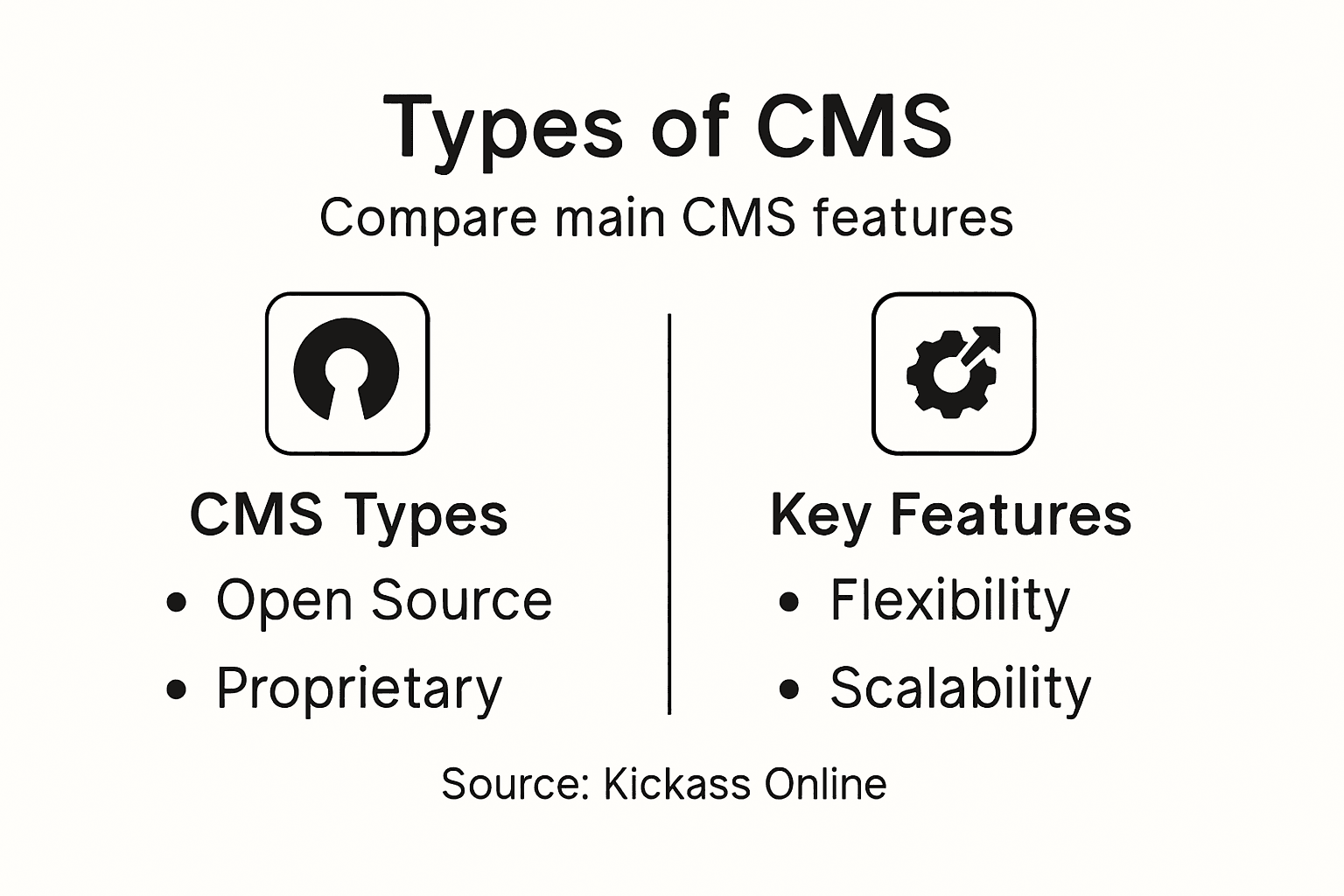
Each CMS alternative presents unique trade-offs between ease of use, customisation potential, and scalability. Smaller organisations might prioritise user-friendly interfaces, while larger enterprises require robust security and extensive integration capabilities. The selection process demands a comprehensive understanding of each platform’s strengths and potential limitations.
Here is a comparison of popular CMS platforms focusing on business priorities:
| Platform | Customisation Level | Scalability | Technical Requirement |
|---|---|---|---|
| WordPress | Extensive plugins | Moderate | Suitable for beginners |
| Drupal | Deep technical control | High | Requires technical expertise |
| Shopify | Limited flexibility | Retail-focused | Minimal coding needed |
Pro tip: Conduct a thorough internal audit of your digital requirements, technical expertise, and future growth plans before committing to a specific CMS platform.
Struggling to choose the right Content Management System that matches your unique business needs can be overwhelming. The article highlights the importance of selecting a scalable, secure, and flexible CMS platform that supports multi-channel content and robust workflows. If your goal is to centralise content management, improve website performance and security, or enable seamless collaboration, understanding CMS complexities is key. At Kickass Online, we specialise in transforming these challenges into opportunities by crafting personalised web solutions tailored for small and medium-sized businesses.
We focus on:
Take control of your digital presence today with Kickass Online. Our dedicated team offers strategic consultation and hands-on support to help you select and implement the perfect CMS platform for your business. Visit our web development services page to discover how our tailored solutions can deliver the flexibility and scalability your business requires. Don’t let CMS complexity hold you back. Book a consultation now and start building a smarter, faster, and more secure website with Kickass Online.
A Content Management System (CMS) is a digital platform designed to simplify the creation, modification, and management of content across various digital channels, extending beyond basic website construction.
A CMS streamlines digital content strategies by centralising content repositories, enabling collaborative workflows, supporting multi-channel content distribution, and facilitating seamless content updates.
The main types of CMS software include Web Content Management Systems (WCMS), E-commerce CMS platforms, and Enterprise CMS solutions, each catering to different organisational needs and digital strategies.
Key features to consider when selecting a CMS include content creation tools, content organisation systems, administrative control functions, as well as the platform’s integration capabilities and scalability.
Finding ways to turn interest into actual sales can feel challenging for any small or medium-sized business. With online competition growing every day, understanding the conversion funnel gives you clear insight into why customers hesitate and where they drop off. This article explains how each stage shapes buying decisions and reveals key strategies so you can guide more customers to purchase and loyalty, keeping your sales process practical and measurable.
| Point | Details |
|---|---|
| Understanding the Conversion Funnel | The conversion funnel outlines the stages from awareness to purchase, allowing businesses to optimise engagement strategies. |
| Importance of Tailoring Strategies | Each stage in the funnel requires unique marketing approaches to effectively address customer needs and improve conversion rates. |
| Utilising Data for Continuous Improvement | Regular analysis of funnel metrics and customer behaviour is essential for identifying drop-off points and refining marketing efforts. |
| Focus on Personalisation and Engagement | Modern conversion funnels benefit from personalised content and multichannel engagement strategies that cater to sophisticated customer expectations. |
A conversion funnel represents the strategic journey potential customers undertake from initial product awareness to final purchase. Describing the customer pathway helps businesses understand and optimise their marketing and sales strategies.
The conversion funnel typically encompasses several critical stages that progressively narrow customer engagement:
Businesses utilise the conversion funnel concept to track customer interaction progression and identify potential drop-off points. By understanding how customers move through each stage, organisations can develop targeted interventions that improve overall conversion rates.
The funnel metaphor illustrates how customer numbers naturally decrease at each progression point. Imagine a physical funnel: wide at the top where many potential customers first encounter your offering, progressively narrowing as fewer individuals move closer to making a purchase.
Key insights about conversion funnels include:
Pro tip: Regularly analyse your conversion funnel metrics to understand where potential customers are losing interest and develop targeted strategies to improve engagement at those specific stages.
In 2026, the conversion funnel has evolved to become a more nuanced and personalised customer journey mapping tool. Funnel stages are increasingly dynamic, reflecting the complex interactions between businesses and potential customers.
The modern conversion funnel typically encompasses four interconnected stages:
Customer journey optimisation strategies now emphasise understanding each stage’s unique challenges. Businesses must create targeted content that addresses specific customer needs and pain points, recognising that potential customers have increasingly sophisticated expectations.
The modern conversion funnel is no longer a linear progression but a dynamic, interconnected ecosystem. Customers might move between stages, revisit previous decision points, and require multiple touchpoints before committing to a purchase.

Here is a comparison of traditional versus modern conversion funnels:
| Aspect | Traditional Funnel | Modern Funnel (2026) |
|---|---|---|
| Progression | Linear, stage by stage | Dynamic, multi-directional |
| Personalisation | Limited, broad messaging | Highly tailored content |
| Data Use | Basic tracking and metrics | AI-driven analytics |
| Customer Touchpoints | Few, mostly single-channel | Multiple, omnichannel |
| Post-purchase Focus | Minimal loyalty strategies | Strong emphasis on advocacy |
Advanced businesses treat the conversion funnel as a continuous learning process, constantly refining their approach based on real-time customer insights and behavioural data.
Key characteristics of 2026 conversion funnels include:
Pro tip: Implement advanced analytics tools that track customer interactions across multiple touchpoints, enabling you to understand and optimise each stage of your conversion funnel with precision.
Conversion funnels play a critical role in helping small and medium enterprises (SMEs) structure their customer acquisition strategies. Marketing funnels for SMEs are designed to be practical, measurable, and specifically tailored to limited resources and targeted growth objectives.
SMEs can leverage several distinct types of conversion funnels to meet their unique business needs:
Conversion funnel strategies for small businesses emphasise creating scalable, manageable processes that founders can easily monitor and continuously improve. Each funnel type offers unique advantages, allowing SMEs to select the most appropriate approach for their specific market and customer base.
Below is a summary of SME conversion funnel types and their primary strategic focus:
| Funnel Type | Main Objective | Best For |
|---|---|---|
| Sales Funnel | Convert leads to customers | Businesses with direct sales |
| Lead Generation | Build prospect database | Service or B2B companies |
| E-commerce Funnel | Streamline online purchases | Online retailers |
| Content Marketing | Nurture through useful content | Educational or trust-based brands |
| Email Funnel | Foster ongoing communication | Relationship-driven strategies |
The most effective conversion funnels for SMEs are those that are simple, actionable, and directly aligned with specific business objectives.
Key considerations when selecting a conversion funnel include:
Pro tip: Start with a simple, focused conversion funnel that matches your primary business goal, and progressively refine your approach as you gather more customer insights and data.
Optimising a conversion funnel requires a strategic approach that addresses the unique challenges of each stage. Conversion funnel optimisation strategies focus on creating a seamless, targeted experience that guides potential customers through their purchasing journey.
Effective optimisation involves addressing key stages with precision:
Sales funnel optimisation techniques emphasise the importance of aligning marketing and sales efforts to create a cohesive customer experience. Each stage requires careful analysis and targeted interventions to improve overall conversion rates.
Successful funnel optimisation is a continuous process of measurement, testing, and refinement.
Key optimisation strategies include:
Pro tip: Implement A/B testing at each funnel stage to systematically identify and eliminate barriers that prevent potential customers from progressing towards conversion.
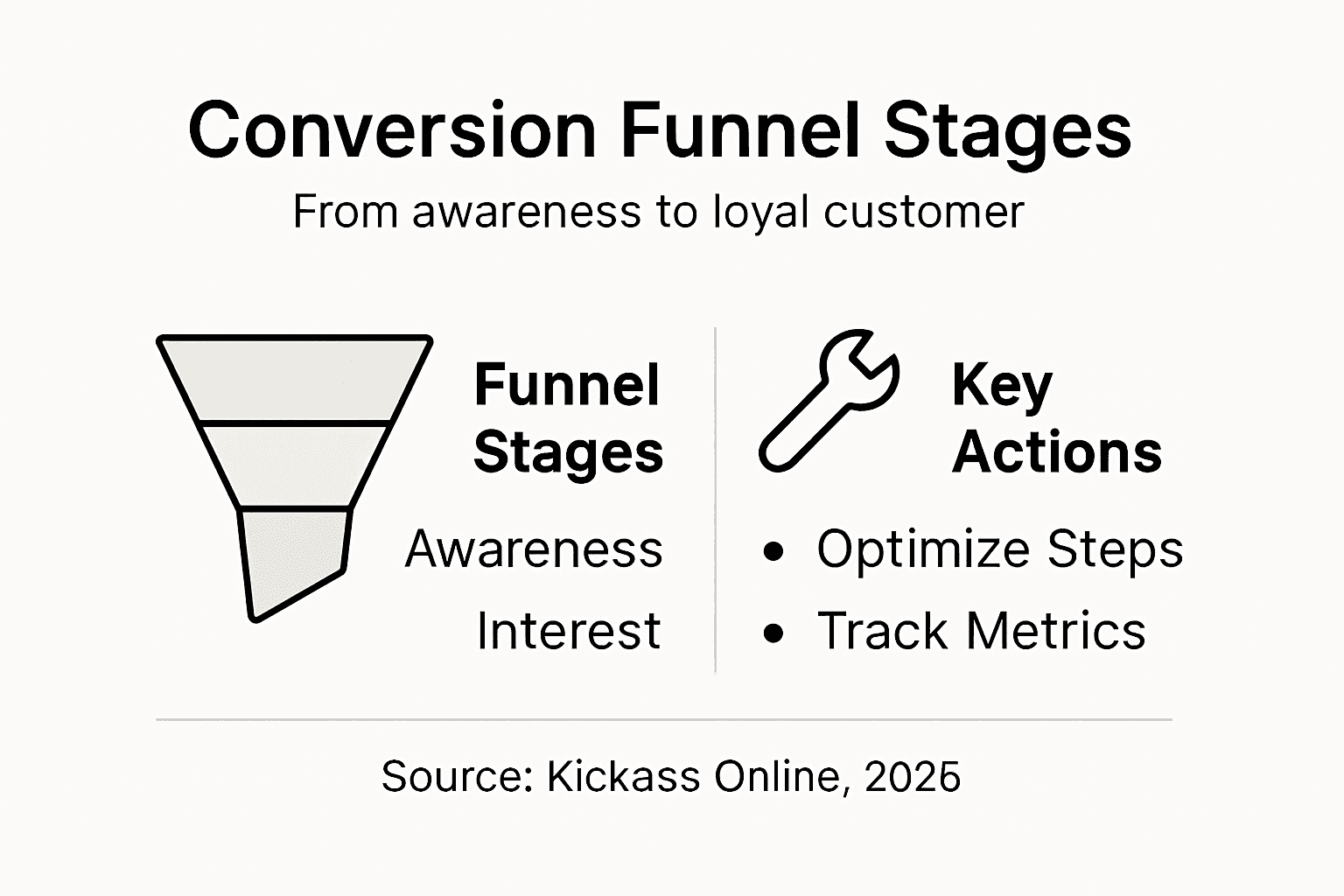
Navigating the conversion funnel can be challenging for businesses, with several critical mistakes potentially derailing customer acquisition efforts. Common sales funnel mistakes can significantly impact a company’s ability to convert potential leads into paying customers.
The most prevalent pitfalls in conversion funnels include:
Strategies to avoid sales funnel mistakes emphasise the importance of continuous improvement and targeted customer engagement. Understanding and addressing these common pitfalls can dramatically improve conversion rates and overall business performance.
Successful conversion funnels require constant refinement, customer understanding, and strategic adaptation.
Strategies to overcome common conversion funnel challenges:
Pro tip: Regularly conduct comprehensive funnel audits to identify and eliminate friction points, using customer feedback and performance data to guide your optimisation efforts.
Understanding the conversion funnel and its stages is vital for any business aiming to transform website visitors into loyal customers. If you struggle with complex conversion processes or want to improve personalised engagement across every funnel stage, Kickass Online offers tailored digital marketing solutions designed specifically for small and medium-sized businesses. Our expertise in creating high-converting websites, optimising search engine rankings, and maintaining seamless website performance directly addresses the common challenges highlighted in the article.
Take control of your customer journey today by partnering with Kickass Online. Discover how our personalised approach and dedicated team can help simplify your conversion funnel, reduce friction in the buying process, and boost your online visibility. Don’t let potential customers slip away, visit Kickass Online now to schedule your consultation and start transforming your online presence with proven strategies that work. Learn more about our web development services and SEO solutions to get started.
A conversion funnel is a model that illustrates the journey potential customers go through from first becoming aware of a product or service to completing a purchase. It helps businesses understand customer interactions and optimise marketing strategies.
The conversion funnel is crucial because it allows businesses to identify potential drop-off points during the customer journey. By understanding these stages, organisations can develop targeted strategies to improve conversion rates and enhance customer engagement.
The key stages of a conversion funnel typically include Awareness, Interest/Consideration, Decision, and Action/Conversion. Some modern funnels also incorporate a Loyalty and Advocacy stage to focus on post-purchase customer engagement.
Businesses can optimise each stage by creating targeted content that speaks to customer needs, simplifying the purchasing process, removing barriers to conversion, and implementing robust follow-up strategies to engage customers post-purchase.
Running an e-commerce business in the United Kingdom means every decision can affect your bottom line, yet understanding exactly how visitors interact with your online shop is often a mystery. Setting up Google Analytics offers a pathway to reliable data, giving you the chance to fine-tune your website for more sales and smarter marketing. By learning how to implement and configure accurate website tracking, you gain powerful insights that help guide your business to greater success.
| Key Point | Explanation |
|---|---|
| 1. Verify website compatibility | Check that your website’s CMS supports Google Analytics and has no significant technical barriers. |
| 2. Follow correct account setup steps | Create your account with accurate business information and configuration settings for effective tracking. |
| 3. Install tracking code properly | Add the Google Analytics tracking snippet to appropriate sections of your website’s HTML for data collection. |
| 4. Enable enhanced e-commerce tracking | Implement specific tracking events to capture detailed customer interactions within your e-commerce site. |
| 5. Test data collection thoroughly | Conduct comprehensive tests to ensure all tracking features are functioning correctly and collecting accurate data. |
Setting up Google Analytics requires precise website preparation to ensure accurate tracking and valuable insights for your e-commerce business. This stage involves several critical technical configurations that will enable comprehensive performance monitoring.
To begin, you’ll need to verify your website’s compatibility and accessibility for Google Analytics tracking. This means checking your website’s technical infrastructure and ensuring you have administrative access to both your website’s backend and potential Google properties. Your primary tasks include:
The integration process requires generating a unique tracking code from your Google Analytics account, which you’ll subsequently embed into your website’s source code. Modern content management systems like WordPress often provide straightforward plugins to simplify this process, allowing even non-technical business owners to track website analytics without extensive coding knowledge.
Each website platform has slightly different integration steps, but the core process remains consistent: obtain your tracking code, locate your website’s header or footer template, and insert the provided Google snippet. Professional web developers typically complete this within minutes, ensuring minimal disruption to your existing website structure.
Accurate website preparation is the foundation of meaningful digital performance tracking.
Expert tip: Always create a backup of your website before making any code modifications to prevent potential technical complications.

Creating your Google Analytics account is a straightforward process that forms the foundation of your e-commerce tracking strategy. This critical step will enable you to set up comprehensive performance monitoring for your online business.
To begin, navigate to the official Google Analytics website and click on the ‘Sign Up’ button. You’ll need a Google account to proceed, so ensure you have your credentials ready. When creating your account, you’ll be prompted to provide key information about your business and website, including your account name, website URL, and industry category. Google Analytics setup for beginners recommends carefully selecting these details to ensure accurate tracking.
The account configuration involves several important steps:
After creating your account, Google will generate a unique tracking ID and tracking code specific to your website. This code is crucial as it will enable Google to collect and process data about your website visitors and their interactions.
Accurate account configuration is the key to obtaining meaningful insights about your online performance.
The next phase involves implementing the tracking code on your website, which can typically be done through your content management system or by directly editing your website’s HTML.
Expert tip: Create separate views within your Google Analytics account to maintain an unfiltered master view and additional filtered views for more specific analysis.
Installing the Google Analytics tracking code is a critical step that enables comprehensive data collection for your e-commerce website. This process transforms your Google Analytics account from a theoretical setup to a live performance monitoring system.
The installation process varies depending on your website’s platform, but generally involves adding a specific tracking snippet to your site’s HTML. Tracking code installation guide recommends several methods for implementing your tracking code:
For WordPress websites, most users can simply install a Google Analytics plugin that handles the code insertion automatically. If you’re comfortable with HTML, you’ll want to locate your website’s header or footer template and paste the tracking code snippet provided by Google Analytics.
Below is a summary of popular Google Analytics tracking code installation methods and when to use each:
| Installation Method | Typical Suitability | Ease of Use | Maintenance Needs |
|---|---|---|---|
| Manual HTML insertion | Custom websites | Technical skills | Manual updates required |
| CMS plugin (e.g., WordPress) | Non-technical site owners | Very easy | Low, auto-updates |
| Google Tag Manager | Advanced tracking setups | Moderate | Centralised management |
| E-commerce platform integration | Hosted shop platforms | Straightforward | Depends on platform |
The key sections where you’ll typically insert the tracking code include:
</body> tagProper tracking code installation ensures accurate and comprehensive data collection for your online business.
After installation, verify your tracking by checking the real-time reports in your Google Analytics dashboard to confirm data is being collected correctly.
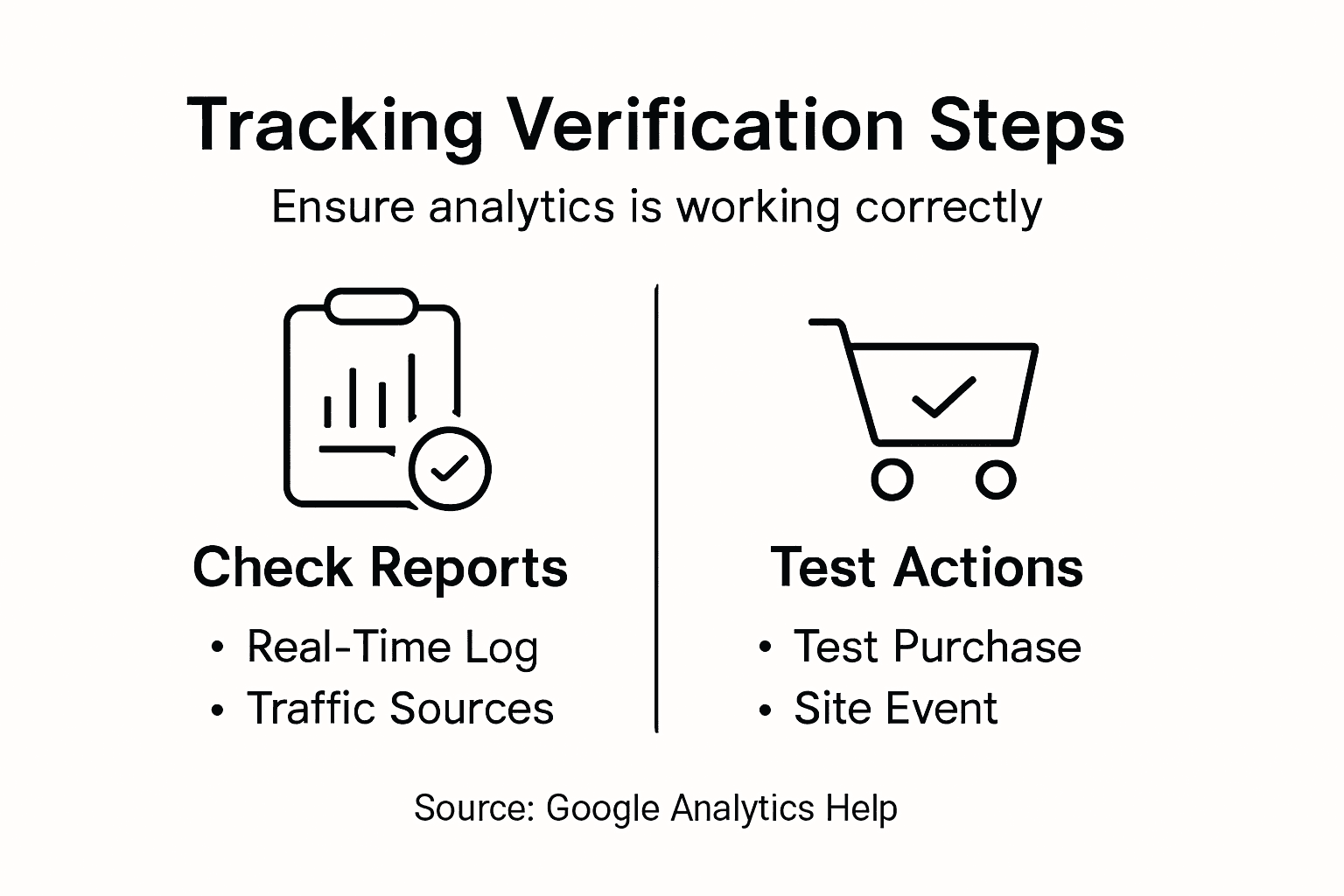
Expert tip: Always test your tracking code on a staging site first to ensure it doesn’t interfere with your website’s performance or create any unexpected loading issues.
Enabling enhanced e-commerce tracking transforms your Google Analytics from a basic visitor counter to a sophisticated sales performance analysis tool. This advanced configuration provides deep insights into your online store’s customer journey and purchasing behaviours.
Ecommerce tracking configuration requires strategic implementation of specific tracking events that capture critical interactions throughout your customer’s shopping experience. The process involves configuring detailed tracking for multiple stages of the purchasing funnel:
To activate enhanced tracking, you’ll need to modify your website’s analytics implementation. This typically involves adding specific event tracking code to key conversion points. For most e-commerce platforms, this can be accomplished through built-in integrations or Google Tag Manager.
The primary tracking events you’ll want to capture include:
Enhanced e-commerce tracking provides granular insights that traditional analytics cannot match.
By implementing these tracking mechanisms, you’ll gain unprecedented visibility into your online store’s performance, customer behaviour, and potential conversion bottlenecks.
The table below highlights the business benefits of enabling enhanced e-commerce tracking in Google Analytics:
| Feature | Direct Business Benefit | Strategic Value |
|---|---|---|
| Product interactions tracking | Pinpoints top and low-performing items | Optimises product strategy |
| Cart abandonment analysis | Identifies drop-off points in checkout | Reduces lost sales |
| Purchase funnel insights | Reveals bottlenecks in customer journey | Improves conversion rates |
| Refund and return reporting | Monitors after-sales activities | Informs future offers |
Expert tip: Test your enhanced tracking configuration thoroughly by making test purchases and verifying that all transaction details are accurately captured in your analytics reports.
Verifying your Google Analytics tracking performance is crucial to ensuring you’re capturing accurate and meaningful data about your e-commerce website’s user interactions. This final configuration step confirms that all your previous setup efforts are functioning correctly.
Tracking implementation verification involves multiple strategic approaches to confirm your analytics are working precisely. You’ll want to systematically test different tracking mechanisms to guarantee comprehensive data collection:
To begin testing, navigate to the real-time reports section in your Google Analytics dashboard. Here, you can perform actions on your website and immediately see if those interactions are being recorded. This includes:
Thorough testing reveals potential tracking gaps before they impact your data analysis.
If you encounter any discrepancies, review your tracking code implementation and ensure all necessary scripts are correctly installed across your website.
Expert tip: Create a separate testing profile in Google Analytics to conduct verification without interfering with your primary data collection process.
Setting up Google Analytics correctly is essential to unlocking the true power of your e-commerce business. If you find yourself overwhelmed by technical tracking terms like enhanced e-commerce tracking or unsure about how to install your website’s tracking code correctly, you are not alone. Many online store owners share the goal of gaining clear, actionable insights but face challenges in precise data collection and interpretation. With Kickass Online, you can move beyond confusion and hesitation to confident, data-driven decisions that boost conversions.
Discover personalised web development and digital marketing solutions tailored to your unique e-commerce needs. Our dedicated team simplifies the complexities of Google Analytics setup, ensuring your tracking is flawless and your customer journey is fully visible. Visit our Tutorials | Kickass Online for practical guides and let us help you transform insights into growth. Book a consultation at https://kickassonline.com today and start maximising your online sales with professional support designed specifically for small and medium-sized business success.
To prepare your website for Google Analytics integration, verify that your content management system supports it and ensure you have administrative access. Check your website’s functionality to confirm it loads correctly, then proceed to generate your unique tracking code from your Google Analytics account.
When creating your Google Analytics account, you need a Google account and details about your business, including your account name, website URL, and industry category. Enter this information accurately to ensure correct tracking from the start.
To install the Google Analytics tracking code, you can either manually insert the HTML snippet into your site or use a content management system plugin for automatic integration. Ensure the code is added to the header or footer of your site to enable comprehensive tracking across all pages.
Enabling enhanced e-commerce tracking provides you with detailed insights into customer behaviour, including product interactions and shopping cart abandonment. This data helps identify bottlenecks in the purchasing process and can significantly improve your conversion rates by optimising your sales strategy.
To verify that your Google Analytics tracking is functioning properly, check the real-time reports section for immediate updates on user interactions. Perform actions on your website, such as product views and purchases, to ensure these events are recorded accurately in your analytics dashboard.
If you encounter issues with your Google Analytics tracking setup, review your tracking code implementation to ensure that scripts are correctly installed and functioning on all necessary pages. Test your configurations thoroughly and create a separate testing profile to keep your primary data clean while troubleshooting.
Customers rarely take a straightforward path from discovering your business to becoming loyal advocates. For many Milton Keynes business owners, understanding the full scope of the customer journey means more than tracking individual transactions. By focusing on the sequence of interactions and key stages like Awareness, Consideration, Decision, Retention, and Advocacy, you can transform casual interest into lasting engagement and real conversions. This guide clarifies the essentials, ensuring you can connect with your audience at every critical moment.
| Point | Details |
|---|---|
| Understanding Customer Journeys | Businesses must recognise the significance of customer journeys as they influence engagement and shape brand loyalty. |
| Critical Engagement Stages | Each stage of the customer journey presents unique opportunities to enhance trust and foster connections with customers. |
| Importance of Touchpoints | Mapping touchpoints is essential for identifying customer interactions and creating personalised experiences. |
| Avoiding Common Pitfalls | Businesses should be aware of potential data collection errors and proper mapping methodologies to manage customer journeys effectively. |
A customer journey represents the comprehensive sequence of interactions and experiences a customer undergoes while engaging with a business. Understanding customer journey dynamics reveals a complex pathway involving multiple touchpoints, emotional states, and decision-making processes that extend far beyond simple transactional encounters.
The concept encompasses several critical stages that map a customer’s progression from initial awareness to potential loyalty and advocacy. These stages typically include:
Customer journeys are not linear processes but intricate, interconnected experiences that vary significantly across different industries and individual customer preferences. Academic research highlights the growing importance of understanding these journeys as strategic business assets that directly impact service innovation and customer engagement.
Modern businesses recognise that mapping and optimising customer journeys requires deep empathy, data-driven insights, and a commitment to understanding customer perspectives. This approach transforms traditional transactional relationships into meaningful, personalised interactions that foster long-term loyalty and positive brand perception.
Pro tip: Regularly conduct customer journey mapping workshops to continuously refine and improve your understanding of customer experiences across different touchpoints.
Customer journey stages represent the critical phases a customer experiences when interacting with a business. Comprehensive customer journey mapping reveals a strategic progression that transforms casual interactions into meaningful relationships across multiple touchpoints.
The five core stages of the customer journey include:
Awareness Stage
Consideration Stage
Decision Stage
Retention Stage
Advocacy Stage
Each stage represents a critical opportunity to build trust, demonstrate value, and create meaningful customer connections.
Strategic customer journey management requires businesses to develop nuanced, personalised approaches that anticipate and address customer needs at every interaction point. Understanding the psychological and practical motivations driving customers through these stages enables organisations to craft more compelling, responsive experiences.

Successful businesses recognise that customer journeys are dynamic, non-linear processes. Modern strategies focus on creating seamless, integrated experiences that adapt to individual customer preferences, technological changes, and evolving market conditions.
To better understand the business impact of customer journey stages, consider the following summary:
| Stage | Key Business Opportunity | Potential Challenge | Engagement Tactic |
|---|---|---|---|
| Awareness | Expanding market reach | Low brand recognition | Educational content campaigns |
| Consideration | Opportunity for influence | Competition comparisons | Personalised product recommendations |
| Decision | Driving conversions | Cart abandonment | Streamlined checkout process |
| Retention | Building loyalty | Customer attrition | Ongoing support initiatives |
| Advocacy | Organic growth | Quality control risks | Incentivised referral programmes |
Pro tip: Develop detailed customer personas and journey maps to identify potential friction points and opportunities for personalisation across each stage.
Customer journey touchpoints represent the critical interaction moments between a customer and a brand across various channels and experiences. Advanced mapping techniques enable businesses to systematically analyse and understand these complex interactions.
Touchpoints can be categorised into several key types:
Digital Touchpoints
Physical Touchpoints
Indirect Touchpoints
Every touchpoint represents an opportunity to create a positive, memorable interaction that builds customer trust and loyalty.
Customer journey visualisation helps organisations understand the intricate relationships between different interaction points. By comprehensively mapping these touchpoints, businesses can identify potential pain points, streamline communication, and create more personalised experiences.
Effective touchpoint mapping requires a holistic approach that considers both emotional and rational customer experiences. This means looking beyond simple transactional interactions and understanding the deeper psychological motivations that drive customer behaviour and decision-making.
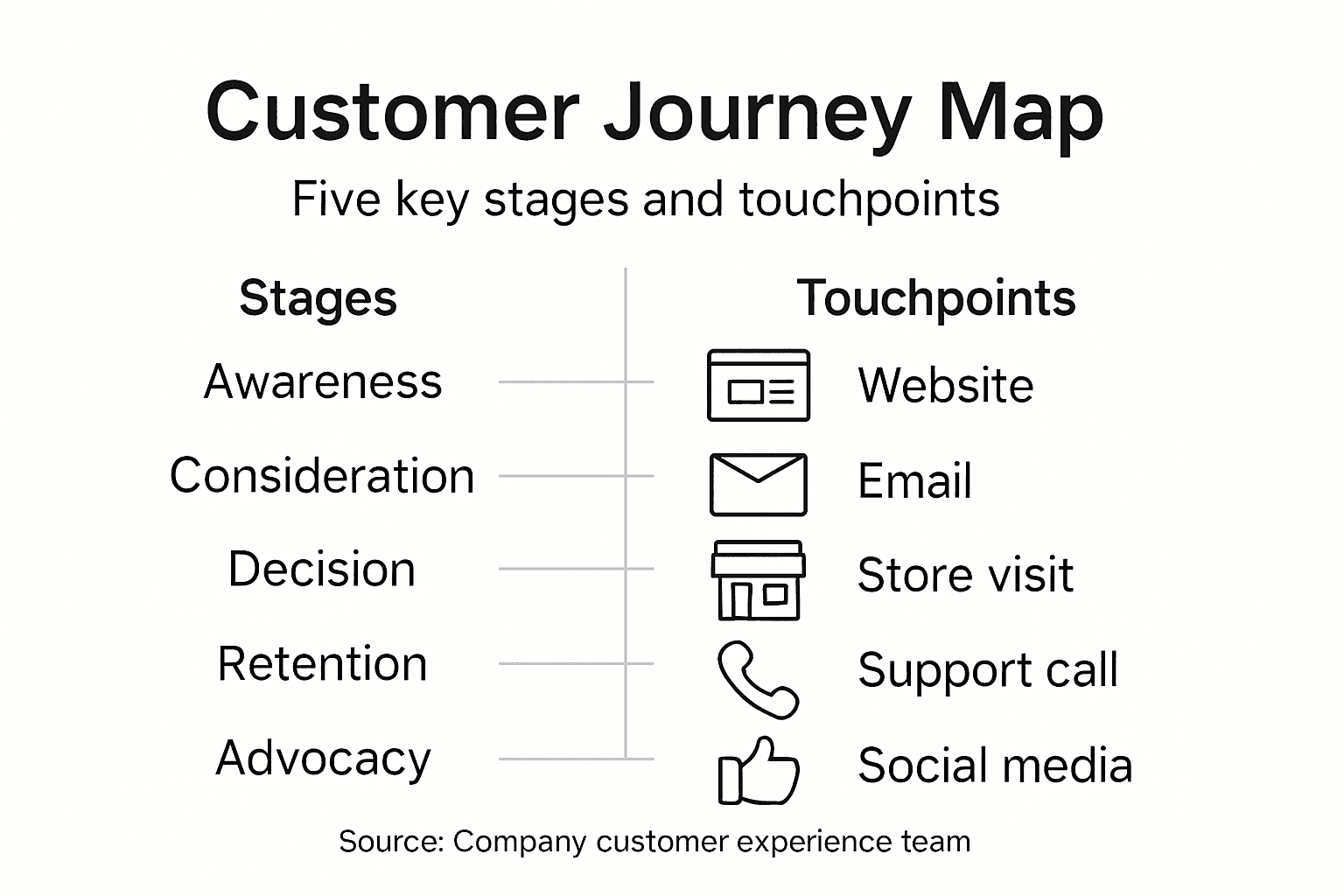
You can categorise customer journey touchpoints by their value and integration level:
| Touchpoint Type | Value for Customer | Integration Difficulty | Best Practice Example |
|---|---|---|---|
| Digital | Convenience and speed | Moderate | Unified online account access |
| Physical | Personal connection | High | Consistent in-store experience |
| Indirect | Social proof | Low | Monitoring review platforms |
Pro tip: Conduct regular customer feedback sessions and use analytics tools to continuously refine and update your customer journey touchpoint map.
Customer engagement represents the crucial bridge between initial interest and lasting brand loyalty. Strategic optimisation techniques enable businesses to transform casual interactions into meaningful, conversion-driving experiences.
Key strategies for improving engagement and conversion include:
Personalisation
Seamless Communication
Friction Reduction
Successful engagement transforms potential customers from passive observers into active participants in your brand’s narrative.
Cross-channel conversion optimisation requires a holistic approach that connects digital and physical touchpoints. By understanding customer behaviours and preferences, businesses can create targeted strategies that guide users smoothly through their journey.
Modern conversion strategies go beyond traditional sales tactics. They focus on building genuine relationships, providing value, and creating experiences that resonate emotionally with customers. This means anticipating needs, addressing potential concerns, and consistently demonstrating your brand’s unique value proposition.
Pro tip: Implement continuous feedback loops and analytics tracking to dynamically adapt your engagement strategies based on real-time customer insights.
Customer journey management demands strategic awareness of potential challenges and proven methodological approaches. Systematic research reveals critical insights into navigating complex customer experience landscapes.
Common pitfalls businesses encounter include:
Data Collection Errors
Mapping Methodology Problems
Strategic Implementation Failures
Effective customer journey management requires a dynamic, holistic approach that balances data-driven insights with human-centric design.
Comprehensive journey optimisation demands continuous monitoring, cross-functional engagement, and adaptable strategies. Successful businesses develop flexible frameworks that can rapidly respond to changing customer behaviours and emerging market trends.
Best practices emphasise creating integrated, empathetic approaches that prioritise customer perspectives. This means developing robust data collection methods, maintaining open communication channels, and consistently refining customer experience strategies based on actionable insights.
Pro tip: Implement quarterly customer journey mapping workshops involving representatives from every department to ensure comprehensive, collaborative strategy development.
Understanding the complexities of the customer journey is key to transforming casual website visits into lasting brand loyalty. The challenges of mapping multi-stage experiences, identifying friction points, and creating personalised engagement strategies need tailored digital solutions that put your customers first. Kickass Online specialises in bridging these critical stages by crafting high-converting websites designed to guide your audience seamlessly from awareness to advocacy. Whether you struggle with retaining customers or maximising conversions, our expert team ensures your digital presence reflects every step of your customer’s unique journey.
Take action today and partner with a digital marketing agency that values dedicated attention through bespoke web development, SEO, and maintenance customised for your business goals. Explore how we integrate seamless communication and friction reduction tactics to elevate your customer engagement at Kickass Online. Book your consultation now and start turning customer interactions into powerful growth opportunities tailored specifically for small and medium-sized businesses. Learn more about our website design expertise and begin optimising your customer journey with results-driven digital strategies.
A customer journey refers to the complete sequence of interactions and experiences a customer has with a business, from initial awareness through to potential loyalty and advocacy.
Understanding the customer journey helps businesses optimise customer experiences, build trust, and foster long-term loyalty by addressing customer needs and preferences at every interaction point.
The key stages of the customer journey typically include awareness, consideration, decision, retention, and advocacy, each representing a critical phase in the customer’s interaction with a brand.
Businesses can improve customer journey mapping by regularly conducting workshops to refine insights, developing detailed customer personas, and continuously gathering feedback to identify friction points and opportunities for personalisation.
Related homepage: https://logicpros.net/
Building a website for your business can feel overwhelming when you are faced with so many design options. Choosing the right website style is crucial to presenting your brand professionally and connecting with your customers. Whether you are after speed and simplicity or want features that adapt to your changing needs, each approach has unique strengths that affect how your business is discovered and experienced online. This list will reveal practical website design types and their benefits, helping you spot which solution matches your goals. Get ready to discover clear, actionable insights that will give you confidence to choose the best digital platform for your business.
| Takeaway | Explanation |
|---|---|
| 1. Choose static design for simplicity | Static websites offer a straightforward, efficient way to create an online presence without complex technical requirements. |
| 2. Opt for dynamic design for flexibility | Dynamic websites enable quick content updates and personalised user experiences, ideal for businesses with changing needs. |
| 3. Invest in responsive design for accessibility | Responsive design ensures your website functions well across all devices, enhancing user engagement and professionalism. |
| 4. Use CMS for easy content management | A Content Management System allows non-technical users to manage website content easily, promoting efficient updates and scalability. |
| 5. Custom design ensures unique brand representation | Custom websites provide tailored solutions that reflect your brand’s individuality and meet specific business objectives. |
A static website represents the most fundamental approach to establishing an online presence for small businesses and entrepreneurs. These websites consist of fixed HTML pages that deliver consistent content to every visitor, offering a straightforward digital solution for those seeking a reliable web platform.
Static websites are characterised by their simplicity and efficiency. They are built using standard web technologies like HTML, CSS, and minimal JavaScript, which means they load incredibly fast and provide an excellent user experience for visitors.
Key benefits of static website design include:
These websites work best for businesses that require a digital brochure or portfolio with content that does not change frequently. Professional services like consultants, freelancers, small local businesses, and artists often find static websites perfect for showcasing their offerings.
A static website provides a solid foundation for businesses wanting a professional online presence without complex technical requirements.
Implementing a static website involves creating individual HTML pages that present your business information, services, contact details, and basic company narrative. Unlike dynamic websites, these pages remain consistent and do not pull real-time data from databases.
Pro tip: When designing a static website, focus on clean, intuitive navigation and ensure your most important information is immediately visible to potential clients.
Dynamic websites represent a powerful digital solution for businesses requiring frequent content modifications and personalised user experiences. These advanced web platforms enable organisations to manage content with remarkable agility without constant developer intervention.
Unlike static websites, dynamic sites are built with sophisticated backend technologies that allow real-time content updates, personalisation, and interactive features. This approach transforms your website from a digital brochure into a living, breathing digital platform that adapts to your business needs.
Key advantages of dynamic website design include:
Dynamic websites bridge the gap between static information and interactive digital experiences.
Businesses that benefit most from dynamic websites include:
Implementing a dynamic website involves selecting robust content management systems like WordPress, Drupal, or custom-built solutions that integrate seamlessly with your business infrastructure.
Pro tip: Select a content management system that balances user-friendliness with advanced customisation options to maximise your website’s potential.
Ecommerce website design represents a critical digital strategy for businesses looking to sell products directly online. These specialised websites are engineered to transform website visitors into paying customers through strategic visual and functional design.
The primary objective of an ecommerce website extends beyond merely displaying products. It focuses on creating an immersive, trustworthy online shopping experience that encourages visitors to complete purchases and return for future transactions.
Key components of effective ecommerce website design include:
An exceptional ecommerce website transforms browsers into buyers through intelligent design and seamless user experience.
Successful online stores prioritise several critical design elements:
Different business types require unique ecommerce design approaches. A boutique clothing brand will need different design strategies compared to a technical equipment supplier.
Pro tip: Invest in professional product photography and ensure your website loads quickly across all devices to maximise conversion potential.
Responsive website design represents a critical digital strategy for businesses seeking to provide seamless user experiences across all devices. This approach ensures your website adapts intelligently to different screen sizes and delivers consistent functionality.
In today’s multi-device world, users access websites through smartphones, tablets, laptops, and desktop computers. A responsive design guarantees that your website looks professional and functions perfectly regardless of the device being used.
Key principles of responsive website design include:
Responsive design is not just a feature it is a fundamental requirement for modern websites.
Implementing responsive design involves several strategic approaches:
Businesses benefit from responsive design through improved user engagement, higher search engine rankings, and increased conversion rates. A website that works perfectly on any device builds trust and professionalism.
Pro tip: Prioritise mobile performance by compressing images and minimising complex design elements that might slow down mobile loading times.
Single page website design represents a strategic approach for businesses wanting to communicate their core message with maximum impact and minimal distraction. This design philosophy creates an uninterrupted user journey by presenting information in a streamlined, sequential manner.
Unlike traditional multi-page websites, single page designs consolidate all critical information into one continuous scrolling experience. This approach forces businesses to be ruthlessly concise and prioritise their most important messaging.
Key advantages of single page website design include:
A single page website transforms your digital presence into a focused narrative that guides visitors precisely where you want them to go.
Ideal candidates for single page websites are:
The most effective single page designs create a storytelling journey that subtly guides visitors towards a specific conversion goal while maintaining visual and informational clarity.
Pro tip: Invest significant time in crafting a compelling narrative flow and ensure your most critical information appears within the first screen view to capture immediate visitor attention.
Content Management System (CMS) website design represents a revolutionary approach to digital content creation and management for businesses of all sizes. These platforms empower non-technical users to manage websites with unprecedented ease and flexibility.
CMS-based websites eliminate the need for complex coding knowledge by providing intuitive interfaces that allow business owners to update content, add pages, and modify website elements without specialised technical skills.
Key advantages of CMS-based website design include:
A robust CMS transforms your website from a static digital brochure into a dynamic, easily manageable business tool.
Most suitable CMS platforms for different business needs include:
The right CMS can dramatically reduce your website maintenance costs and provide the flexibility to keep your online presence current and engaging.
Pro tip: Choose a CMS platform that balances ease of use with robust features, and always prioritise platforms with strong security updates and community support.
Custom website design represents the pinnacle of digital strategy for businesses seeking a truly distinctive online presence. Professional web design transforms digital identity by creating bespoke online experiences that precisely reflect a company’s unique brand personality and operational requirements.
Unlike template-based solutions, custom websites are meticulously crafted to address specific business challenges, communication goals, and user experience expectations. They provide organisations with complete creative and functional control over their digital platform.
Key advantages of custom website design include:
A custom website is not just a digital asset it is a strategic business tool that communicates your brand’s distinctive narrative.
Businesses best suited for custom website design are:
Custom design allows businesses to integrate complex features like advanced user dashboards, personalised client portals, or intricate booking systems that standard templates cannot accommodate.
Pro tip: Invest in a comprehensive discovery phase with your web design team to ensure every digital element aligns precisely with your business objectives and target audience expectations.
Below is a comprehensive table summarising the types of website design approaches, benefits, and best use scenarios discussed in the provided article.
| Design Type | Key Benefits | Best For |
|---|---|---|
| Static Website Design | Cost-effective, fast loading, secure. | Small businesses and entrepreneurs needing a reliable digital brochure or portfolio. |
| Dynamic Website Design | Content personalisation, scalable architecture. | Businesses needing frequent updates, e-commerce platforms, and educational institutions. |
| Ecommerce Website Design | High-quality visuals, secure transactions, quick checkout processes. | Organisations focused on direct online product sales and customer shopping experiences. |
| Responsive Design | Mobile-friendly, consistent content presentation, higher engagement and rankings. | Enterprises seeking seamless multi-device user experiences. |
| Single Page Design | Focused messaging, simplified navigation, faster loading. | Freelancers, product launches, and small personal or promotional websites. |
| CMS-Based Design | User-friendly editing, no coding required, collaborative platform. | Users managing blogs, small businesses, e-commerce, portfolios, and template-based projects. |
| Custom Design | Precise branding and functionality, competitive differentiation. | Businesses with unique operational needs or requiring advanced user interface or service features. |
Choosing the perfect website design can feel overwhelming whether you need a static showcase or a dynamic ecommerce platform. This article highlights common challenges such as maintaining a seamless user experience across devices with responsive design and managing frequent content updates effortlessly through CMS-based websites. It is vital to select a web solution that fits your unique business goals while delivering speed, security, and a direct path to conversion.
At Kickass Online, we specialise in creating tailored websites that address these exact challenges. From custom website design that reflects your unique brand to responsive approaches ensuring flawless mobile browsing, our expert team crafts digital experiences that engage and convert. Explore our Websites category to see comprehensive solutions designed for various business models and growth stages.
Don’t let website design complexity hold back your business success. Partner with Kickass Online for personalised, results-driven digital strategies that optimise your online presence. Visit Kickass Online now to book a free consultation and transform your website into your most powerful business asset.
Static website design offers cost-effective creation and hosting, rapid loading speeds, and enhanced security. To determine if it’s right for your business, evaluate if you need a digital portfolio with content that doesn’t change frequently.
Dynamic websites allow for real-time content updates and personalised user experiences, unlike static sites with fixed content. Consider implementing a dynamic design if your business requires frequent changes or interactive features.
An effective ecommerce website should have high-quality product imagery, intuitive navigation, secure payment gateways, and streamlined checkout processes. Ensure your site integrates these features to improve customer satisfaction and increase conversion rates.
To create a responsive website, implement fluid grid layouts, scalable images, and touch-friendly navigation. Test across multiple devices to ensure a consistent user experience, aiming for mobile compatibility within your next update cycle.
Businesses with specific communication goals and functional needs should consider custom website design. Evaluate your business challenges and consider custom solutions to integrate advanced functionalities that standard templates may not provide.
Finding the right formula for landing pages can feel like guesswork when every click counts for your Milton Keynes e-commerce business. Understanding your audience and setting clear goals is the foundation for meaningful conversions that support long-term growth. This guide shows how to use precise audience targeting strategies and persuasive copy to create landing pages that resonate with the customers you want to reach, setting you apart in a competitive market.
| Essential Message | Detailed Explanation |
|---|---|
| 1. Define Your Audience and Goals | Know your target audience and set clear, measurable goals to guide your landing page strategy effectively. |
| 2. Craft Compelling Headlines and Copy | Use persuasive headlines and engaging content that highlight benefits, solve problems, and encourage immediate action. |
| 3. Design User-Friendly Layouts | Create visually appealing layouts with clear hierarchies and responsive designs to enhance user experience and engagement. |
| 4. Incorporate Trust Signals and CTAs | Utilise trust signals like testimonials and security badges while implementing strong calls to action to boost conversions. |
| 5. Continuously Test and Optimise | Regularly test various elements, analyse performance, and make data-driven adjustments to improve your landing page’s effectiveness. |
Creating a successful landing page begins with understanding precisely who you want to reach and what specific outcomes you aim to achieve. This critical first step determines everything that follows in your conversion strategy.
To effectively identify your target audience, start by developing detailed user personas that go beyond basic demographics. The process of creating detailed user personas involves comprehensive research into your potential customers’ characteristics:
Next, establish clear and measurable goals for your landing page. These objectives should be specific, quantifiable, and directly aligned with your broader business strategy. Consider goals such as:
Here is a summary of key landing page goals and their potential business impacts:
| Landing Page Goal | Example Outcome | Business Impact |
|---|---|---|
| Generate qualified leads | 50 new sign-ups per month | Expands sales pipeline |
| Achieve high conversion rate | 20% visitor-to-customer ratio | Improves marketing ROI |
| Capture email addresses | 200 new subscribers weekly | Supports ongoing engagement |
| Drive demo or product requests | 30 demo bookings monthly | Increases direct sales chances |
By combining precise audience targeting strategies with well-defined objectives, you create a foundation for a landing page that speaks directly to your ideal customers’ needs and motivations.
Successful landing pages are not about attracting everyone, but about connecting meaningfully with the right audience.
Expert tip: Regularly update your user personas and landing page goals based on actual performance data and customer feedback to maintain relevance and effectiveness.
Creating compelling landing page content is an art form that requires strategic thinking and psychological insight. Your headline and copy are the critical elements that will either capture your audience’s attention or send them clicking away.
To develop persuasive writing strategies, start by understanding the core principles of engaging communication. Your headline must instantly communicate value and trigger an emotional response:
When crafting your landing page copy, implement these key techniques:
The techniques for developing persuasive arguments/08%3A_Writing_to_Persuade/8.07%3A_Tips_for_Writing_Academic_Persuasive_Essays) apply directly to landing page copywriting, focusing on logical structure and emotional engagement.
Great landing page copy doesn’t just describe - it connects, convinces, and compels action.
Expert tip: Always draft multiple headline variations and test them with your target audience to discover which resonates most powerfully.
Crafting a landing page layout that captivates and converts requires strategic design thinking that balances aesthetic appeal with functional clarity. Your visual design is the silent communicator that guides users towards taking action.
When developing your layout, focus on web design principles that enhance usability and create an intuitive user experience:
Consider these key layout strategies to maximise user engagement:
Understanding different web design layout types allows you to choose the most effective structure for your specific landing page goals.
An exceptional landing page layout transforms visitors from passive observers to active participants.
Expert tip: Conduct regular user testing to validate your layout’s effectiveness and be prepared to iterate based on real user feedback.

Transforming landing page visitors into committed customers requires a strategic blend of compelling calls to action and persuasive trust signals. Your goal is to remove hesitation and create a seamless path towards conversion.
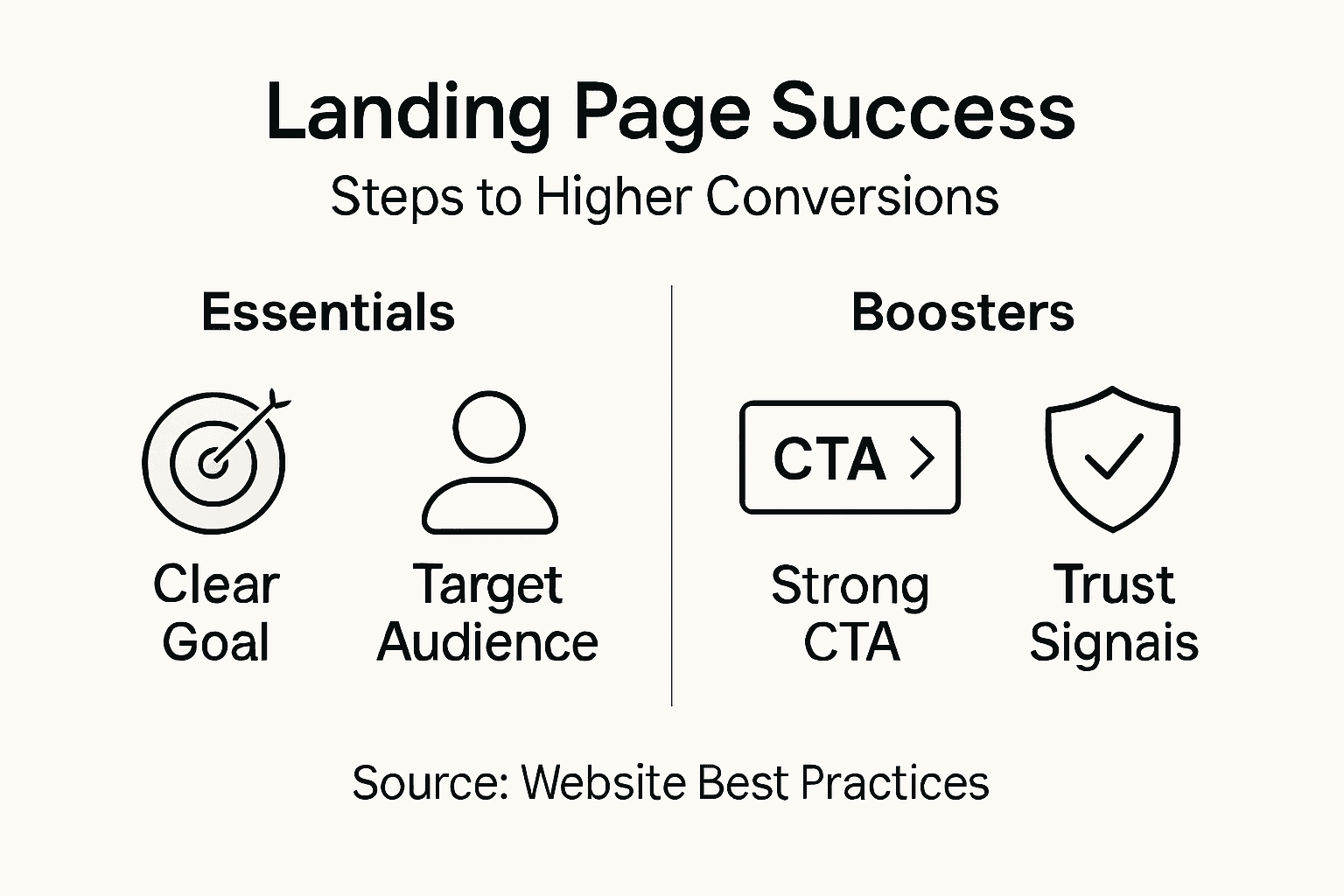
Start by understanding critical trust indicators that reassure potential customers about your credibility:
The following table compares trust signals and their unique effects on landing page credibility:
| Trust Signal | How It Reassures Visitors | Business Benefit |
|---|---|---|
| Client testimonials | Shows social approval | Builds confidence |
| Certifications & badges | Demonstrates expertise | Enhances reputation |
| Security badges | Guarantees visitor safety | Reduces conversion barriers |
| Media mentions | Provides third-party validation | Establishes authority |
| Visible contact information | Increases transparency | Boosts customer trust |
When crafting your calls to action, focus on these key principles:
Carefully implementing digital trust elements and conversion strategies can dramatically improve user engagement and conversion rates.
A powerful call to action doesn’t just invite action - it removes all barriers to saying yes.
Expert tip: A/B test different call to action phrasings and designs to discover what resonates most powerfully with your specific audience.
Transforming your landing page from good to exceptional requires continuous testing, meticulous analysis, and data-driven optimisation. Your goal is to create a dynamic, high-performing page that consistently delivers superior conversion rates.
Web performance fundamentals reveal critical insights into creating a seamless user experience:
Implement a comprehensive performance optimisation strategy through these steps:
Understanding performance optimisation techniques helps transform small improvements into significant conversion gains.
Continuous testing isn’t about perfection - it’s about persistent, incremental enhancement.
Expert tip: Invest in professional analytics tools that provide deep, actionable insights beyond surface-level metrics.
Creating an effective landing page that converts visitors into loyal customers requires more than just good design. This article highlights common challenges such as targeting the right audience, crafting persuasive copy, and integrating strong calls to action. If you are struggling with building a landing page that truly resonates or lacks clear goals like generating leads and building trust signals, you are not alone. Achieving high conversion rates depends on aligning your website’s purpose with user behaviour and optimising every element from headlines to layout.
At Kickass Online, we specialise in delivering personalised landing pages designed to captivate your specific audience and drive measurable results. Our team applies proven strategies for user personas, engaging copywriting, and optimised layouts that reflect your brand identity. Explore our tailored Websites services and discover how our dedicated experts incorporate trust signals and compelling calls to action that encourage action now.
Don’t let inefficient landing pages hold back your business growth. Connect with us at Kickass Online today to book a consultation and transform visitors into conversions through strategic web development solutions that evolve with your needs.
To identify your target audience, develop detailed user personas by researching demographic details, professional background, behavioural insights, pain points, and motivational triggers. Start by gathering data on your potential customers through surveys, social media analytics, and customer feedback to create a comprehensive profile that guides your content strategy.
Set specific and measurable goals such as generating a particular number of qualified leads, achieving a target conversion rate, or capturing a specific number of email addresses. For example, aim for 50 new sign-ups per month to expand your sales pipeline and measure your success regularly to adjust your strategies as needed.
Your headlines should highlight specific benefits, use powerful action-oriented language, address pain points, create urgency, and remain concise. Start by crafting multiple headline variations and test them with your audience to find which resonates best and drives higher engagement.
To design a user-friendly landing page layout, maintain clean, uncluttered spaces, use consistent colour schemes, and implement clear visual hierarchy. Focus on positioning your primary call-to-action prominently and conducting user testing to ensure visitors can easily navigate and engage with your content.
Include trust signals such as client testimonials, professional certifications, security badges, media mentions, and visible contact information to enhance credibility. These elements reassure visitors and can significantly improve conversion rates when strategically displayed on your landing page.
To analyse and optimise your landing page performance, monitor key metrics like page load times, user interactions, and conversion funnels. Set up robust analytics tracking and conduct regular performance audits, making data-supported improvements based on user behaviour every 30 days to enhance overall effectiveness.
Choosing the right type of website can often feel overwhelming when you run a small business. With so many options available, it is easy to wonder which kind will actually help you reach your goals and connect with more clients. The right decision can influence everything from your professional image to the growth of your revenue.
This guide breaks down the most effective website types, drawn from proven examples and expert advice, so you can see how each can support your ambitions. You will uncover practical insights that show how to showcase your expertise, sell products, manage bookings, and build lasting relationships with your audience. Keep reading to discover which website styles will fit your business best and how each one delivers real impact for your brand.
| Takeaway | Explanation |
|---|---|
| 1. Craft a narrative-driven website | Use a compelling “About” page to explain your services and unique approach, enhancing client understanding. |
| 2. Focus on user experience | Design your website layouts to be clean and intuitive, making navigation easy and information accessible. |
| 3. Regularly update your portfolio | Keep your portfolio current by showcasing impressive recent work, maintaining your relevance in the market. |
| 4. Implement effective SEO strategies | Use region-specific keywords and optimise content to improve local search visibility and attract local clients. |
| 5. Engage with quality blog content | Create and share insightful articles that address industry challenges, establishing your authority and attracting audience interest. |
A professional service website serves as your digital storefront where potential clients first encounter your expertise and credibility. It is far more than a simple online brochure, it is a strategic platform to communicate your professional narrative and differentiate your business.
Successful professional service websites are designed with clear intentions to demonstrate competence and build trust. They typically incorporate several key elements:
Your website should function as a comprehensive showcase of your professional capabilities. This means presenting information in a clean, intuitive layout that guides visitors through understanding your unique value proposition. Each section should strategically communicate your expertise and build confidence in your professional abilities.
A well-designed professional website transforms casual visitors into potential clients by demonstrating competence and professionalism.
When crafting your website, focus on creating a user experience that feels both informative and approachable. Use professional language, but avoid excessive jargon. Your goal is to make complex professional services feel accessible and compelling to potential clients.
Professional recommendation: Invest time in creating a clear, narrative-driven “About” page that explains not just what you do, but why you do it and how your approach differs from competitors.
An e-commerce website represents a critical digital sales channel for small and medium enterprises seeking to expand their market reach. Online commerce platforms enable businesses to sell products and services beyond traditional physical boundaries.
Successful e-commerce websites incorporate several essential components to drive sales and enhance user experience:
The primary goal of an e-commerce website is to transform website visitors into paying customers. This requires creating a frictionless purchasing journey that builds trust and makes buying convenient and enjoyable.
A well-designed e-commerce website turns browsers into buyers by removing obstacles in the purchasing process.
Strategic website design goes beyond aesthetics. It involves understanding user behaviour, simplifying navigation, and creating compelling product presentations that speak directly to customer needs.
Your e-commerce platform should communicate professionalism, reliability, and value. User experience is paramount in converting potential customers and encouraging repeat business.
Professional recommendation: Continuously test and optimise your website’s checkout process to reduce cart abandonment and improve conversion rates.
A portfolio website serves as your digital showcase, presenting a compelling narrative of your professional achievements and capabilities. Digital portfolios transform how professionals present their work, offering potential clients an immediate insight into your expertise and accomplishments.
Effective portfolio websites typically incorporate several critical elements:
The primary purpose of a portfolio website is to build credibility and trust with potential clients by providing tangible evidence of your professional capabilities. Storytelling through visual examples becomes your most powerful marketing tool.
A remarkable portfolio website transforms your past work into a compelling argument for why clients should choose you.
When designing your portfolio, focus on creating a narrative that highlights not just what you’ve done, but how your work has solved real problems for clients. Each project should demonstrate your unique approach and professional value.
Consider categorising your work to help visitors quickly understand your range of skills and specialisations. Use clean, intuitive navigation that allows potential clients to explore your achievements effortlessly.
Professional recommendation: Update your portfolio regularly, removing outdated projects and adding your most recent and impressive work to maintain relevance and showcase your evolving expertise.
A booking website transforms how small businesses manage client interactions by providing a seamless digital scheduling experience. Integrated booking platforms enable businesses to automate appointment scheduling while enhancing customer convenience.
Effective booking websites include several crucial features:
The primary objective of a booking website is to reduce administrative overhead and create a frictionless appointment scheduling process. Digital scheduling eliminates manual coordination and provides clients with immediate booking capabilities.
A well-designed booking website turns potential scheduling friction into a smooth, professional interaction.
When implementing a booking system, prioritise user experience. Your platform should communicate professionalism while making the booking process feel effortless and transparent.
Consider integrating features that personalise the booking experience such as service-specific time slots, client preferences tracking, and easy rescheduling options.
Professional recommendation: Select a booking platform that offers robust integration capabilities with your existing business systems to maximise efficiency and reduce manual data entry.
A blog website serves as a dynamic platform for businesses to demonstrate expertise, engage audiences, and establish thought leadership in their industry. Compelling blog content transforms online visibility by providing valuable insights that attract and retain potential clients.
Successful business blog websites incorporate several essential elements:
The primary purpose of a blog website is to build credibility and trust by demonstrating deep understanding of your professional domain. Sharing knowledge becomes your marketing strategy, positioning your business as an authoritative resource.
A well-crafted blog transforms your website from a static information page into a dynamic, engaging platform.
When developing your blog strategy, focus on creating content that directly addresses your target audience’s challenges, questions, and interests. Each article should provide genuine value rather than serving as a thinly veiled sales pitch.
Consider diversifying your content with different formats such as how-to guides, industry trend analyses, case studies, and expert interviews to maintain reader interest and showcase your comprehensive expertise.
Professional recommendation: Develop an editorial calendar to ensure consistent publishing and maintain a steady stream of high-quality, relevant content that keeps your audience engaged and returning to your website.
A membership website transforms passive online audiences into engaged, loyal communities by offering exclusive value and meaningful interactions. Tiered membership platforms provide businesses with powerful tools to nurture long-term relationships with their most dedicated followers.
Successful membership websites typically incorporate several strategic elements:
The primary objective of a membership website is to create a sense of belonging and provide unique value that goes beyond standard public content. Community becomes your most valuable asset, transforming casual visitors into committed supporters.
A well-designed membership website turns customers into passionate brand advocates.
When developing your membership platform, focus on creating a compelling value proposition that makes members feel they are receiving something genuinely special. Each tier should offer incrementally more compelling benefits that incentivise users to upgrade.
Consider integrating communication tools like private messaging, live workshops, and member-only events to enhance the sense of community and personal connection.
Professional recommendation: Design your membership tiers with clear, progressive value escalation that makes each level feel like an exciting upgrade rather than a transactional purchase.
A local business website serves as your digital storefront, connecting your brand directly with regional customers and showcasing your community roots. Local website design transforms how small businesses communicate their unique regional value proposition.
Effective local business websites incorporate several strategic elements:
The primary objective of a local business website is to build trust and demonstrate your commitment to the community. Authenticity becomes your competitive advantage, differentiating you from impersonal, national competitors.
A well-crafted local website transforms geographical proximity into a compelling business narrative.
When developing your local website, focus on storytelling that reflects your regional identity. Highlight your local connections, community involvement, and understanding of regional customer needs.
Include elements that showcase your local expertise such as neighbourhood-specific services, local partnership logos, and references to regional events or characteristics that resonate with your community.
Professional recommendation: Integrate local SEO strategies by including region-specific keywords, creating location pages, and ensuring your Google Business Profile aligns perfectly with your website content.
Below is a comprehensive table summarising the key purposes, strategies, and critical components discussed for various types of websites as detailed in the article.
| Type of Website | Purpose | Key Components |
|---|---|---|
| Professional Service | Showcase expertise and credibility | Biography, service offerings, case studies, testimonials |
| E-Commerce | Facilitate online sales | Product navigation, secure payment, product images, mobile design |
| Portfolio | Present past successes and skills | Visuals, project descriptions, client outcomes, brand-aligned design |
| Booking | Streamline client appointments | Real-time scheduling, reminders, payment integration |
| Blog | Share industry insights and establish thought leadership | High-quality content, engaging style, multimedia incorporation |
| Membership | Build an engaging, loyal community | Exclusive content, engagement tools, regular updates |
| Local Business | Enhance regional visibility and connect with the community | Local SEO, contact details, testimonials, cultural references |
Small and medium-sized businesses face the challenge of creating websites that clearly showcase their services, build trust, and convert visitors into loyal customers. Whether you need a professional service website, a portfolio that highlights your successes, or an e-commerce platform that drives sales, it can be difficult to design a digital presence that truly reflects your unique value and grows your online visibility. This article highlights key ideas such as intuitive design, clear service descriptions, and compelling storytelling which are essential for building websites that succeed.
At Kickass Online, we understand these pain points and specialise in delivering tailor-made solutions that overcome them. Explore our collection of Tips and Tricks to start optimising your current website today.
Ready to transform your online presence with personalised, high-converting website design and expert SEO services? Visit Kickass Online to book a consultation or discover practical guidance through our Tutorials that will help you navigate every step of your digital journey. Take the next step now to secure your growth in the digital marketplace.
A professional service website for SMEs should include a compelling professional biography, clear descriptions of core service offerings, high-quality portfolio examples, testimonials, and professional team information. Focus on presenting your expertise and unique value proposition clearly and intuitively.
An e-commerce website helps SMEs by enabling them to reach customers beyond traditional borders with features like intuitive product navigation, secure payment systems, and high-quality product images. Aim to enhance the user experience to create a seamless purchasing journey that may increase conversion rates by approximately 20%.
To attract potential clients, your portfolio website should showcase high-quality visual representations of past projects, concise project descriptions, client testimonials, and a professional design that reflects your identity. Update your portfolio regularly to maintain relevance and ensure it demonstrates your evolving expertise.
A booking website streamlines appointment scheduling by providing real-time availability, an intuitive booking interface, and automated confirmation systems. Implementing a digital scheduling solution can reduce administrative workload significantly, allowing SMEs to focus more on client interactions.
To engage your target audience, publish consistently high-quality content that addresses industry-specific topics and provides practical advice. Incorporate a variety of formats, such as how-to guides and expert interviews, to maintain reader interest and position your business as a trusted source within your field.