
How to Design a WordPress Website for Startup
Launching a startup is an exciting journey, and having a professional, well-designed website is essential to establish your online presence. WordPress remains one of the most popular platforms for startups due to its flexibility, ease of use, and vast ecosystem of themes and plugins. Designing a WordPress website that truly represents your startup requires thoughtful planning and attention to detail. This guide will walk you through the key steps to create a website that not only looks great but also performs well and supports your business goals.
Define Your Website’s Purpose and Goals
Before diving into design and development, it’s crucial to clarify what you want your website to achieve. Is your site primarily for showcasing products, offering services, or sharing valuable content? Perhaps you want to generate leads, build brand awareness, or create an online community. Defining clear objectives will guide your design choices, content strategy, and the features you need.
For example, a startup focusing on e-commerce will prioritise product pages, shopping carts, and payment gateways, while a consultancy might focus on service descriptions, case studies, and contact forms. Knowing your goals early on helps avoid unnecessary features and keeps your website focused and user-friendly.
Moreover, understanding your target audience is equally important when defining your website's purpose. Consider who will be visiting your site and what their needs and preferences are. Conducting market research can provide valuable insights into your audience's demographics, behaviours, and expectations. This information can inform not only the design and functionality of your site but also the tone and style of your content, ensuring that it resonates with your intended visitors.
Additionally, it’s worth noting that your website’s purpose may evolve over time. As your business grows or shifts, so too might your objectives. Regularly revisiting and reassessing your goals can help you stay aligned with your audience’s needs and the changing landscape of your industry. This flexibility allows you to adapt your website to new opportunities and challenges, ensuring it remains a relevant and effective tool for your organisation.
Choose a Responsive and User-Friendly Theme
Selecting the right WordPress theme is a foundational step. Your theme sets the tone for your brand and affects how visitors interact with your site. Look for themes that are responsive, meaning they adapt smoothly to different screen sizes—from desktop monitors to smartphones and tablets. With over half of web traffic coming from mobile devices, a mobile-optimised design is non-negotiable.
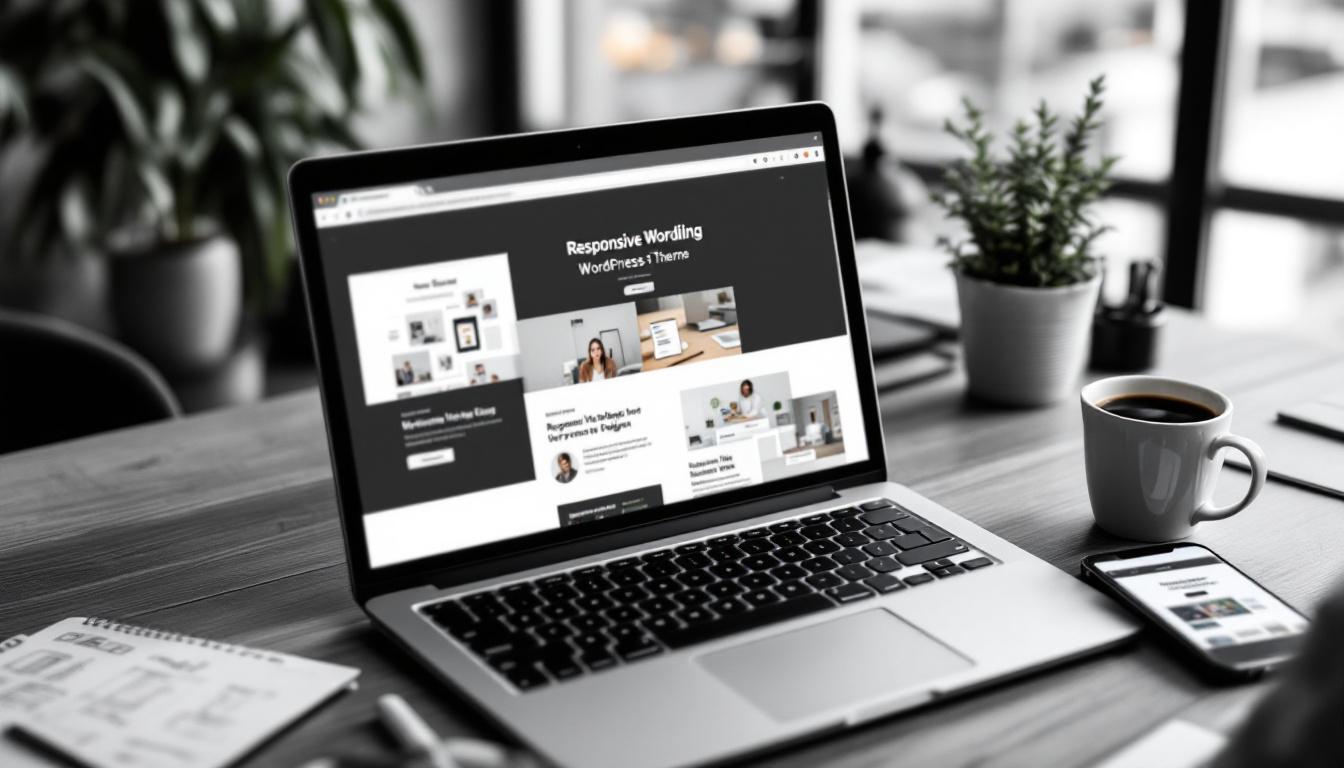
Opt for themes that offer clear navigation and a clean layout. Intuitive menus and well-organised content help visitors find what they need quickly, reducing bounce rates. Many themes also provide customisation options, allowing you to tailor colours, fonts, and layouts to align with your brand identity without needing to code.
Furthermore, consider the importance of accessibility in your theme choice. A well-designed theme should cater to all users, including those with disabilities. This means ensuring that your site is navigable via keyboard, has sufficient contrast between text and background colours, and includes alt text for images. By prioritising accessibility, you not only comply with legal standards but also enhance the user experience for a broader audience, ultimately fostering a more inclusive online environment.
Additionally, keep an eye on the theme's support and update history. A theme that is regularly updated is more likely to be secure and compatible with the latest version of WordPress. Look for themes that come with robust documentation and a responsive support team, as this can be invaluable when you encounter issues or need guidance on customisation. Investing time in selecting a theme that meets these criteria can save you significant hassle down the line, allowing you to focus on creating compelling content and engaging with your audience.
Popular Theme Recommendations
Some widely used themes for startups include Astra, OceanWP, and GeneratePress. These themes are lightweight, fast-loading, and compatible with popular page builders like Elementor and Beaver Builder. They also support WooCommerce if you plan to sell products online.
Optimise for Mobile Devices
Mobile optimisation goes beyond just choosing a responsive theme. It involves ensuring that images, text, buttons, and forms are easy to view and interact with on smaller screens. Google’s mobile-first indexing means your website’s mobile version is what primarily determines your search rankings, so neglecting this aspect can hurt your visibility.
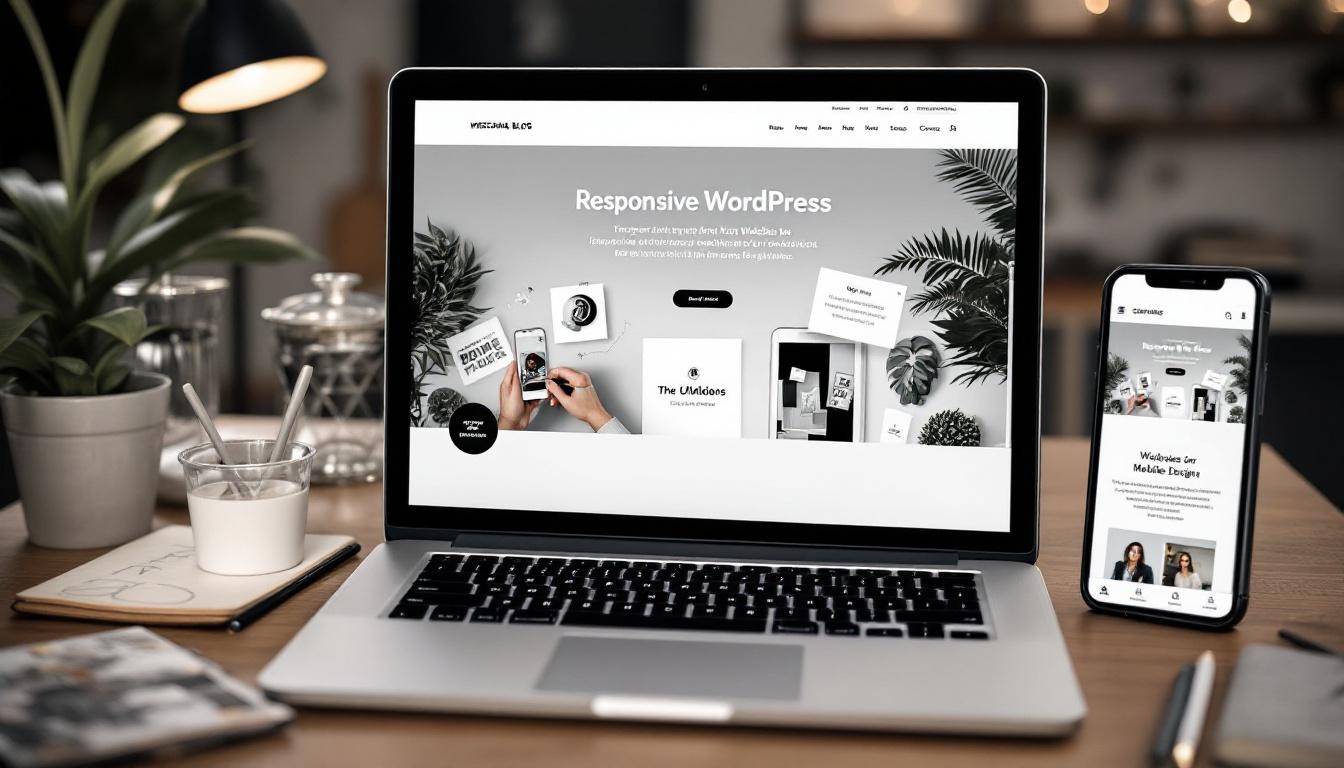
Test your site on various devices and screen sizes during development. Tools like Google’s Mobile-Friendly Test can help identify issues. Additionally, consider the loading speed on mobile networks, which tend to be slower than broadband. Compress images and minimise heavy scripts to improve performance.
Implement Essential Plugins for Functionality and Security
WordPress’s plugin ecosystem allows you to extend your website’s capabilities without complex coding. However, it’s important to choose plugins wisely to maintain site speed and security.
SEO Optimisation Plugins
Search engine optimisation (SEO) is vital for attracting organic traffic. Plugins like Yoast SEO or Rank Math help you optimise meta titles, descriptions, and content structure. They also generate XML sitemaps, making it easier for search engines to crawl your site.
Security Plugins
Startups are often targets for cyberattacks, so protecting your website is essential. Security plugins such as Wordfence or Sucuri provide malware scanning, firewall protection, and login security features. Regularly updating WordPress core, themes, and plugins complements these tools to keep vulnerabilities at bay.
Performance Optimisation Plugins
Site speed is a key factor in user experience and SEO. Caching plugins like WP Rocket or LiteSpeed Cache can dramatically improve loading times by storing static versions of your pages. Additionally, image optimisation plugins reduce file sizes without sacrificing quality, helping your pages load faster.
Create Essential Pages That Build Trust and Engagement
Your website’s structure should be clear and comprehensive, covering all the information your visitors need to understand your startup and take action.
Homepage
This is often the first impression visitors have of your business. Use it to introduce your startup, highlight key products or services, and guide users to important sections of your site. Clear calls to action (CTAs) like “Contact Us” or “Shop Now” help direct visitor behaviour.
About Page
Sharing your startup’s story, mission, and values humanises your brand and builds trust. Include information about your team, your journey, and what sets you apart from competitors.
Services or Products Page
Detail what you offer with clear descriptions, benefits, and pricing if applicable. High-quality images or videos can enhance understanding and appeal.
Contact Page
Make it easy for visitors to reach you by including multiple contact options such as a form, phone number, email address, and physical location if relevant. Adding a map can also help local customers find you.
Blog Section
Maintaining a blog can establish your authority in your industry, provide valuable content to visitors, and improve SEO by regularly adding fresh, keyword-rich content.
Optimise Your Website for Search Engines
SEO is an ongoing process that helps your website rank higher in search engine results, making it easier for potential customers to find you. Beyond installing SEO plugins, focus on creating quality content that incorporates relevant keywords naturally.

Use descriptive titles and headings, write compelling meta descriptions, and add alt text to images to improve accessibility and SEO. A clean site structure with user-friendly URLs also helps search engines understand your content better.
Regularly updating your content and adding new pages or blog posts signals to search engines that your site is active and relevant.
Ensure Robust Security Measures
Security should never be an afterthought. Besides using security plugins, implement strong passwords and enable two-factor authentication for all admin accounts. Keep your WordPress installation, themes, and plugins up to date to patch known vulnerabilities.
Regular backups are critical. Use plugins or hosting services that offer automatic backups so you can quickly restore your site if something goes wrong. A secure website not only protects your data but also builds confidence with your visitors.
Leverage AI-Powered Tools to Simplify Website Creation
For startups with limited time or technical expertise, AI-powered website builders can be a game-changer. Tools like Bluehost WonderSuite offer intuitive drag-and-drop interfaces combined with AI assistance to help design and customise your site quickly.
Similarly, DreamHost’s Liftoff can generate a complete website in under a minute, providing a solid foundation that you can further personalise. These tools reduce the learning curve and speed up the launch process without compromising quality.
Focus on Professional Design Elements
Visual appeal plays a significant role in how visitors perceive your startup. Use high-quality, relevant images that reflect your brand’s personality and values. Avoid generic stock photos where possible, as authentic visuals create stronger connections.
Choose fonts that are easy to read and maintain consistent typography throughout the site. Your logo should be prominently displayed to reinforce brand recognition. Keep the layout clean and uncluttered, making it easy for users to navigate and focus on your content.
Commit to Regular Maintenance and Updates
Launching your website is just the beginning. To keep it secure, fast, and relevant, regular maintenance is essential. This includes updating WordPress core, themes, and plugins, backing up your site, and monitoring for any security issues.
Performance can degrade over time as you add more content or plugins, so periodically review your site’s speed and usability. Keeping your website in top shape ensures it continues to serve your startup effectively and provides a positive experience for visitors.
Conclusion
Designing a WordPress website for your startup involves more than just picking a pretty theme. It requires clear objectives, thoughtful design, robust security, and ongoing maintenance. By focusing on responsive design, essential functionality, SEO, and professional aesthetics, you can build a website that not only attracts visitors but also converts them into customers.
Utilising AI-powered tools can accelerate the process, while a strategic approach to content and optimisation ensures your site grows alongside your startup. With careful planning and execution, your WordPress website will become a powerful asset in your business journey.
Ready to elevate your startup with a professionally designed WordPress website? Kickass Online specializes in bespoke web development and digital marketing solutions. Our expertise spans WordPress, Umbraco, Shopify, Webflow, and custom development using Angular, MERN, or Laravel. We don't just build websites; we ensure they thrive with ongoing maintenance, SEO, PPC, and AI-driven automations. Book a discovery call with us today and let's create a digital presence that truly kicks ass for your business.