How to Track Website Analytics for Better Online Results

Selecting the right analytics solution can feel overwhelming when every decision affects your online results. For business owners in Milton Keynes, tracking website analytics is the starting point for improving visibility and driving more conversions. By focusing on platform features like interactive dashboards, data integration, and usability, you can choose tools that reveal what works for your customers and help turn web visits into real growth.
Table of Contents
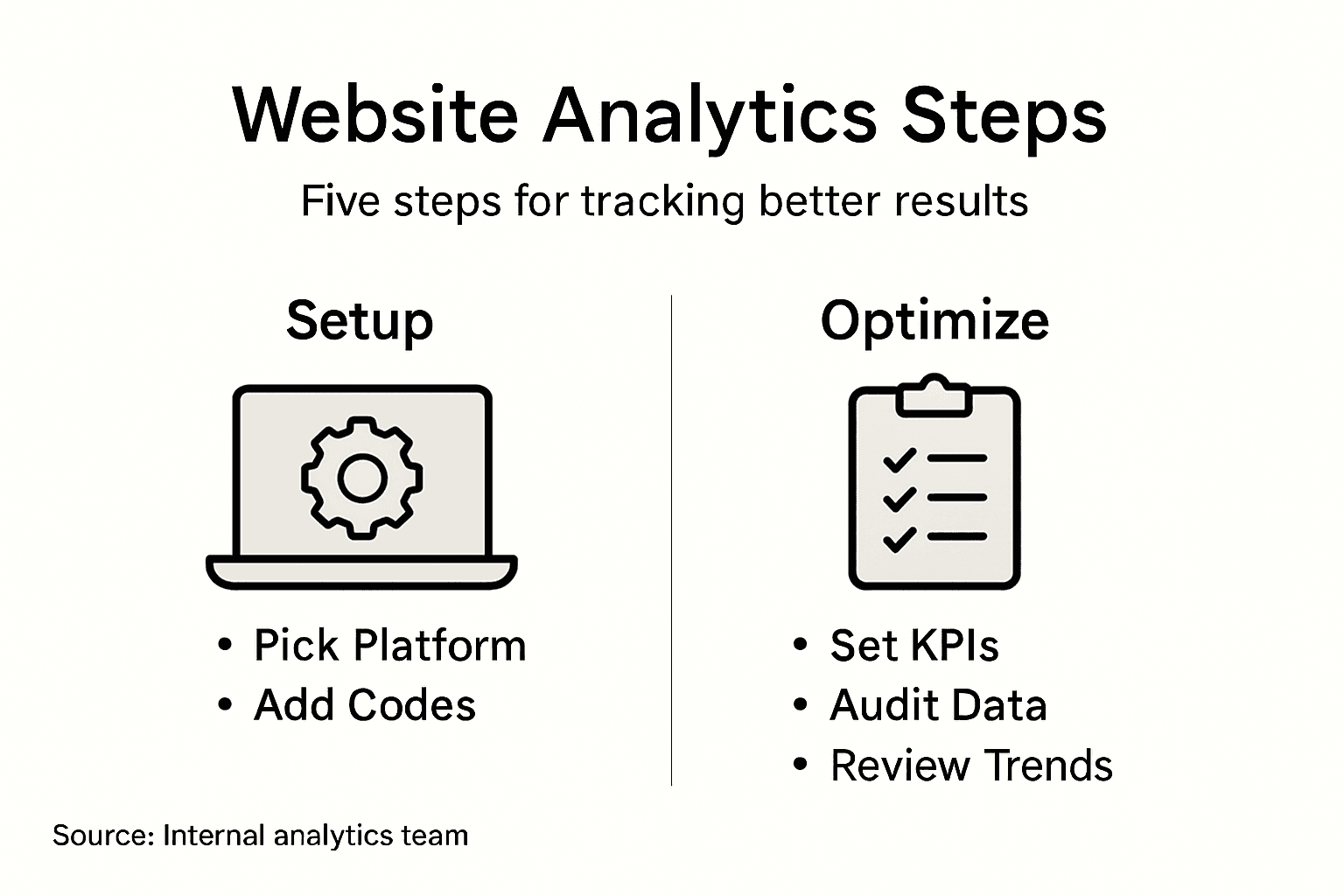
- Step 1: Identify the Right Analytics Platform
- Step 2: Install Tracking Codes Effectively
- Step 3: Configure Key Performance Indicators
- Step 4: Verify Data Collection Accuracy
- Step 5: Interpret Analytics To Optimise Results
Quick Summary
| Key Takeaway | Explanation |
|---|---|
| 1. Choose the right analytics platform | Evaluate platforms based on data visualisation, reporting, integration, scalability, and user-friendliness to meet specific needs. |
| 2. Ensure proper tracking code installation | Install tracking codes precisely on all pages to accurately collect visitor interaction data across your website. |
| 3. Configure relevant KPIs | Select key performance indicators that align with business objectives to gain valuable insights from website analytics. |
| 4. Verify data collection accuracy | Regularly audit and cross-reference data sources to ensure reliability and integrity of collected analytics data. |
| 5. Interpret analytics for optimisation | Analyse visitor behaviour and metrics systematically to develop recommendations for enhancing online performance. |
Step 1: Identify the Right Analytics Platform
Choosing the most suitable web analytics platform can transform how you understand and improve your online performance. This step involves evaluating multiple platforms to find the best match for your business’s specific needs and technical capabilities.
To select the right analytics platform, you’ll want to consider several critical factors. Global analytics platforms offer diverse features that can help you make informed decisions about your website’s performance. Here are key considerations:
- Data Visualization: Look for platforms with intuitive, interactive dashboards
- Reporting Capabilities: Ensure comprehensive reporting features
- Integration Options: Check compatibility with your existing systems
- Scalability: Select a platform that can grow with your business
- User-Friendliness: Prioritise platforms with easy-to-understand interfaces
When evaluating platforms, examine detailed user reviews and independent assessments. User feedback from analytics platforms can provide crucial insights into real-world performance and potential limitations.
Here’s a helpful comparison of popular analytics platforms and their strengths:
| Platform | Best For | Unique Advantage | Potential Limitation |
|---|---|---|---|
| Google Analytics | SMEs & large brands | Free and robust dashboards | Data privacy controls |
| Adobe Analytics | Enterprises | Advanced segmentation tools | Complex setup process |
| Matomo | Privacy-focused teams | Open-source with full control | Fewer integrations |
| Mixpanel | Product analytics | Powerful event-based tracking | Customisation learning curve |
The right analytics platform turns raw data into actionable business intelligence.
Pro tip: Start with a free trial of your top two platform choices to understand their practical functionality before making a final commitment.
Step 2: Install Tracking Codes Effectively
Tracking codes are the essential bridge between your website and your analytics platform, enabling comprehensive data collection about visitor interactions. Your goal in this step is to seamlessly integrate tracking snippets across your entire digital presence.
Installing tracking codes requires precision and attention to detail. Website tracking code implementation involves strategically placing JavaScript snippets that capture crucial visitor data. Here are the key steps to ensure effective installation:
- Locate the Tracking Snippet: Find the unique code provided by your analytics platform
- Identify HTML Placement: Determine the optimal location within your website’s code
- Verify Page Coverage: Ensure the code appears on every single page
- Test Tracking Functionality: Confirm the code is working correctly
- Monitor Performance: Regularly check that tracking remains uninterrupted
When installing codes, you’ll typically have two primary placement options. Tracking code placement methods recommend either inserting the snippet in the section or just before the closing tag, depending on your platform’s specifications.
Precise tracking code installation transforms raw website visits into meaningful business insights.
Pro tip: Create a spreadsheet to document each tracking code’s location and installation date, helping you maintain a clear record of your analytics setup.
Step 3: Configure Key Performance Indicators
Configuring key performance indicators (KPIs) is crucial for transforming website data into meaningful business insights. Your objective is to select and set up metrics that directly align with your specific business goals and provide actionable intelligence about your online performance.
Website analytics KPIs help you understand how effectively your digital presence is performing. These indicators fall into several critical categories that provide comprehensive insights:
- Acquisition Metrics: Track traffic sources and visitor origins
- Engagement Indicators: Measure user interaction and site experience
- Conversion Metrics: Evaluate how effectively visitors become customers
- Retention Measurements: Monitor repeat visitor behaviour
- Performance Benchmarks: Compare results against industry standards
When defining KPIs, focus on metrics that provide genuine value. Strategic KPI configuration requires understanding your unique user journey and translating that into quantifiable data points that reflect your business objectives.

This table outlines KPI categories and their typical business impact:
| KPI Category | Example Metric | Common Business Use |
|---|---|---|
| Acquisition | New users by channel | Identify traffic investments |
| Engagement | Average session duration | Gauge site appeal |
| Conversion | Purchase rate | Assess sales effectiveness |
| Retention | Repeat visit frequency | Measure loyalty |
| Performance | Bounce rate vs standard | Benchmark against industry |
Effective KPI configuration transforms raw data into strategic business intelligence.
Pro tip: Review and recalibrate your KPIs quarterly to ensure they remain relevant to your evolving business strategy.
Step 4: Verify Data Collection Accuracy
Ensuring the accuracy of your website analytics data is critical for making informed business decisions. Your primary goal in this step is to implement rigorous verification processes that validate the integrity and reliability of your data collection mechanisms.
Data validity in web analytics requires a systematic approach to identifying and mitigating potential collection errors. Here are key strategies to verify your data collection accuracy:
- Cross-Reference Multiple Sources: Compare data across different analytics platforms
- Check Tracking Code Implementation: Confirm correct placement on all website pages
- Validate Event Tracking: Test custom event and conversion tracking
- Review Traffic Sources: Ensure accurate attribution of visitor origins
- Eliminate Bot and Spam Traffic: Filter out non-human interactions
Managing data collection involves more than just technical implementation. Data accuracy practices demand consistent monitoring and proactive error correction to maintain reliable insights about your digital performance.
Accurate data collection is the foundation of meaningful business intelligence.
Pro tip: Schedule monthly data accuracy audits to catch and correct potential tracking discrepancies before they impact your strategic decision-making.
Step 5: Interpret Analytics to Optimise Results
Transforming raw website analytics data into strategic insights is crucial for driving meaningful business improvements. Your objective is to develop a systematic approach that translates complex metrics into actionable recommendations for enhancing your online performance.
Web analytics interpretation requires a structured method of examining visitor behaviour and performance indicators. Key areas of focus include:
- Traffic Analysis: Understand visitor sources and patterns
- Engagement Metrics: Evaluate user interaction and content effectiveness
- Conversion Tracking: Measure how visitors transform into customers
- Performance Benchmarking: Compare results against industry standards
- Behaviour Flow: Analyse user journey through your website
Data-driven optimization strategies demand more than just numerical analysis. You need to contextualise your metrics, identifying not just what happened, but why it occurred and how to improve future performance.
Effective analytics interpretation turns data points into strategic business opportunities.
Pro tip: Create a monthly dashboard that highlights key performance trends, making complex data easily digestible for your entire team.
Take Control of Your Website Analytics with Expert Support
Tracking website analytics effectively is essential for unlocking meaningful business insights that drive growth. If you find the process of choosing the right analytics platform, installing tracking codes precisely, and interpreting KPIs overwhelming, you are not alone. Many business owners struggle to fully harness these analytics to optimise their online results and boost conversions. With Kickass Online, you gain a dedicated partner experienced in creating high-converting websites, strategic SEO, and ongoing performance optimisation tailored for small and medium-sized businesses.

Explore our Tutorials for actionable guidance on analytics and beyond. Don’t let inaccurate data or unclear metrics hold back your business potential. Connect with our experts at Kickass Online to get personalised digital solutions designed to enhance your online visibility and ensure your website delivers measurable results. Ready to transform your website data into powerful business growth? Start your journey today by visiting our Websites page and booking your consultation for dedicated expert support.
Frequently Asked Questions
How do I choose the right analytics platform for my website?
Selecting the right analytics platform involves evaluating your specific business needs and capabilities. Look for features such as data visualisation, reporting capabilities, and scalability to ensure the platform can grow with your business. Start by reviewing user feedback from multiple platforms to gather insights on their effectiveness.
What steps should I follow to install tracking codes on my website?
To install tracking codes effectively, first locate the tracking snippet provided by your analytics platform. Then, determine the optimal placement within your website’s code, preferably in the section or before the closing tag, and verify that it appears on every page to ensure comprehensive data collection.
What key performance indicators (KPIs) should I configure for tracking website analytics?
Focus on KPIs that align with your business goals, such as acquisition metrics for tracking traffic sources, conversion metrics for assessing visitor-to-customer transitions, and retention metrics to monitor repeat visitor behaviour. Set up these metrics to provide actionable insights regarding your website’s performance.
How can I verify the accuracy of my data collection?
To verify data collection accuracy, cross-reference data from multiple sources and check the implementation of tracking codes on all pages. Regularly validate event tracking and monitor traffic sources to ensure accurate attribution, which will help maintain the integrity of your analytics data.
What should I do to optimise my website results based on analytics interpretation?
Transform raw website analytics into actionable insights by systematically analysing visitor behaviour and performance indicators. Focus on understanding traffic patterns, user engagement, and conversion rates, and use this information to implement changes that enhance your online effectiveness. Aim to create a monthly dashboard highlighting key performance trends for easy tracking.
Recommended
- How to Analyse Website Traffic for Business Growth | Kickass Online
- Web Analytics: Boosting Online Performance for SMEs | Kickass Online
- How to Optimise Website Content for Higher Conversions | Kickass Online
- How to Increase Website Conversions for Business Growth | Kickass Online
- Site Analysis Online | 3D Cityplanner


Book A Discovery Call
Stay Connected